
Key Takeaways
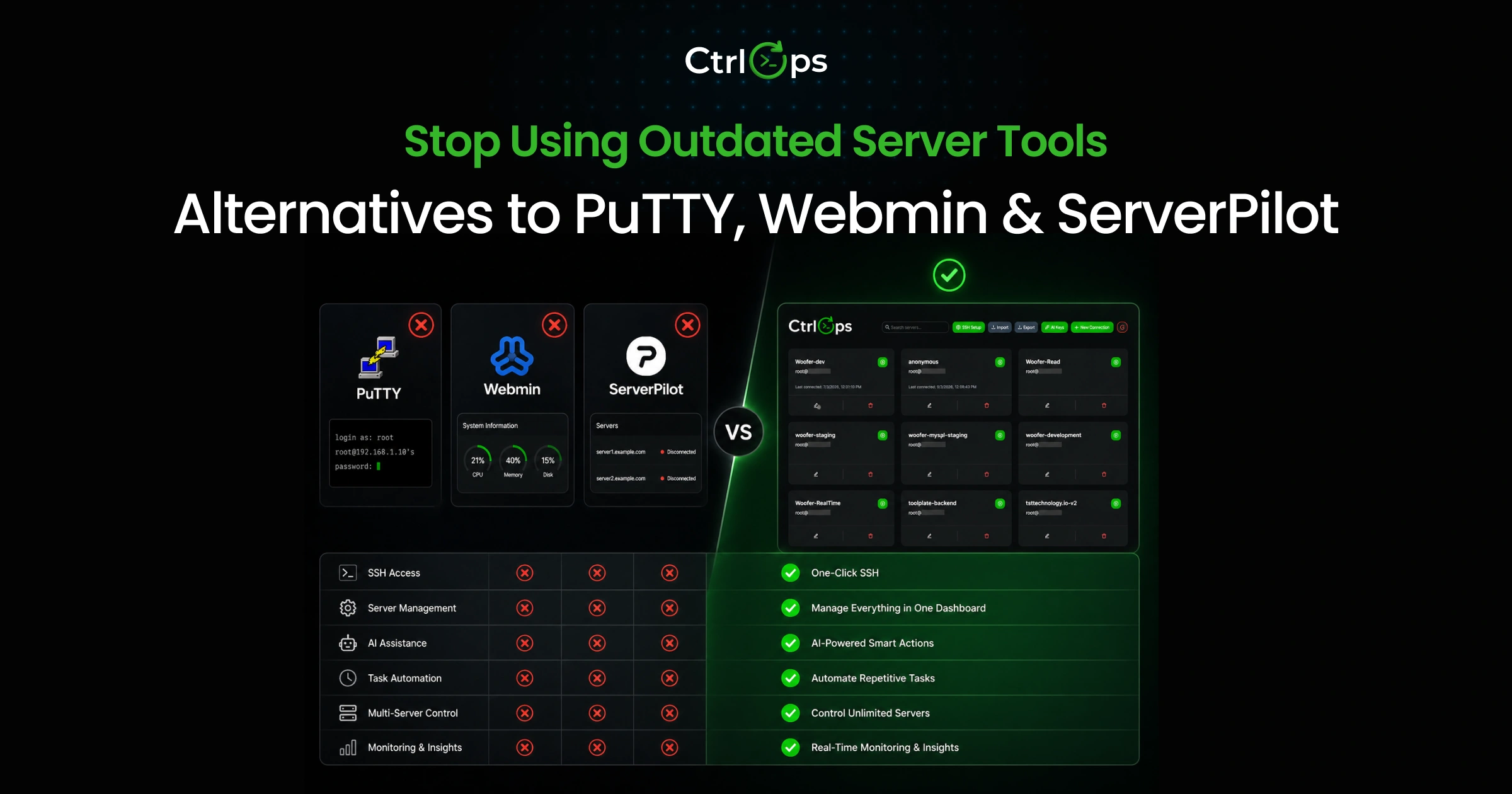
PuTTY, Webmin, and ServerPilot each solved a real problem - in 1999, 1997, and 2012. None of them aged into modern workflows. The strongest replacements in 2026 are Termius or MobaXterm for SSH, Cockpit or Plesk for browser-based server administration, and RunCloud or Forge for PHP/WordPress deployment - and CtrlOps if you want all three workflows (SSH, files, monitoring, and AI-assisted deployment) in a single app.
- PuTTY replacement - Termius (cross-device), MobaXterm (Windows-only), or CtrlOps (SSH + files + monitoring + AI in one app)
- Webmin replacement - Cockpit (free, lightweight), Plesk (full hosting panel), or CtrlOps (modern desktop UI)
- ServerPilot replacement - RunCloud (direct PHP swap), Forge (Laravel-first), or CtrlOps (flexible, AI-assisted)
- If you want all three in one tool - that's the gap CtrlOps was built to fill, at $7/user/month with a 1 month free trial
| Tool you're replacing | Direct replacement | All-in-one option |
|---|---|---|
| PuTTY (SSH terminal) | Termius or MobaXterm | CtrlOps |
| Webmin (browser admin) | Cockpit or Plesk | CtrlOps |
| ServerPilot (PHP deploys) | RunCloud or Forge | CtrlOps |
Why Teams Are Replacing PuTTY, Webmin, and ServerPilot
If you've been managing servers for a while, you've probably used PuTTY for SSH, Webmin for browser-based admin, or ServerPilot for PHP deployments. They work. But they also feel dated: scattered workflows, no centralization, and zero AI assistance.
The problem isn't that these tools don't function. The problem is that modern DevOps workflows have outgrown them. Atlassian's State of Developer Experience 2025 report, surveying 3,500 developers and managers across six countries, lists context switching between tools among developers' top time-wasters - and Getcoherence research puts the cost of each interruption at an average of 23 minutes to fully refocus.
This guide covers the strongest alternatives that solve actual problems: too many tabs, fragmented credentials, manual command execution, and constant context-switching between tools.
What does this guide cover?
SSH Access, Server Management, and Hosting Workflows
We're looking at three categories of tools:
- PuTTY alternatives - for teams that primarily need SSH terminal access with better session management
- Webmin alternatives - for teams that want browser-based server administration
- ServerPilot alternatives - for teams deploying and managing PHP/WordPress applications
Some tools fit one category. A few fit all three. We'll make that clear.
Who is this comparison for?
DevOps engineers are tired of juggling multiple tools. System administrators want a modern UI. Developers deploy to their own servers. SaaS teams build internal tools.
If you've ever thought, "There has to be a better way to manage servers," this is for you.
How We Compared the Tools
Real-World Workflow Criteria
We didn't just read feature lists. We compared each tool against the workflows that actual teams run daily:
- Connecting to multiple servers without re-entering credentials
- Transferring files without opening a separate SFTP client
- Monitoring CPU, memory, and disk without SSH-ing in
- Running commands safely with audit trails
- Deploying code changes without logging into a control panel
Setup, Usability, Monitoring, and Security
Each tool was evaluated on:
| Criteria | What We Evaluated |
|---|---|
| Setup time | How long from download to the first successful connection |
| Usability | UI clarity, learning curve, and workflow efficiency |
| Monitoring | Real-time visibility into server health |
| Security | Credential storage, command approval, and audit logs |
Best PuTTY Alternatives for Modern SSH Workflows
PuTTY has been around since 1999. It's reliable, but it's stuck in the past. No tabs. No saved credentials across sessions. No file browser. No monitoring. Each server is a separate window.
If you're still using PuTTY, you're doing more work than necessary. Windows users can find a dedicated ranking in the PuTTY alternatives for Windows guide; the tools below cover the broader cross-platform picture.
Bottom line: PuTTY still works in 2026 the same way it worked in 1999 - and that's the problem. Every modern alternative below adds at least one of: tabbed sessions, saved credentials, built-in file transfer, monitoring, or AI-assisted commands. If you're managing more than two servers, the upgrade pays for itself in the first week.
CtrlOps for SSH and terminal workflows
Best for SSH + UI-based file management + AI-assisted workflows
CtrlOps isn't trying to be a better terminal. It's trying to be a complete server workspace. You get SSH access, a file browser, real-time monitoring, and an AI terminal that suggests commands, all in one interface.
What makes it different:
- Centralized credentials: Add server details once, use them everywhere
- UI file operations: Drag, drop, edit files without the command line
- AI terminal: Ask "show me nginx logs from the last hour" and get the command
- Approval gates: AI suggests commands, you approve before execution
- Real-time monitoring: CPU, memory, disk, processes visible on dashboard
Strengths:
- Replaces 3-4 tools (terminal, SFTP client, monitoring dashboard)
- Native desktop app for Mac, Windows, and Linux. No browser needed.
- Built for teams with shared server access
- Security-first design with command approval workflows
Limitations:
- More features than needed if you only want SSH
- Requires initial setup to add servers
Pricing: $7/user/month or $70/user/year for unlimited servers. Every account starts with a 1 month free trial, no credit card required.
Workflow fit: Best for teams managing 3+ servers who want everything in one place. If you're constantly switching between PuTTY, WinSCP, and a monitoring tool, CtrlOps consolidates that (CtrlOps vs WinSCP shows exactly which tools drop out).
MobaXterm
Best for all-in-one SSH and remote admin
MobaXterm is what PuTTY users often upgrade to. It bundles SSH, SFTP, RDP, VNC, and X11 into a single Windows application.
What makes it different:
- Tabbed interface for multiple sessions
- Built-in SFTP browser (opens automatically with SSH)
- Supports remote desktop protocols
- Macro recording for repetitive tasks
Strengths:
- Familiar interface for PuTTY users
- No need for separate file transfer tools
- Portable version available (no installation)
- Good documentation and community
Limitations:
- Windows only
- The free version has session limits
- UI can feel cluttered with all the features
- No cloud sync for settings
Workflow fit: Best for Windows users who want SSH plus file transfer without switching apps. Great for individual administrators, less ideal for team collaboration.
Termius
Best for cross-device session management
Termius syncs your servers across desktop and mobile. Start a session on your laptop, continue on your phone. It's built for engineers who move between devices.
What makes it different:
- Cross-platform: Windows, Mac, Linux, iOS, Android
- Syncs hosts, credentials, and snippets across devices
- Built-in SFTP client
- SSH key management
Strengths:
- Smooth device switching
- Clean, modern UI
- Strong mobile app (actually usable for quick fixes)
- End-to-end encryption for synced data
Limitations:
- Free tier has no cross-device sync - the local vault keeps everything on one device
- No AI assistance beyond command autocomplete
- Monitoring features are basic
- Team features require a premium plan
Workflow fit: Best for solo engineers who work across multiple devices. If you need to check servers on your phone or switch between a laptop and a desktop regularly, Termius handles that well.
SecureCRT
Best for advanced terminal users and enterprises
SecureCRT is the enterprise choice. It's not flashy, but it's rock-solid for organizations with strict security requirements.
What makes it different:
- Advanced scripting with Python, Perl, VBScript
- Tabbed sessions with saved layouts
- Smart card and PKI support
- Detailed session logging
Strengths:
- Rock-solid reliability
- Extensive protocol support
- Granular access controls
- Integrates with VanDyke's file transfer tools
Limitations:
- Expensive (per-seat licensing)
- Dated interface
- Steep learning curve for advanced features
- Overkill for simple SSH needs
Workflow fit: Best for enterprises with compliance requirements and teams that need detailed audit trails. If you're in a regulated industry, SecureCRT is a safe bet.
Reality check: Some "modern" SSH and AI-powered terminals auto-execute commands without an approval gate. On a production server, one auto-run command is one incident away. If a tool runs things without asking, treat it as a developer-machine tool, not a server-management tool.
Best Webmin Alternatives for Server Administration
Webmin has been the go-to for browser-based server admin since 1997. It works, but the UI feels like a time capsule. Finding settings takes too many clicks. Mobile support is nonexistent. And modern monitoring? Not really.
If you want browser-based admin without the 1990s experience, these alternatives are worth a look.
CtrlOps for browser-free server administration
Best for centralized server management, monitoring, and file operations in one workspace
CtrlOps gives you what Webmin promised: full server control from a native desktop app. But with a modern interface, real-time monitoring, and AI assistance.
What makes it different:
- Real-time dashboard: See CPU, memory, disk, and processes at a glance
- File browser: Navigate, edit, upload, and download files visually
- AI terminal: Describe what you want, get the right command
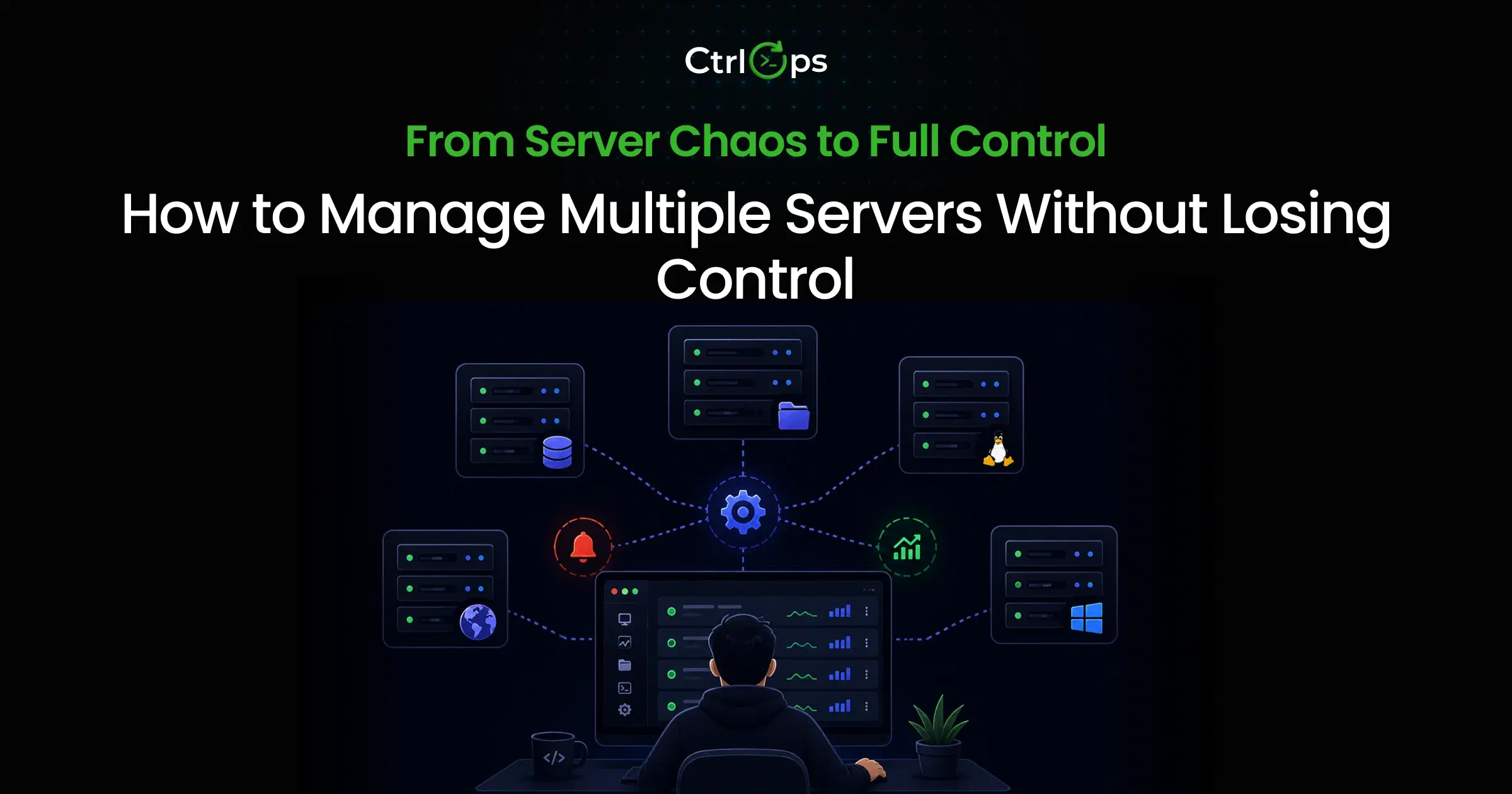
- Multi-server view: All your servers in one dashboard
- Security Audit: 25 audits over SSH, a hardening score, and a PDF report per server
Strengths:
- Modern, responsive desktop UI
- No agent installation uses SSH credentials
- Team collaboration with shared access
- Exportable audit of who can access which server
Limitations:
- Not designed for email/DNS management (use Plesk for that)
- Requires SSH access (doesn't work with local-only servers)
Workflow fit: Best for teams that want Webmin's centralized management convenience, with a modern UX and monitoring. If you're tired of Webmin's clunky interface, CtrlOps is the upgrade you're looking for. For the full side-by-side, see CtrlOps vs Webmin.
Cockpit
Best for lightweight Linux server administration
Cockpit is an open-source project from Red Hat. It's lean, focused, and comes pre-installed on many Linux distributions.
What makes it different:
- Pre-installed on Fedora, RHEL, CentOS
- Terminal built into the UI
- Storage, networking, and container management
- Multi-server support
Strengths:
- Free and open source
- Very lightweight (runs in browser, minimal resources)
- No vendor lock-in
- Good for single-server management
Limitations:
- UI feels sparse compared to alternatives
- Limited monitoring and alerting
- No AI features
- Team features are basic
Workflow fit: Best for Linux administrators who want a simple, free tool without vendor dependencies. If you're managing a handful of servers and don't need AI assistance, Cockpit is solid.
Plesk
Best for multi-site hosting and UI-driven operations
Plesk is the modern alternative to cPanel. It's designed for hosting providers and agencies managing dozens of websites.
What makes it different:
- Website and domain management
- Email server configuration
- One-click CMS installations (WordPress, Joomla)
- Customer account management for resellers
Strengths:
- Complete hosting control panel
- Excellent WordPress toolkit
- Built-in security features
- Extension marketplace
Limitations:
- Overkill if you're not hosting websites
- Licensing costs add up
- Resource-heavy compared to lighter alternatives
- Steep learning curve for non-hosting use cases
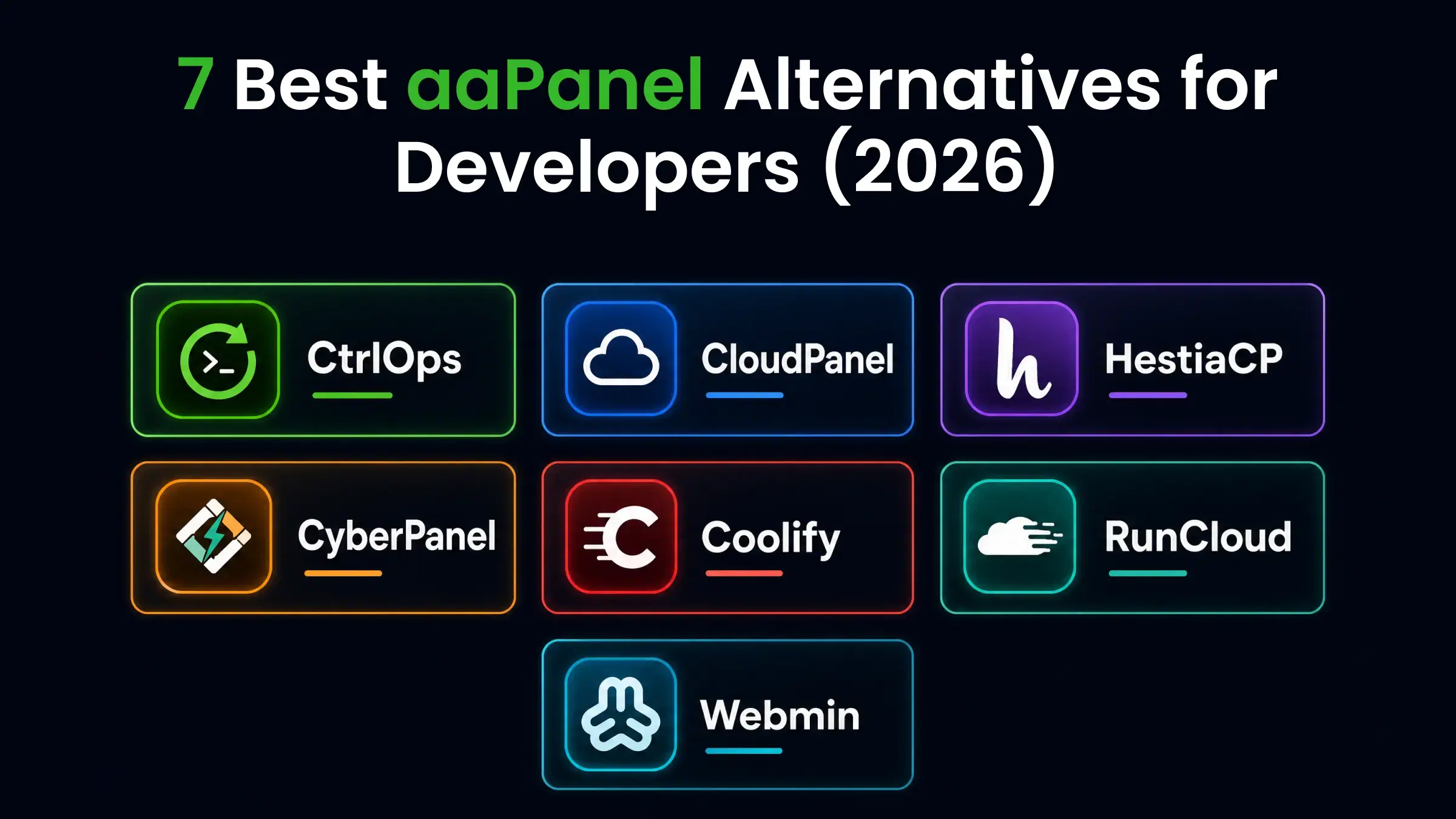
Workflow fit: Best for agencies, hosting providers, and teams managing multiple client websites. If you need email, web hosting, and DNS in one panel, Plesk covers it. Budget-conscious teams often shortlist aaPanel in this category too - our CtrlOps vs aaPanel breakdown covers when a browser panel makes sense and when it doesn't, and the 7 best aaPanel alternatives guide compares the free panels worth switching to.
CloudPanel
Best for modern cloud server management
CloudPanel is the newer, lighter alternative to Plesk. It's designed specifically for cloud servers running PHP applications.
What makes it different:
- Focused on PHP/Node.js/Python apps
- Built for cloud providers (AWS, DigitalOcean, etc.)
- Let's Encrypt SSL automation (and when a renewal misbehaves, our SSL certificate decoder shows the cert's expiry and chain in seconds)
- Clean, modern UI
Strengths:
- Free for basic use
- Fast and lightweight
- Good documentation
- One-click application deployment
Limitations:
- Limited to specific tech stacks
- No email hosting
- Smaller community than Plesk
- Less mature feature set
Workflow fit: Best for developers deploying PHP or Node.js apps to cloud servers. If you're running Laravel, WordPress, or Node apps on DigitalOcean, CloudPanel is worth a look. It also lands near the top of our aaPanel alternatives comparison if you're leaving a heavier panel behind.
Best ServerPilot Alternatives for Deployment and Hosting
ServerPilot made it easy to deploy PHP apps on your own servers. But development has slowed, and users are looking for alternatives with active development and better features.
CtrlOps for app deployment without lock-in
Best for deployment + live server operations + AI-assisted workflows
CtrlOps isn't just for server management. The AI terminal can help with deployment tasks, suggesting commands for Git pulls, restarts, and log checks.
What makes it different:
- SSH-based: Works with any server you have access to
- AI assistance: "Deploy the latest code from main branch" generates the commands
- Real-time logs: See deployment output live
- No lock-in: Use your own Git, your own servers
Strengths:
- Not tied to a specific hosting provider
- AI helps with deployment commands
- Works alongside existing CI/CD pipelines
- File browser for quick config edits
Limitations:
- Not a full CI/CD platform (use it alongside GitHub Actions, etc.)
- Requires SSH access to servers
Workflow fit: Best for teams that want ServerPilot's simplicity but with more flexibility. If you deploy to your own servers and want AI-assisted workflows, CtrlOps is a good fit.
RunCloud
Best for managed PHP and WordPress servers
RunCloud is the most direct ServerPilot alternative. It's actively developed and focused on PHP/WordPress deployments.
What makes it different:
- Server management via API and UI
- One-click WordPress installation
- Automatic security updates
- Git deployment integration
Strengths:
- Active development and updates
- Good documentation
- Integrates with cloud providers
- Team management features
Limitations:
- Pricing per server adds up
- Limited to PHP/WordPress use cases
- No AI features
- Requires agent installation
Workflow fit: Best for teams that want a direct ServerPilot replacement for PHP/WordPress hosting. If you're currently on ServerPilot, RunCloud is the smoothest transition. Torn between RunCloud's panel approach and a desktop workspace? See CtrlOps vs RunCloud for a side-by-side look.
Forge
Best for developers who want simple server provisioning
Forge is from the Laravel team. It's designed for PHP deployments but works well for any stack that uses Nginx. (Still hand-writing those server blocks on your own boxes? Our free nginx config generator gives you a production-ready starting point.)
What makes it different:
- Provision servers directly from cloud providers
- Zero-downtime deployments
- Database management
- SSL certificate automation
Strengths:
- Excellent for Laravel deployments
- Clean, simple interface
- Good integration with cloud providers
- Active development
Limitations:
- Laravel-focused (other stacks are secondary)
- No AI assistance
- Pricing can be confusing
- Limited monitoring features
Workflow fit: Best for Laravel developers who want simple server provisioning. If your stack is Laravel, Forge is purpose-built for you.
SpinupWP
Best for WordPress-focused workflows
SpinupWP is the WordPress-specific alternative to ServerPilot. It's built by the Delicious Brains team (makers of popular WordPress plugins).
What makes it different:
- WordPress-specific optimizations
- One-click staging sites
- Automatic backups
- Git-based deployments
Strengths:
- WordPress expertise built-in
- Good for agencies managing multiple sites
- Integrates with popular backup services
- Active community
Limitations:
- WordPress only
- No AI features
- Limited to non-WordPress stacks
- Smaller feature set than Plesk
Workflow fit: Best for WordPress agencies and freelancers. If 90% of your work is WordPress, SpinupWP handles it well.
Feature Comparison by Workflow
Best for SSH Access
Terminal usability and session handling:
| Tool | Tabbed Sessions | Saved Credentials | Cross-Device | AI Assistance |
|---|---|---|---|---|
| CtrlOps | ✅ | ✅ | ✅ | ✅ |
| MobaXterm | ✅ | ✅ | ❌ | ❌ |
| Termius | ✅ | ✅ | ✅ | ❌ |
| SecureCRT | ✅ | ✅ | ❌ | ❌ |
Best for File Management
Visual navigation vs command-line work:
| Tool | Visual File Browser | Drag & Drop | Edit in App | SFTP Built-in |
|---|---|---|---|---|
| CtrlOps | ✅ | ✅ | ✅ | ✅ |
| MobaXterm | ✅ | ✅ | ❌ | ✅ |
| Termius | ✅ | ✅ | ❌ | ✅ |
| Cockpit | ✅ | ❌ | ✅ | ❌ |
Best for Monitoring
CPU, memory, disk, and process visibility:
| Tool | Real-time Dashboard | Process List | Alerts | Multi-Server View |
|---|---|---|---|---|
| CtrlOps | ✅ | ✅ | ✅ | ✅ |
| Cockpit | ✅ | ✅ | ❌ | ✅ |
| Plesk | ✅ | ✅ | ✅ | ✅ |
| Webmin | Basic | Basic | ❌ | ❌ |
Best for Security
Approval-based command execution and credential handling:
| Tool | Command Approval | Audit Logs | Team Access Controls | 2FA |
|---|---|---|---|---|
| CtrlOps | ✅ | ✅ | ✅ | ✅ |
| SecureCRT | ❌ | ✅ | ✅ | ✅ |
| Termius | ❌ | ❌ | ✅ | ✅ |
| Plesk | ❌ | ✅ | ✅ | ✅ |
Bottom line on security: Approval-based command execution is the single biggest differentiator on this list. Most SSH clients and admin panels run whatever you click; few ask before executing. For regulated industries (SOC2, HIPAA, PCI), an audit-trailed approval gate isn't a nice-to-have - it's the difference between a usable tool and a compliance liability.
CtrlOps: The Perfect Alternative if You Need All Three
Why CtrlOps Replaces PuTTY, Webmin, and ServerPilot in One Workspace?
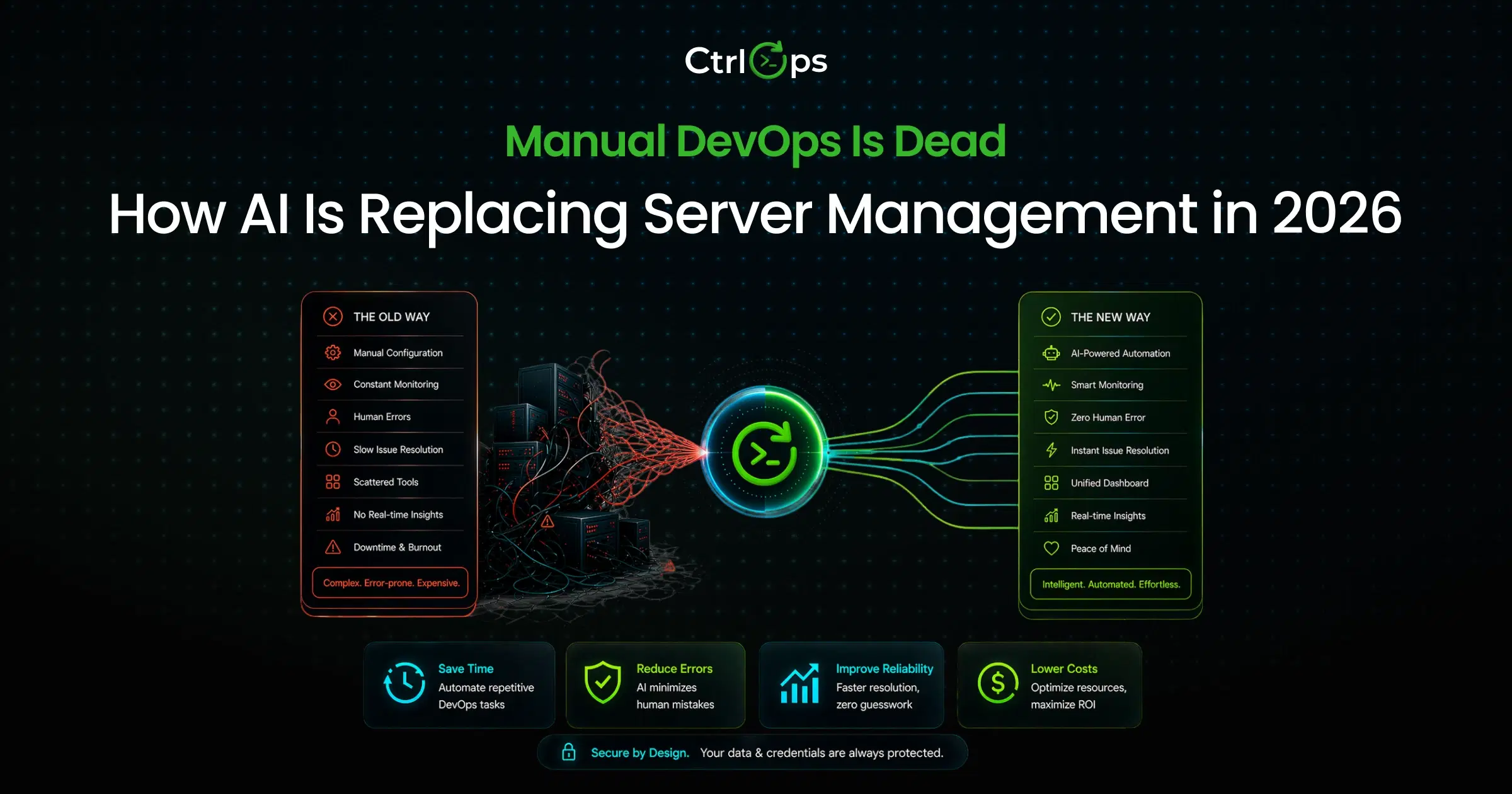
If you're currently using PuTTY for SSH, Webmin for admin, and ServerPilot for deployments, you're switching between three tools, each with a different interface.
CtrlOps consolidates all three workflows.
Centralized credentials, UI file operations, AI terminal, and real-time monitoring:
Instead of:
- PuTTY window for SSH
- WinSCP window for file transfers
- Browser tab for Webmin
- Another tab for ServerPilot
You get:
- One app with SSH terminal, file browser, and monitoring dashboard
- AI that helps generate commands (you approve them before execution)
- Real-time server health across all connected servers
Security-first with user-approved commands:
The AI doesn't auto-execute. It suggests. You review and approve. This prevents the "AI went rogue" scenario that keeps security teams up at night.
Real Workflow Wins Over Fragmented Tools
Less tool-switching, faster operations, better control:
A typical DevOps workflow might involve:
- SSH in to check disk space
- Open SFTP to download logs
- Open a monitoring tool to see CPU trends
- Open the deployment tool to push code
CtrlOps handles all four through a single interface - the time savings compound when you do this dozens of times a day.
For teams exploring the broader DevOps automation landscape, consolidating tools is often the first step toward efficiency.
Which Tool Should You Choose?
Choose PuTTY Alternatives If You Mainly Need SSH
- CtrlOps if you want SSH + file management + monitoring in one workspace - compare them directly in CtrlOps vs PuTTY
- MobaXterm, if you're on Windows and want a familiar upgrade from PuTTY
- Termius, if you need to access servers from multiple devices
- SecureCRT if enterprise compliance is non-negotiable
Choose Webmin Alternatives If You Want Unified Server Management
- CtrlOps if you want modern UI + AI assistance + monitoring
- Cockpit is free, open-source, and lightweight
- Plesk if you're managing hosting for multiple clients
- CloudPanel, if you're running PHP/Node apps on cloud servers
Choose ServerPilot Alternatives If You Deploy and Manage App Servers
- CtrlOps if you want flexibility and AI-assisted deployment commands - if you are weighing a self-hosted PaaS, see CtrlOps vs Dokploy
- RunCloud if you want the closest ServerPilot replacement
- Forge if Laravel is your primary stack
- SpinupWP if WordPress is your focus
Choose CtrlOps If You Want One Workspace for Everything
If you checked multiple boxes above, SSH access, server management, and deployments, CtrlOps is the only tool that covers all three. It's designed for teams that don't want to switch contexts.
For more context on choosing DevOps management tools, the key is to match features to actual workflows, not just pick the most popular option.
Final Recommendation
Why Choose CtrlOps as Best Overall?
Perfect for teams seeking the ultimate 3-in-1 replacement:
CtrlOps isn't the best at any single category. SecureCRT has deeper enterprise features. Plesk has more hosting tools. RunCloud has tighter WordPress integration.
But CtrlOps is the only one that offers SSH, file management, monitoring, and AI assistance in a single workspace, for teams that don't want to manage three different tools, which matters.
Outshines others in centralization, AI assistance, and security:
- Centralization: One login, one interface, all your servers
- AI assistance: Describe what you want, get the right command
- Security: Commands don't execute without your approval
Best by Workflow
| Your Primary Need | Best Tool | Why |
|---|---|---|
| SSH-focused | CtrlOps or Termius | Modern UX, cross-device access |
| Server admins | CtrlOps or Cockpit | Desktop app, real-time monitoring |
| Deployment | CtrlOps or RunCloud | Flexible, AI-assisted or WordPress-specific |
| All-in-one | CtrlOps | SSH + files + monitoring + AI in one place |
Conclusion
PuTTY, Webmin, and ServerPilot each solved specific problems. But modern DevOps workflows demand more: centralization, AI assistance, and tools that work together.
The right choice depends on what you actually do daily:
- If SSH is 90% of your work, Termius or MobaXterm handles it well
- If you're managing hosting for clients, Plesk or CloudPanel fits
- If you deploy WordPress specifically, SpinupWP or RunCloud makes sense
- If you want SSH + files + monitoring + AI in one place, CtrlOps is the answer
The best tool isn't the one with the most features. It's the one that matches how you actually work.
FAQs
It depends on your needs. For modern workflows, CtrlOps and MobaXterm offer better experiences than PuTTY with tabbed sessions, saved credentials, and built-in file transfer. Termius is better for cross-device access.
For most users, yes. Termius has a modern UI, syncs across devices, and includes SFTP. PuTTY is reliable but hasn't meaningfully evolved in decades. However, Termius requires a paid plan for cross-device sync and snippets - the free Starter tier keeps everything in a local vault on one device.
They serve different purposes. Webmin is free and gives low-level server control. cPanel (and Plesk) are designed for web hosting with email, DNS, and customer management. For system administration, Webmin is more flexible.
Webmin works reliably for basic server administration. The main complaints are the dated interface and the lack of real-time monitoring and mobile support. If you want the same functionality with better UX, CtrlOps or Cockpit are modern alternatives.
For modern workflows that include file management and monitoring alongside SSH, CtrlOps is the best choice. For pure SSH with modern UI, Termius works well. For Windows users wanting a direct upgrade, MobaXterm is the answer.
Yes. CtrlOps provides a native desktop app with visual file browsing and AI-assisted commands, making it accessible for users who prefer not to work in a terminal. Plesk is another option for users managing web hosting.
RunCloud is the closest direct replacement with team features. CtrlOps offers more flexibility if you're managing diverse server types beyond PHP/WordPress. Both have active development and good documentation.
Yes. CtrlOps combines SSH terminal access, visual file management, real-time monitoring, and AI-assisted command generation into a single workspace. It's designed specifically for teams tired of switching between multiple tools.
Yes. CtrlOps uses approval-based command execution: AI suggests commands, but humans must approve them before execution. It stores credentials securely and lets you export an audit of who can access which server.