Scheduled server backups. No scripts. No guessing.
No rclone config, no crontab, no wondering whether last night's job actually ran. Fill one form, test the connection before you save, and watch every byte move.
How it works
Step 01 - You
Point.
Name the job, pick the folder, choose a bucket. One form, no rclone config.
Step 02 - Cron
Schedules.
Manual, an interval, or your own cron. CtrlOps writes the crontab for you.
Step 03 - It
Proves.
Live speed, files and ETA while it runs - then the full log of every run.
One of these ends with hope. The other ends with proof.
Both sides are setting up the same nightly copy of /var/www/html to S3. Left: install rclone, sit through the config prompts, write the cron line, and then find out nothing tells you whether it ran. Right: fill the form, test the connection, done. Watch which one still has a question at the end.
This is the Backup tab. Go on, drive it.
A working copy, wired to a real little model of a server. Install the engine, fill the form, test the connection, watch a job run. Then point one at a path that does not exist, and watch it succeed anyway.
Rclone Not Installed. It is the engine that moves your files. Nothing backs up until it is on the server.
Install rclone to get started.
Nothing here leaves your browser. In the app, files go straight from your server to your bucket - CtrlOps copies them off the box and shows you it worked. It does not pull them back, and it does not know what a database is.
The moments this actually saves you.
Not a feature list. The situations where you are fairly sure a copy exists somewhere, and what changes when you can point at the proof.
You are fairly sure the cron job is still working.
Every run keeps its log, so you never have to wonder
A cron line tells you nothing. It runs, or it does not, and either way there is no output to check. Here every run records what moved, how fast, how long it took, and leaves the raw rclone output one click away.
- A log per run
- File count and size on the row
- Live progress while it copies
Backups happen when somebody remembers to trigger them.
Put it on a schedule and stop being the schedule
Point the job at a folder, pick when it should run, and CtrlOps writes the crontab. Nobody has to be free that evening, and nobody has to be asked. Manual runs still work if you want one now.
- CtrlOps writes the crontab
- Or run it manually, any time
- No rclone config to sit through
A backup service that holds your files and charges you rent on them.
Your own bucket, and an exit that costs nothing
Files go from your server straight to storage you already own - six S3-compatible providers, your keys, your bill. Cancel CtrlOps tomorrow and every copy you have made is still sitting exactly where you put it.
- Six S3-compatible providers
- No storage rented twice
- No exit fee for your own files
Every field that matters, and what to put in it.
This is the rclone config you never have to write, laid out as a form. Six providers, a storage class for the stuff you hope to never open again, and three knobs for when the upload is slower than the wire.
Six S3-compatible providers
AWS S3, Cloudflare R2, Backblaze B2, Wasabi, MinIO, and DigitalOcean Spaces. Pick yours from the dropdown instead of remembering its endpoint URL. The ones that need a Custom Endpoint have a field for it - leave it empty for AWS.
Glacier and Deep Archive
Storage Class is optional, and it is the field that decides your bill. Leave it on Standard when you want the files back quickly. Pick Glacier or Deep Archive for the copies you keep for a year and hope to never open.
Tune the transfer
You can skip all three - the defaults are fine for most setups. When an upload is slower than the wire should allow, check Bandwidth Limit first, then raise Transfers.
Or store no keys at all
Access and secret keys are stored encrypted. If the server already has IAM permissions for the bucket, toggle Use IAM Role on and skip both fields - then there is nothing to rotate and nothing to leak.
Rclone said no. Why?
Paste the failing line out of View Log into the AI Terminal and ask what it means. Permission and install failures are exactly what the docs send you there for.
The feature you only notice when it is missing.
Nobody writes a paragraph about a job that runs at 2 AM and says nothing. One person brought backups up unprompted, so one person is what you get here - a wall of quotes about this would be the suspicious version.

The infrastructure details and automated backups provided by CtrlOps are super useful. I appreciate that I don't have to manage separate panels for each server.
In your bucket. Not in ours.
Most backup services answer this question by taking custody of your data and charging you rent on it. CtrlOps never touches your files. It configures the copy, starts it, and shows you it worked.
CtrlOps is not in the path
Your files go from your server to your bucket. rclone does the transfer, over your own credentials, directly. Nothing routes through us, so there is no copy of your data on our side to leak, subpoena, or lose.
Or store no keys at all
Access keys are stored encrypted. Better still, switch on Use IAM Role and there is nothing to store: the server already has permission to write to the bucket, and CtrlOps never sees a secret.
The bucket is yours
You pick the provider, the region, and the storage class. You get the bill, at their prices, with Glacier and Deep Archive on the table. Cancel CtrlOps tomorrow and every backup you have is still sitting where you put it.
What this is not
This gets a copy of your files off the server, on a schedule, and proves it. That is the whole job. "Backup" is a word people load with a lot of other expectations, so here are the edges:
- It does not restore.CtrlOps gets a copy off the server. Pulling it back is your provider's console, the AWS CLI, or rclone copy the other way. Test that path yourself once a month - a backup you have never restored is only a rumour.
- It does not rotate or prune.Sync mirrors the source, so deletions on the server become deletions in the bucket. Copy only ever adds, and grows forever. Ageing data out is a lifecycle rule in your bucket, not a setting here.
- It does not know what a database is.It copies files. A live /var/lib/mysql caught mid-write is not something you can restore from. Dump it to a folder first, then back the folder up.
- S3-compatible destinations only.Six providers today: AWS, Cloudflare R2, Backblaze B2, Wasabi, MinIO, DigitalOcean Spaces. No Dropbox, no Google Drive, no FTP. More destinations are on the way.
- It needs rclone, and cron for schedules.Both install in one click from the Backup tab, but they do have to be on the server. Manual runs work without cron.
If you need orchestrated restores, point-in-time recovery, or database-aware snapshots, buy something built for that - it is a real category and this is not trying to be in it. What CtrlOps is for is the thing most servers are actually missing: nothing is copied off the box at all, and nobody has checked in months. When a run does fail, take the log line to the AI Terminal, or check Infra Monitoring if the disk filled up underneath it.
More you can do with CtrlOps.
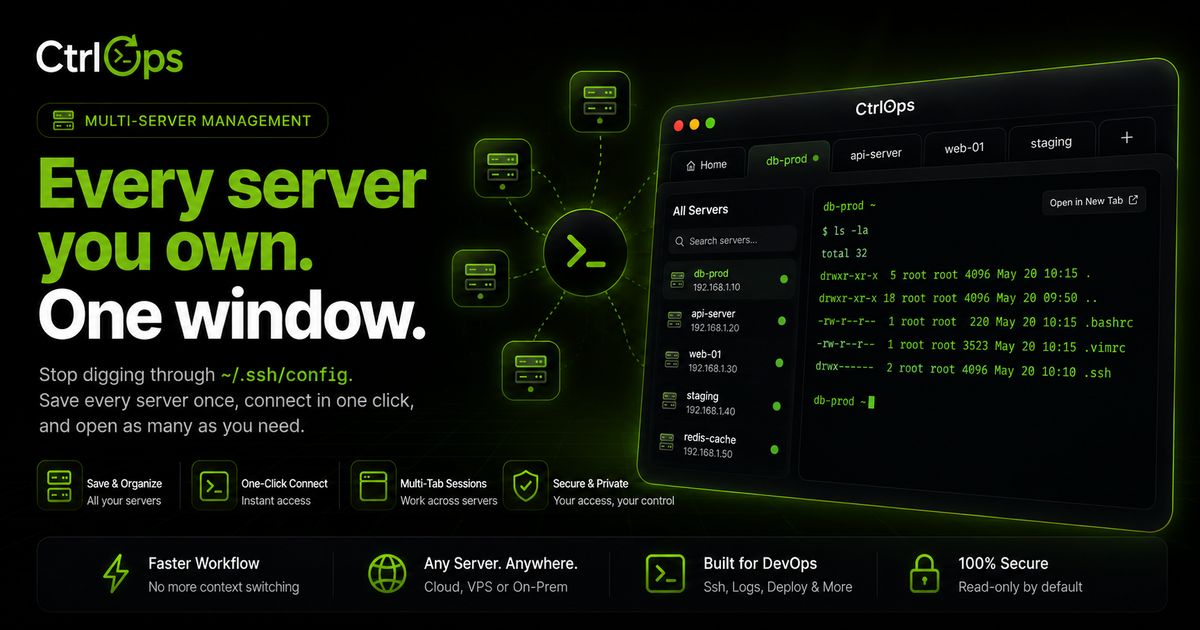
Multi-Server Management
Your whole fleet in one app. Switch servers by alias, forget IPs, and never lose your place.
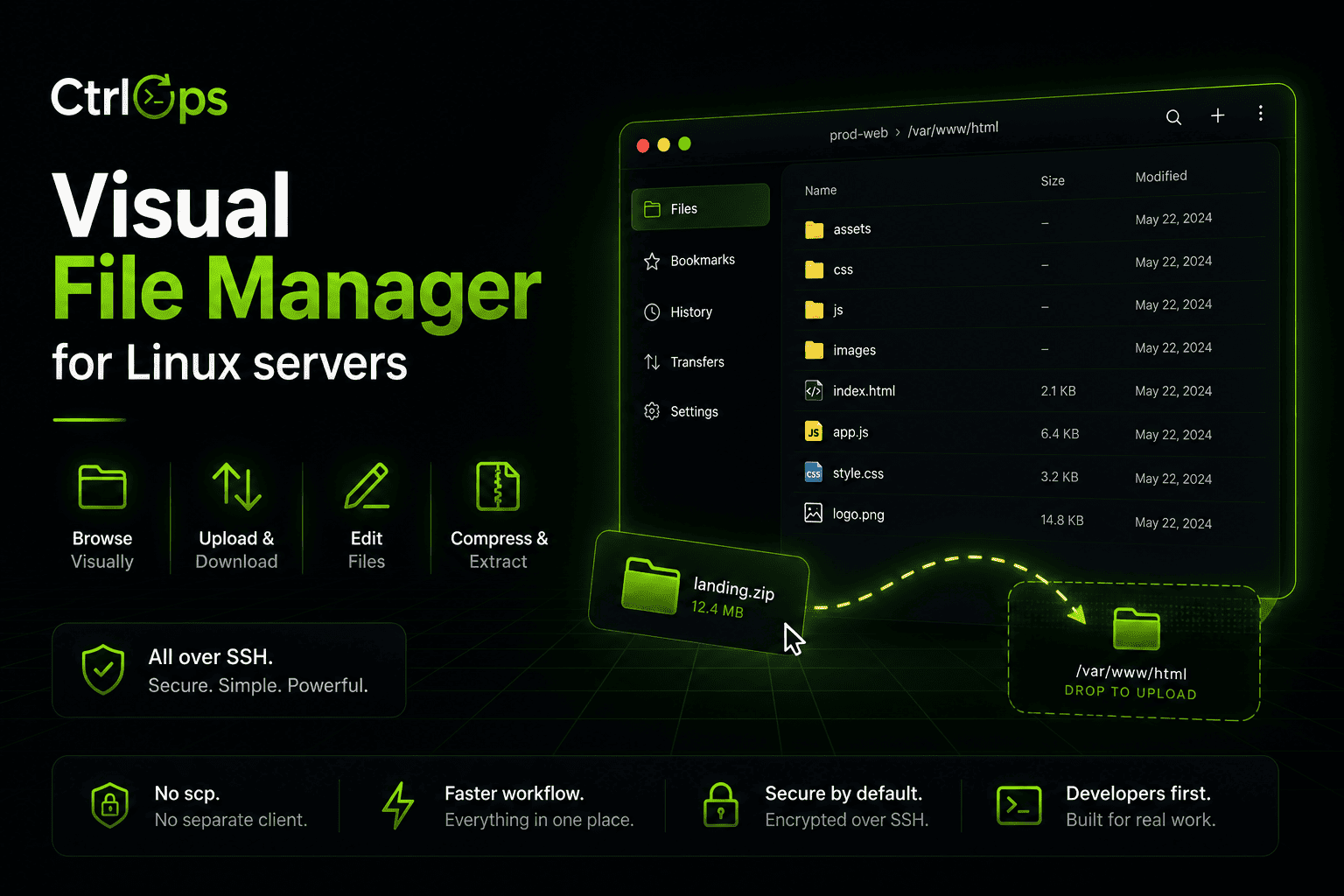
Visual File Management
Browse, upload, download, and unzip remote files in one click. No more scp gymnastics.
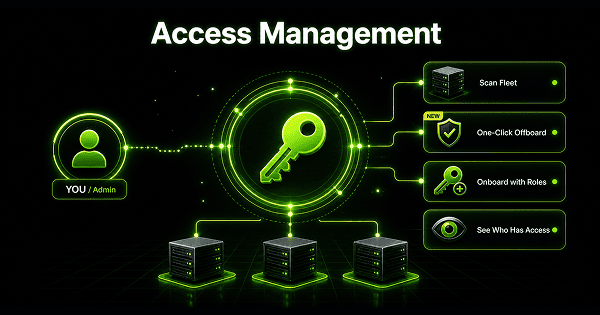
Access Management
Scan your fleet to see who can log in where and who has sudo. Offboard from every server at once.
Questions before you need it.
Get a copy off the box. Tonight.
Point CtrlOps at a folder, test the connection, and let it run at 2 AM. No rclone config, no crontab. 1-month free trial, no credit card.
✓ Start instantly·✓ No credit card·✓ No sneaky autorenewals