Deploy like Vercel. On a server you own.
Paste a GitHub repo, fill one form, click Create. CtrlOps clones, builds and runs it under PM2 with Nginx and SSL - on your own VPS. No terminal. No YAML. No per-seat bill.
How One Click Deployment Works
Step 01 - You
Connect.
Paste your GitHub repo and name the branch. HTTPS for public repos, SSH for private ones. That is the entire first card.
Step 02 - You
Configure.
Pick Node.js, React, Next.js or a static build - and the install, build and start commands fill themselves in. Paste your whole .env at once, add a domain, flip on SSL.
Step 03 - CtrlOps
Deploy.
Clone, install, build, PM2, Nginx, certbot. Six steps go green in a live terminal while you watch. Then the site is up.
Thirteen commands. Every single time.
Both sides put the same Next.js app on the same $6 VPS, live on HTTPS. Left: apt, nodesource, git, npm, PM2, an Nginx config you will get wrong, certbot. Right: one form. Watch which one is still typing.
The ritual
13 commands · 2 files edited · 2 failures · ~47 min
CtrlOps
1 form · 0 commands · ~4 min
Fill the form. Watch it go live.
A working replica of the Add Application form, wired to a fake server. Point it at a repo, pick your stack, paste an .env, add a domain - then hit Create and watch all six steps go green. Nothing leaves your browser.
Basic Information
Node.js Version
Already on the server.
Build Configuration
pick a typePick a framework and the three commands fill themselves in.
Environment Variables
none yetNo environment variables yet. Add them one at a time, or paste your whole .env in one go.
Domains
optionalSkip this and the app is reachable at http://203.0.113.10:3000. You can add a domain later.
Application name is required
The moments this actually saves you.
Not a feature list. The situations where getting your own work in front of people is the hardest part of building it, and what changes in each one.
The site is finished, and you are waiting on someone else to put it live.
Take your own work live without booking anyone else's time
Paste the repo, fill one form, click Create. The clone, the build, PM2, Nginx and the certificate all happen while you watch. Nobody else has to be free that afternoon.
- One form, no deploy scripts
- Every step visible as it runs
- Live in about four minutes
Every push to production makes your stomach drop, so you ship less.
Turn the scariest thing you do all week into a form
The reason deploys feel dangerous is that they are thirteen commands you half remember. Fill in the fields once, and shipping stops being an event you schedule around.
- Nothing to remember
- Same six steps every time
- No hiring, no favours, no waiting
Thirteen commands, two edited files and two failures. Per app.
Stand up a new app without the apt-to-certbot ritual
apt, nodesource, git, npm, PM2, an Nginx config you will get slightly wrong, then certbot. CtrlOps runs the same sequence and shows you each step going green instead of asking you to type it.
- Node installed on demand
- Nginx and SSL wired for you
- The failing step names itself
A great deploy button, attached to their bandwidth meter and their per-seat price.
The same one-click deploy, on a box you already pay for
Node.js, React and Next.js go to your own VPS with your .env on your own disk. What you give up is their edge network and preview deployments. What you keep is the app running on plain PM2 and Nginx, whether CtrlOps is installed or not.
- No bandwidth bill
- Your .env on your own disk
- Just PM2, Nginx and certbot
Small form. A lot of ground.
Four app types, Node installed on demand, a whole .env pasted at once, certbot wired for you - and the AI Terminal one tab away when a build misbehaves.
Four app types, zero Dockerfiles
Node.js, React, Next.js, or a static build folder. No Dockerfile, no docker-compose.yml, no build layers to debug. CtrlOps runs your app the way you would run it yourself.
The commands fill themselves in
Pick your framework and the install, build and start commands appear. Change any of them if your project is different - yarn, pnpm, a custom start script.
Node, installed on demand
Pick any version. If the server does not have it, CtrlOps installs it as part of the deploy. No nvm, no PPA hunting.
Paste your whole .env
Bulk-paste your local .env in one go. Comments are ignored, quotes and special characters survive. Edit it later from the folder page.
Broke mid-deploy? Ask the terminal.
The failing step's output is right there - no hunting through journalctl. Hand the error to the AI Terminal and it writes the fix, then waits for your approval before running it.
The part everyone used to dread.
What happens when the scariest thing you do all week turns into a form.

I don't know DevOps or Linux commands. But I opened CtrlOps, asked the AI Terminal in plain English what to do, and it walked me through everything step by step. I deployed my website. By myself. For the first time.

deployments don't stress me out anymore, and that feels weird to say lol. paste repo, fill env, toggle SSL, done. Genuinely cannot remember the last time something broke mid-deploy since switching to this.

Been exploring the product recently, and it already includes: • AI-assisted terminal with command approval • Real-time server monitoring • SSH management • Remote file manager • Backups & automation scripts • Multi-server management • One-click GitHub deployments Everything works directly over SSH, and credentials stay local 🔐
Honestly didn't expect much. But my DevOps workflow has genuinely shifted... I'm doing in 10 minutes what used to take an hour. If you manage servers, just try it.
SSH into 10 servers, debug a crash, and deploy a fix - all without leaving one app? CtrlOps is a local-first desktop DevOps tool that translates plain English into bash, manages fleets, and keeps your credentials 100% on-device.

The AI Terminal with an Approval Gate: being able to ask for a fix in plain English is great, but the fact that it shows you the command and asks for approval before running it on live infrastructure is a massive safety net.
For months, deployments terrified me - I'm not a DevOps guy. Every push to production made my stomach drop, so I delayed, avoided, and shipped less.
Your code. Your server. No build cloud.
The clone, the build and the app all happen on your VPS, over your own SSH connection. There is no CtrlOps build cloud, no edge network in front of your traffic, and no bandwidth meter running.
Your source never touches us
The clone and the build run on your server, over your own SSH connection. CtrlOps is a desktop app - there is no build cloud to breach, and your .env lands on your own disk instead of a vendor secret store.
It's just PM2, Nginx and certbot
No Docker, no proprietary runtime, no lock-in. Uninstall CtrlOps tomorrow and the app keeps serving - pm2 list and nginx -t still work, because that is all it ever was.
No bandwidth bill. No cold starts.
Your $6 VPS serves the traffic. There is no per-seat price, no function invocation count, and no overage email at the end of a good month.
Straight about the limits
- JavaScript only. Node.js, React, Next.js and static builds. No Python, PHP, Go or Docker containers - if that is your stack, this is not your tool yet.
- No re-deploy button yet. New commits are a click in the File Manager git bar, then npm install, npm run build, pm2 restart - three lines you can save as a Script and run with one click.
- Env edits need a restart. Changing an environment variable does not restart the app on its own. Run pm2 restart <app-name> after you edit it.
More you can do with CtrlOps.
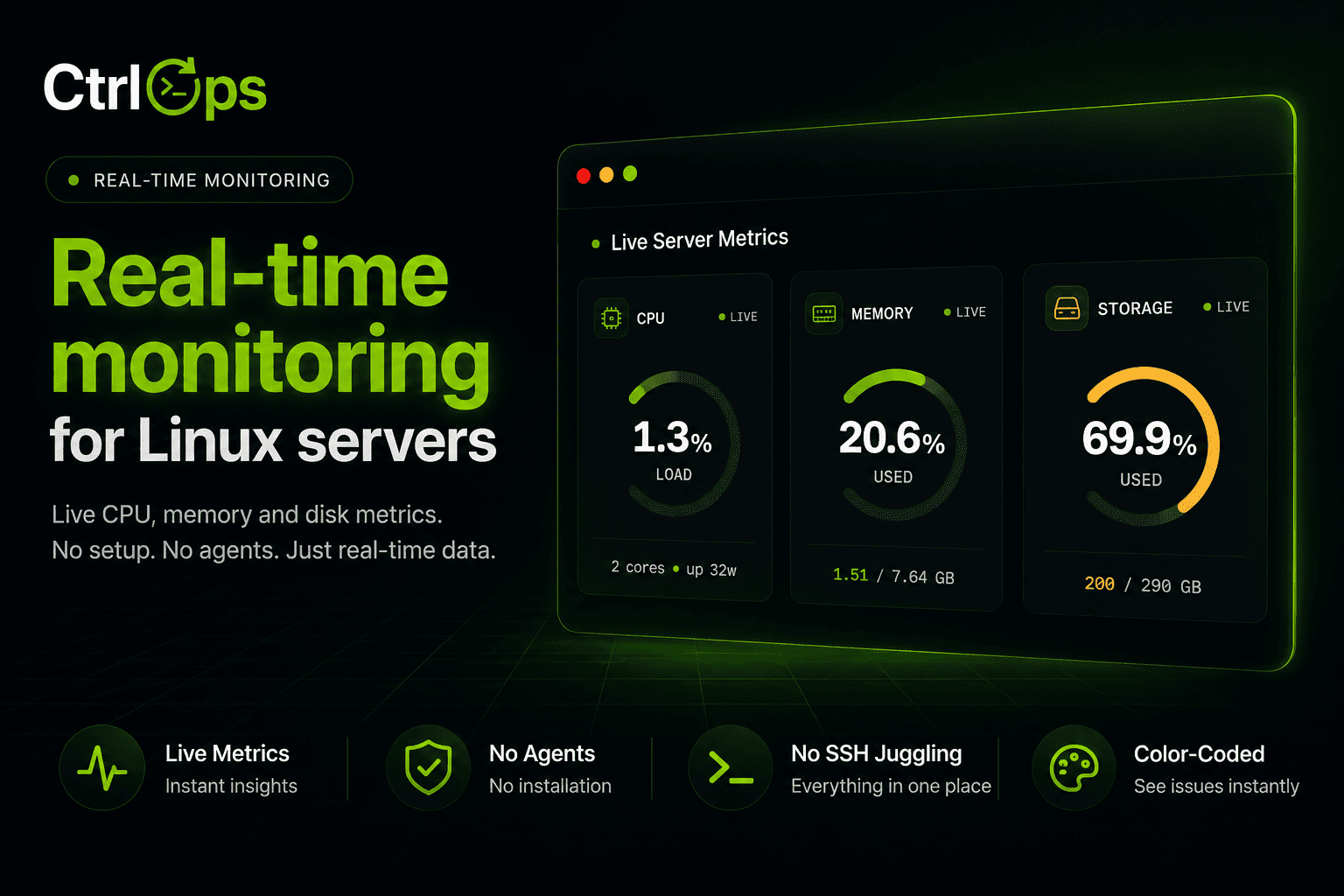
Real-Time Infra Monitoring
Live CPU, memory, disk, and network for every server, streamed as it happens.
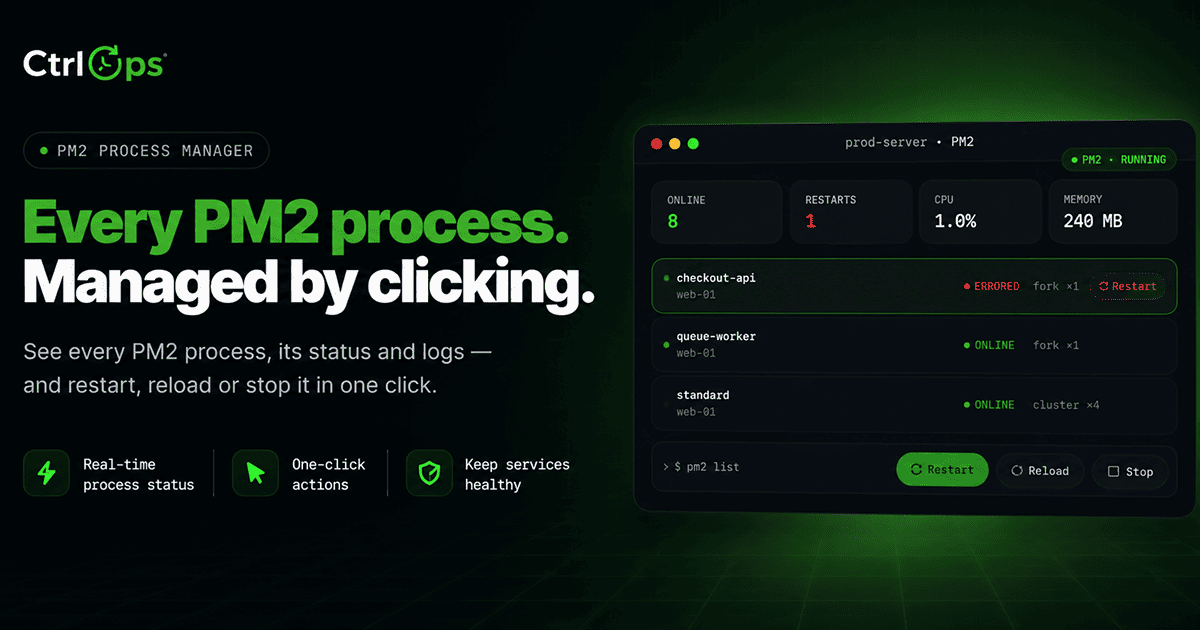
PM2 Process Manager
Every PM2 process with live CPU, memory, and restart counts. Restart, reload, or stop any of them in one click.
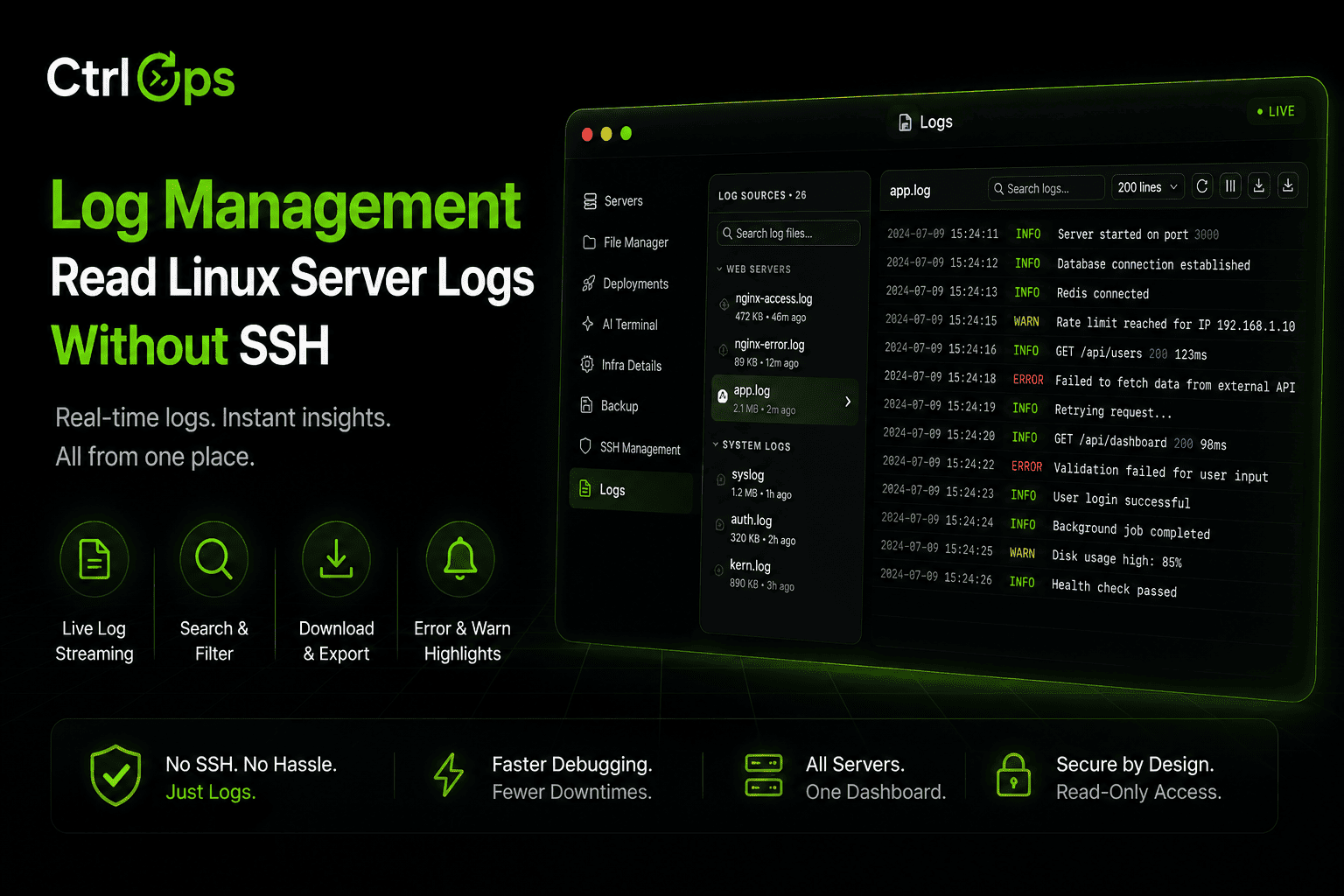
Log Management
Every log file on the server, found and grouped for you. Search it, tail it live, download it - no SSH.
Questions before you point it at prod.
Paste a repo. Get a live site.
Node.js, React and Next.js from GitHub to a VPS you own - PM2, Nginx and SSL handled for you. 1-month free trial, no credit card.
✓ Start instantly·✓ No credit card·✓ No sneaky autorenewals