Every server you own. One window.
Stop digging through ~/.ssh/config for an IP. Save every server once, find it by name, and click play. Then open as many as you need - a long build on one never blocks the others.
How it works
Step 01 - You
Paste.
You already have a working ssh command somewhere - in your shell history, in a doc, in a message from whoever set the box up. Paste the whole line into Quick Connect and CtrlOps reads the IP, username, port and key path straight out of it.
Step 02 - CtrlOps
Save.
It tests the connection before it saves anything, so a server on your board is a server you can actually reach. Give it a name you will recognise at 2am, tag it, star it. That is the last time you ever look up its IP.
Step 03 - You
Switch.
Click play and you are in. Click another and you are in that one too, in its own tab, without closing the first. A build running on one server keeps running while you read logs on another.
This is the board. Go on, drive it.
A working copy of the CtrlOps Home screen, with thirteen servers already on it. Paste an SSH command and watch the form fill itself. Search it, re-sort it, star something, and open three servers at once. Nothing is a video.
All Servers
13 serversEverything above happens on your machine. And to be straight about the limit: CtrlOps does not broadcast one command to fifty servers - it gives you one home for all of them, and lets you open as many as you like at once.
The moments this actually saves you.
Not a feature list. The situations where owning more than a handful of servers stops being manageable, and what changes in each one.
Something is down, and you are grepping ~/.ssh/config for the IP.
Be on the right server before you finish reading the alert
Every server is saved once, under a name you chose rather than an address you have to recognise. Type four letters of it, click connect, and you are in. The username, port and key are already on the card.
- Find it by name, not by IP
- One click to connect
- Unlimited servers on every plan
You close the app-server session to go and look at the database.
Read the app, the database and the worker at the same time
An incident is almost never on one box. Open all three at once and each gets its own tab with its own SSH connection, its own shell and its own working directory, so nothing leaks between them and a long build on one never blocks what you are doing on another.
- A tab per server
- Its own session in each
- A long job on one blocks nothing
A different control panel, and a different login, for every client.
Every client's servers on one board
Tag them by client or by environment, star the two you touch daily, and search the rest by name. One app, whoever the boxes happen to be rented from.
- Tag by client or environment
- Star the two you use daily
- Any provider, one window
New laptop, and your servers live in a config file you left behind.
Move your whole board to a new machine in one file
Export the board to a file, import it on the new machine, and anything already there is skipped rather than duplicated. Your list moves with you, and it does not travel through us to get there.
- Export the whole board
- Duplicates skipped on import
- Never uploaded to us
Everything else it does for you.
A jump host, a key you have not generated yet, a laptop you are about to replace. The awkward parts of owning servers, handled without a config file.
The box behind the jump host
Servers you can only reach through a bastion still live on the board. Put the proxy command in Advanced Settings once, and connecting is the same one click as everything else.
Never generated an SSH key?
The wizard checks whether ssh is even installed, generates an Ed25519 key on your machine, and shows you three ways to get the public half onto the server. Nobody has to send you a gist.
New laptop, same board
Export the whole list to JSON and import it anywhere. Duplicates are skipped, not doubled. The file is yours, which is also why it deserves care.
The two you actually use
Star the handful you touch daily and they get their own tab. Search is for the box you open once a quarter; Favorites is for the ones you open before coffee.
You are in. Now what?
The board gets you onto the box in one click. The AI Terminal is what you do once you are there - describe the problem, get the command.
One app instead of one panel per server.
Nobody was asked to talk about multi-server management. It is just the first thing people mention once they have more than a handful of boxes.

The infrastructure details and automated backups provided by CtrlOps are super useful. I appreciate that I don't have to manage separate panels for each server.

as a solo founder wearing the devops hat, this fills a gap i didnt know i needed filled. one dashboard to rule them all.
I can get all the data from different Linux-based servers in one place with all the details, instead of reviewing individual dashboards.
The AI Terminal with an Approval Gate: being able to ask for a fix in plain English is great, but the fact that it shows you the command and asks for approval before running it on live infrastructure is a massive safety net.
Each server has its own separate monitoring tool for things like CPU status and RAM status. This setup allows me to quickly navigate from one server to another.

SSH into 10 servers, debug a crash, and deploy a fix - all without leaving one app? CtrlOps is a local-first desktop DevOps tool that translates plain English into bash, manages fleets, and keeps your credentials 100% on-device.
I use CtrlOps to manage multiple servers with ease. Its GUI-based file manager saves me a lot of time, and the AI terminal helps me troubleshoot server issues quickly.
A list of every server you own is a map of your company.
Names, addresses, the user to log in as, the key that opens it. That is the last file you should be uploading to somebody else's cloud - so CtrlOps keeps it on your machine, behind a passphrase, and never asks for a copy.
The list is a file on your disk
Your servers, usernames, key paths and any saved passwords live in encrypted local storage on your own machine. There is no CtrlOps account holding a copy of your fleet, no sync service, and nothing on our side to breach - because we never had it.
Vault Lock seals the whole app
Set a passphrase and CtrlOps asks for it every time it opens. A shared desk, a stolen laptop, a colleague borrowing your machine for five minutes - none of them is a way into your servers. New in v1.1.0.
What it is not
An export is a plain JSON file that includes your saved passwords - treat it like a password file. There is no team sync: sharing a board means handing someone that file. Nothing is installed on your servers; CtrlOps is an SSH client, not an agent. And it does not run one command across many servers at once.
More you can do with CtrlOps.
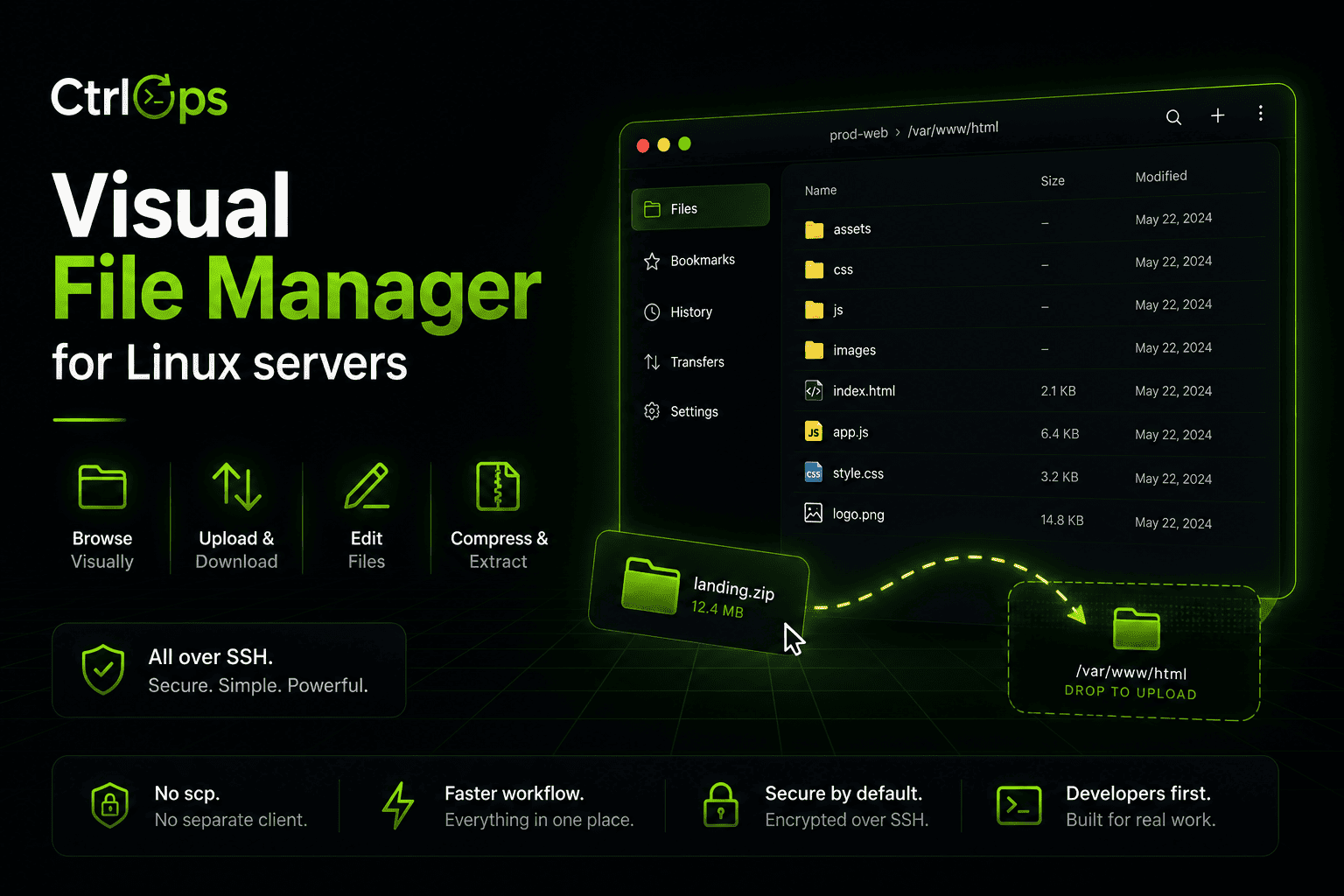
Visual File Management
Browse, upload, download, and unzip remote files in one click. No more scp gymnastics.
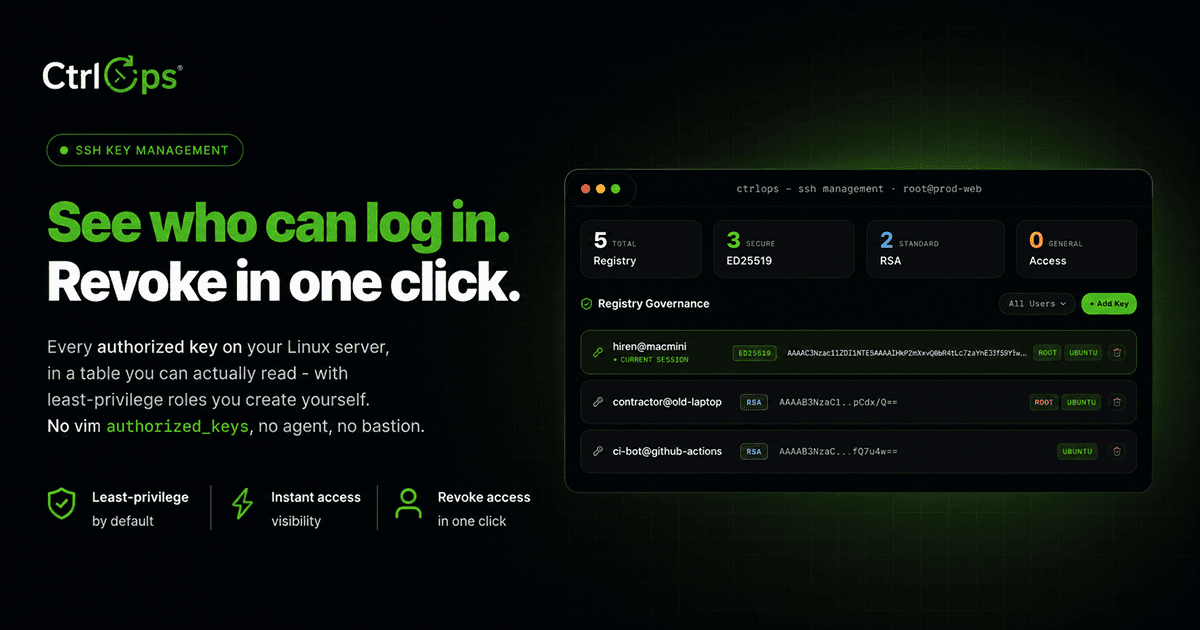
SSH Management
Manage SSH keys, configs, and connections per server, all from one place - no ~/.ssh/config editing.
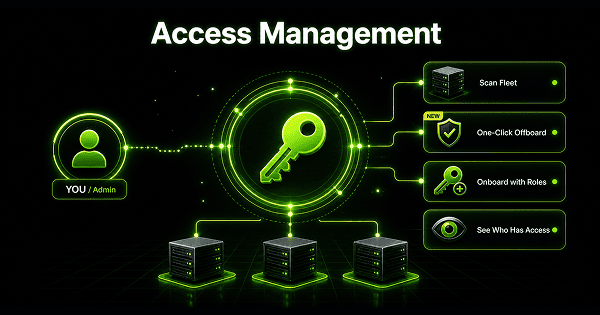
Access Management
Scan your fleet to see who can log in where and who has sudo. Offboard from every server at once.
Questions before server fourteen.
Put every server on one board.
Paste the ssh commands you already have, and stop looking up IPs. Open as many servers as you need at once. 1-month free trial, no credit card.
✓ Start instantly·✓ No credit card·✓ No sneaky autorenewals