CtrlOps Features: SSH, Deploy, Monitor & AI Terminal in One App
One native app for your whole fleet - manage servers, ship deploys, watch live metrics, and run an AI terminal, all without touching the cloud. Explore the full feature set below.
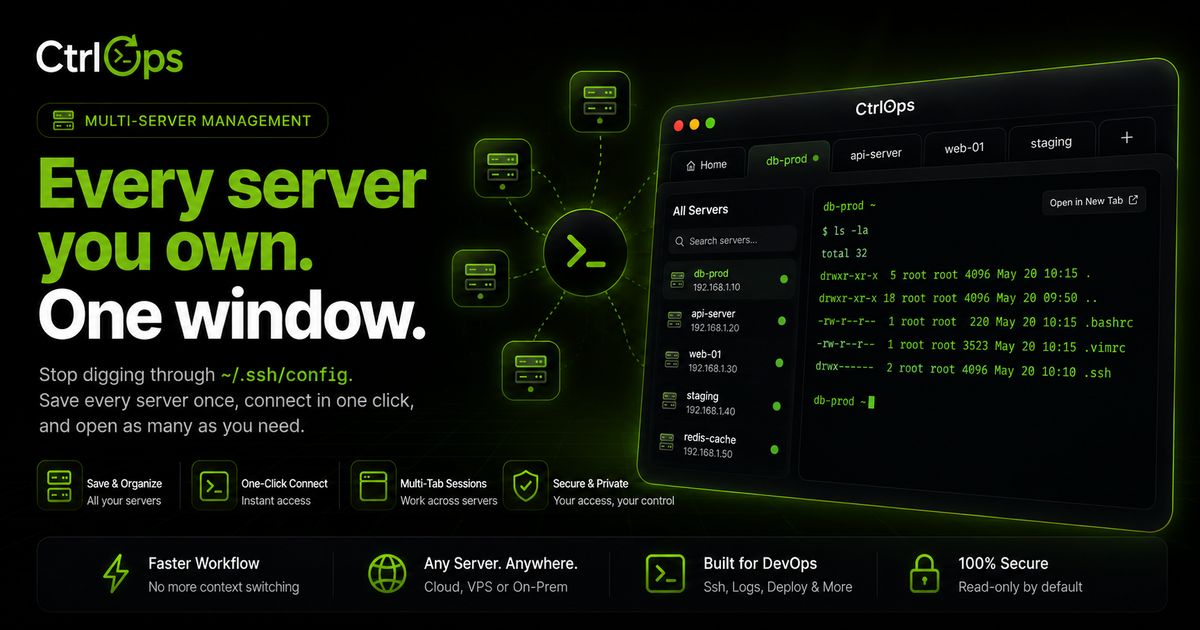
Multi-Server Management
Your whole fleet in one app. Switch servers by alias, forget IPs, and never lose your place.
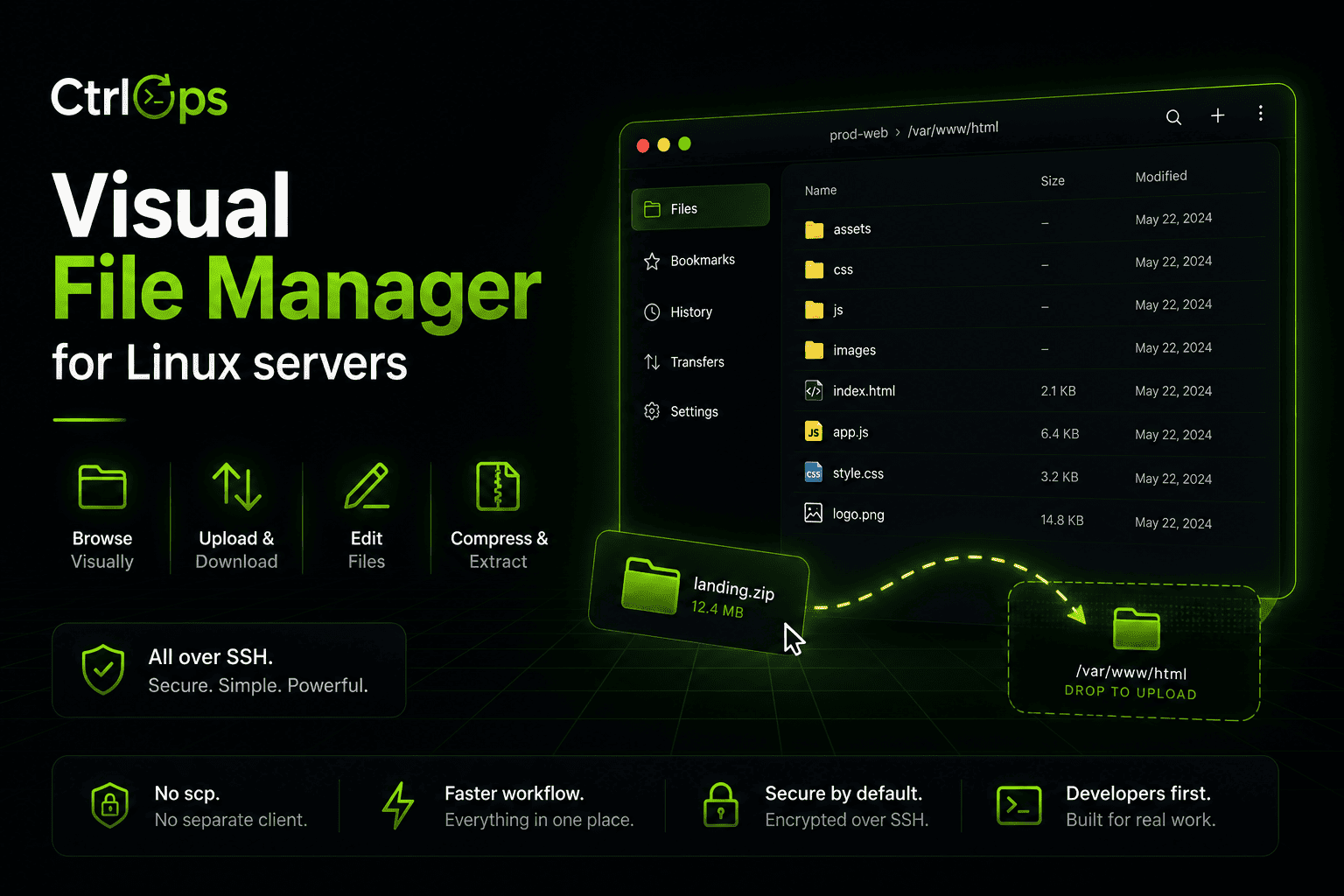
Visual File Management
Browse, upload, download, and unzip remote files in one click. No more scp gymnastics.
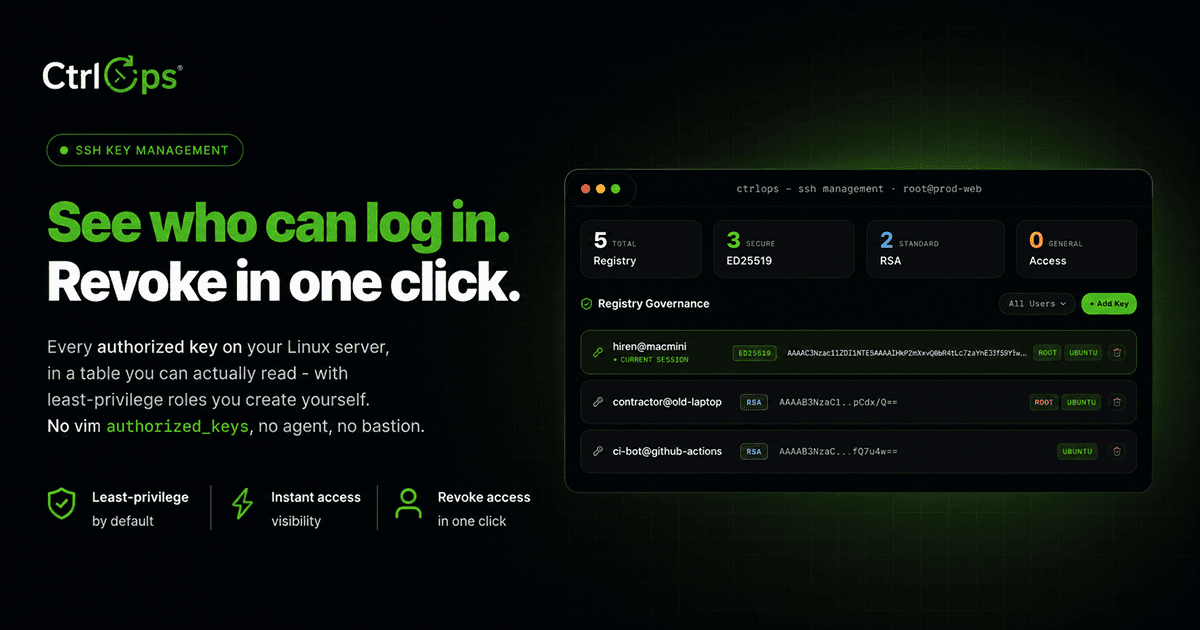
SSH Management
Manage SSH keys, configs, and connections per server, all from one place - no ~/.ssh/config editing.
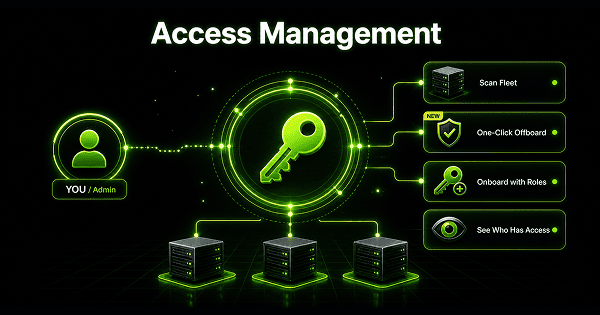
Access Management
Scan your fleet to see who can log in where and who has sudo. Offboard from every server at once.
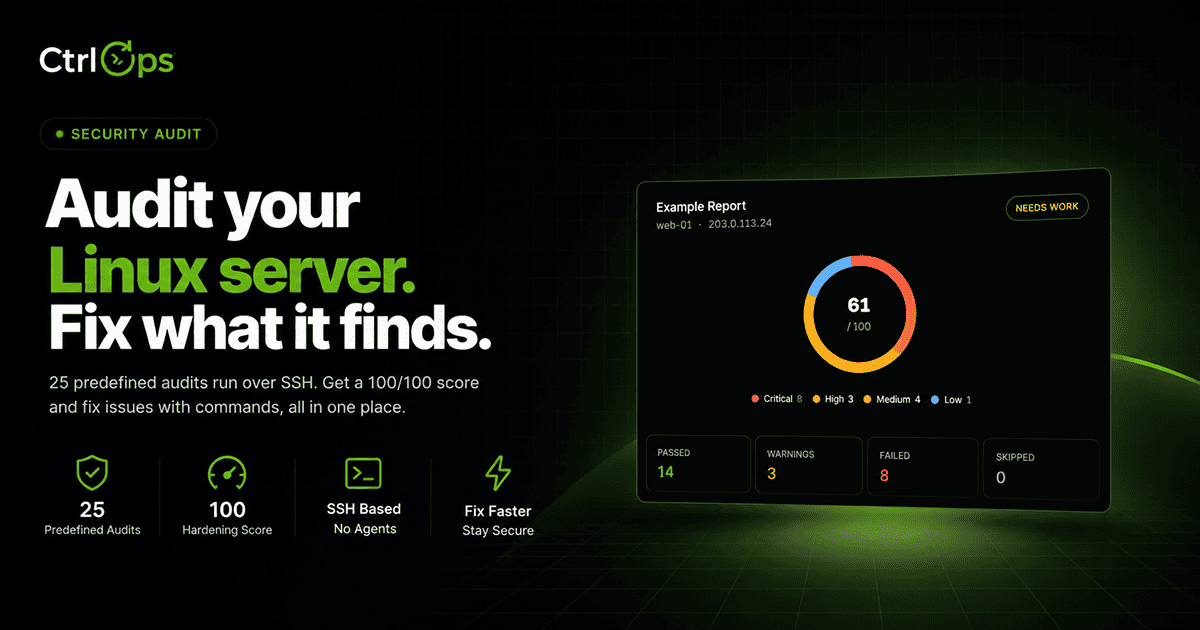
Security Audit
Run 25 security audits over SSH for a hardening score and a PDF report, then fix findings with approval-gated AI.
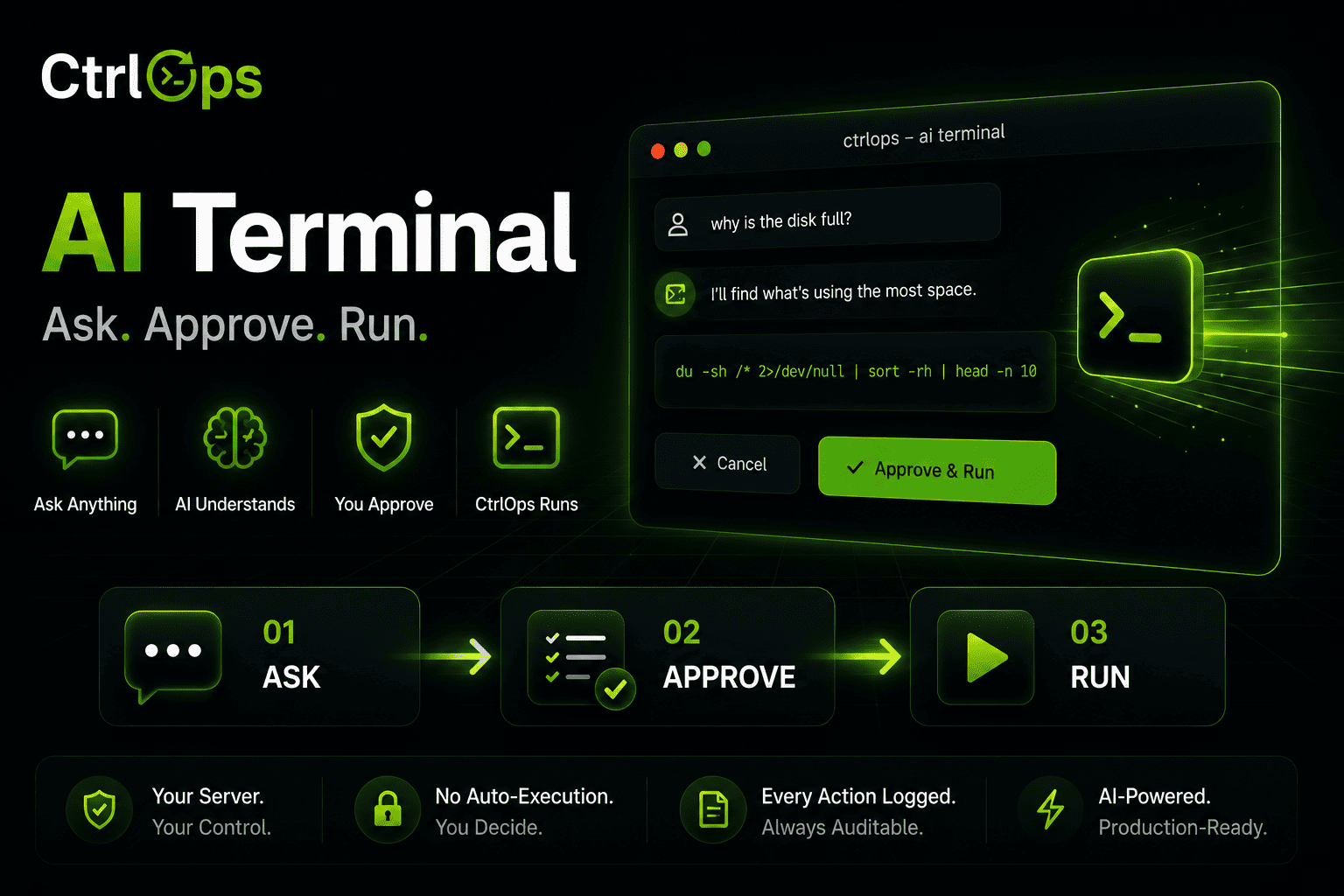
AI Terminal
Describe what you need in plain English. Review and approve every command before it runs.
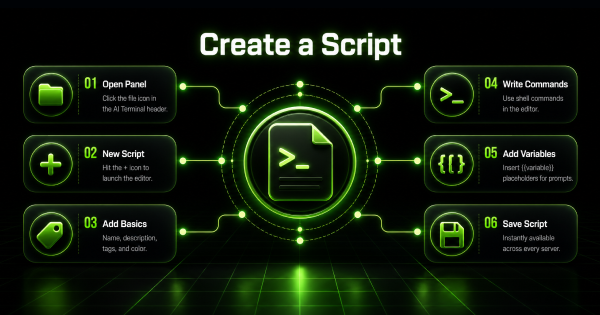
Script Directory
Save the commands you retype every week, with variables filled in at run time. One click on any server.
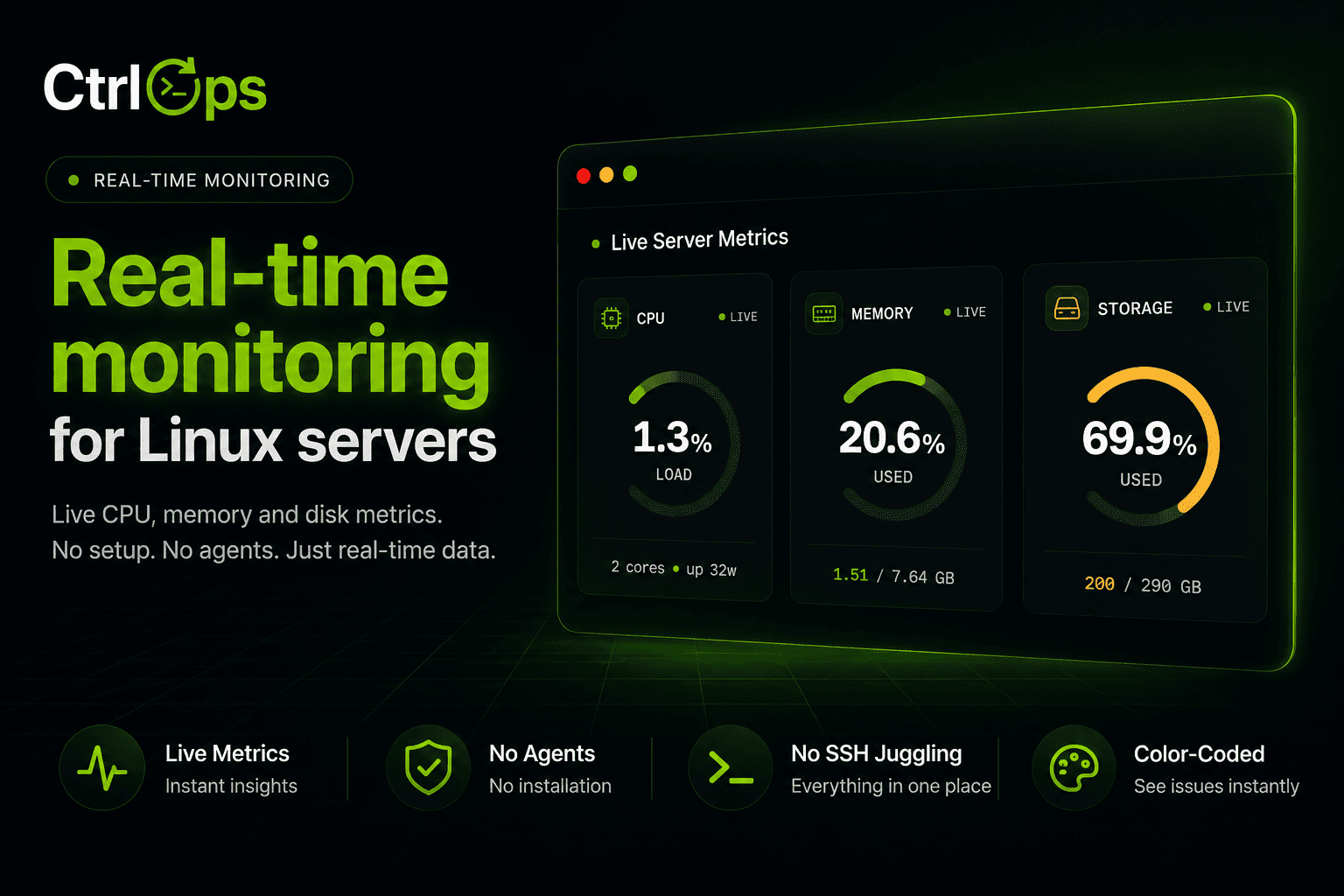
Real-Time Infra Monitoring
Live CPU, memory, disk, and network for every server, streamed as it happens.
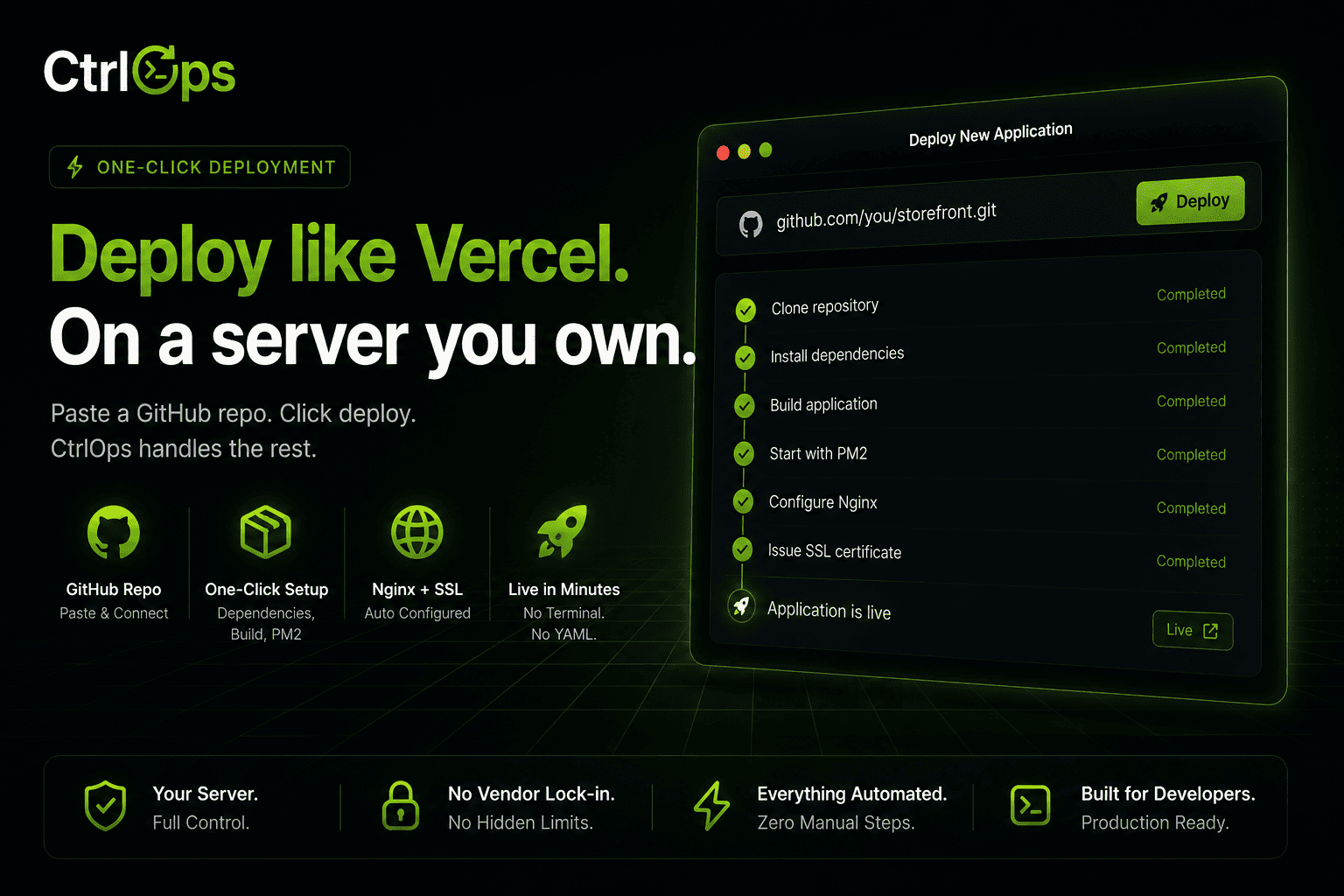
Single-Click Deployment
No scripts, no CI/CD setup. Fill one form and it goes live with PM2, Nginx, and SSL handled for you.
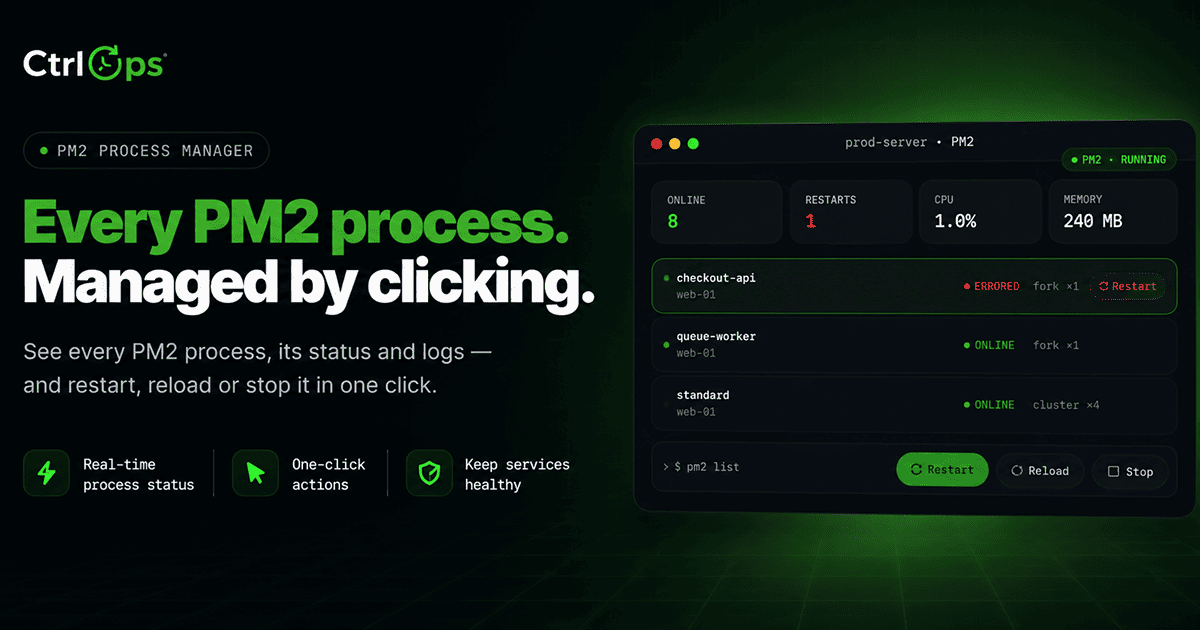
PM2 Process Manager
Every PM2 process with live CPU, memory, and restart counts. Restart, reload, or stop any of them in one click.
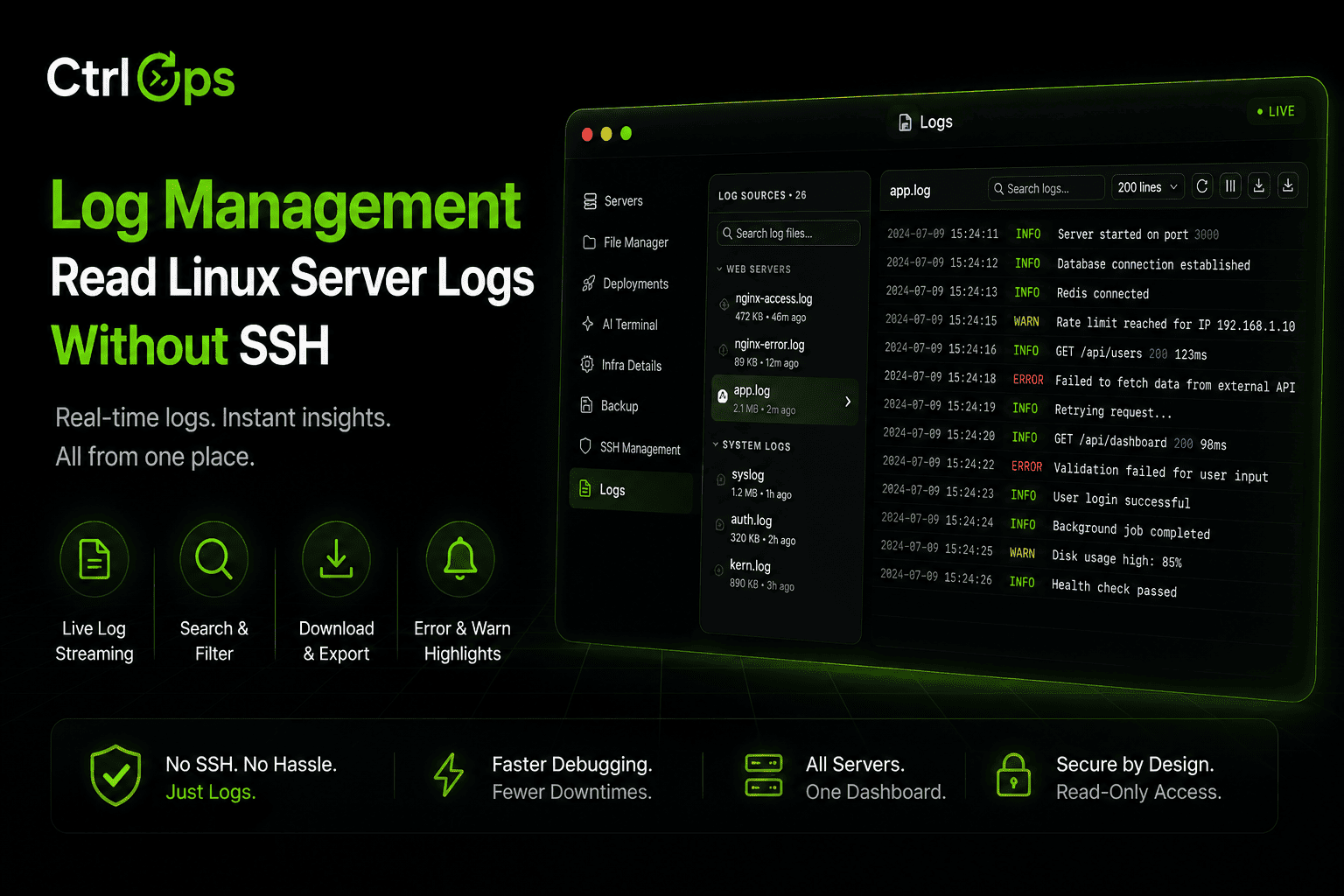
Log Management
Every log file on the server, found and grouped for you. Search it, tail it live, download it - no SSH.
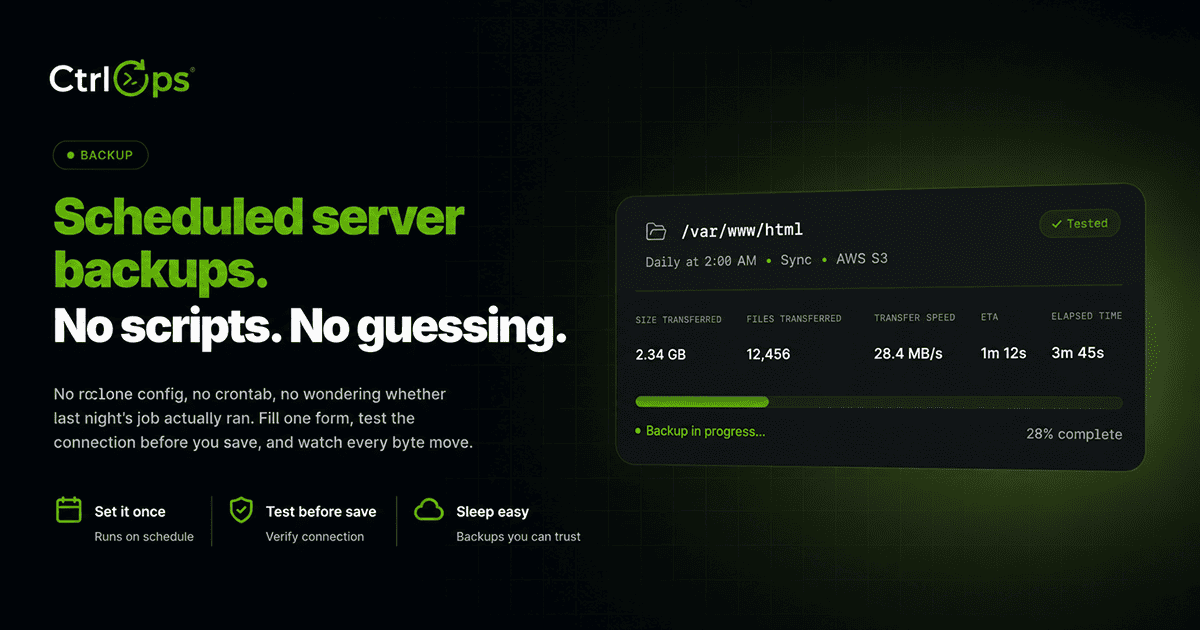
Backup
Scheduled copies of any folder to S3, without writing rclone configs or cron. Watch every run live.
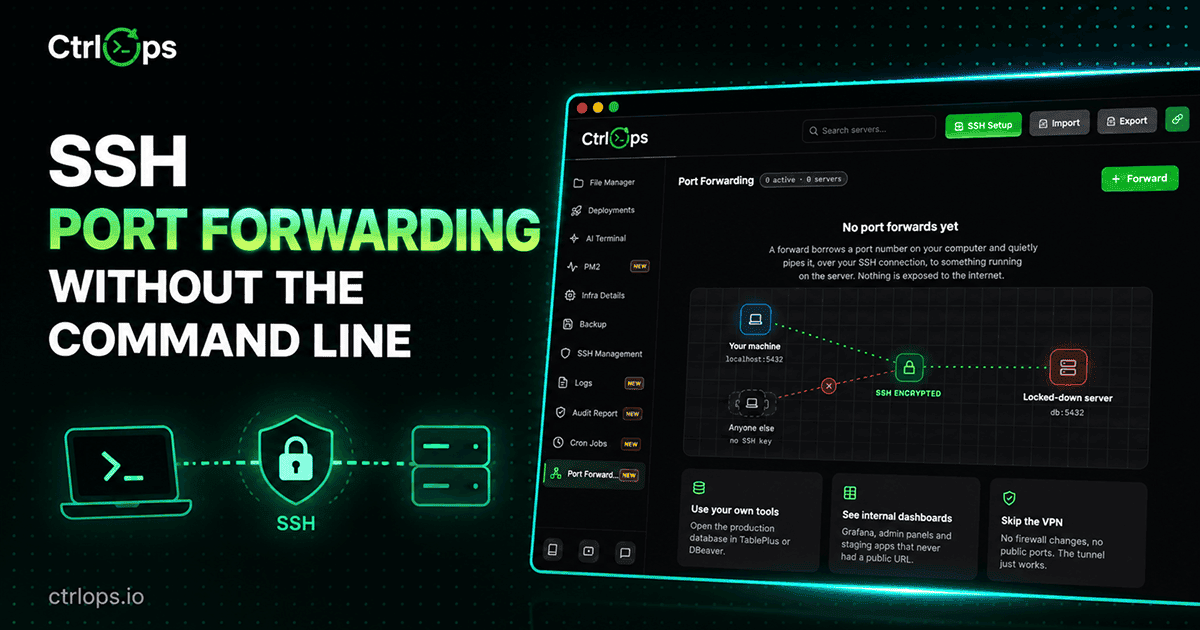
Port Forwarding
Reach a private database or an internal dashboard on your own machine, without opening a port or running a VPN.
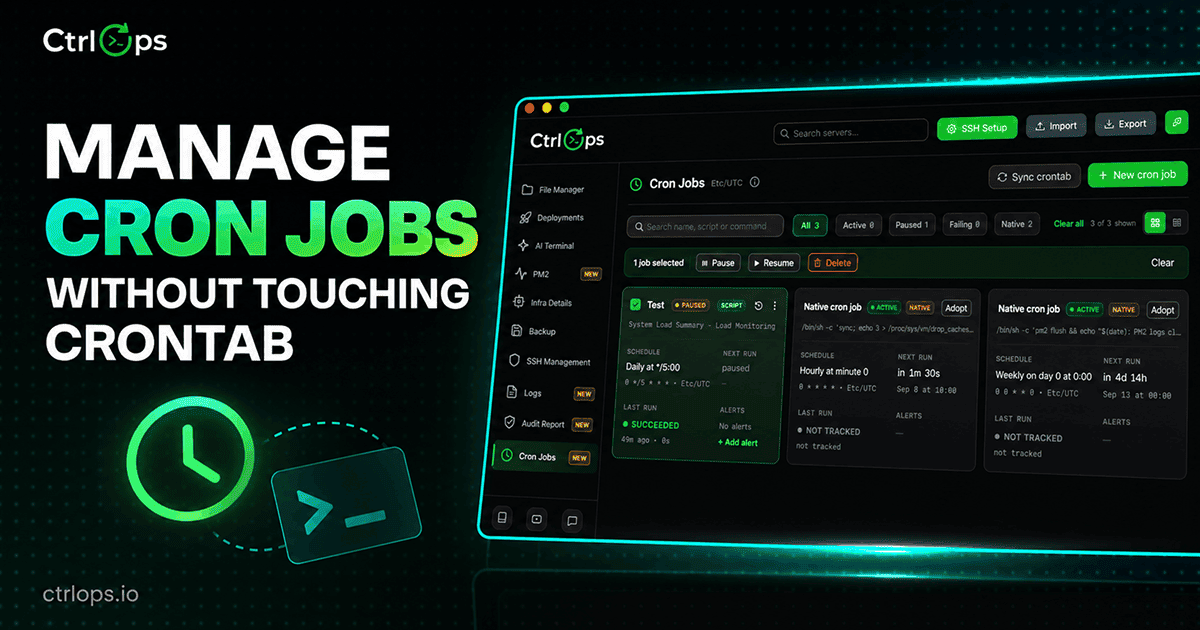
Cron Jobs
Schedule anything on a server without writing cron syntax, adopt the jobs already there, and get told the moment one fails.
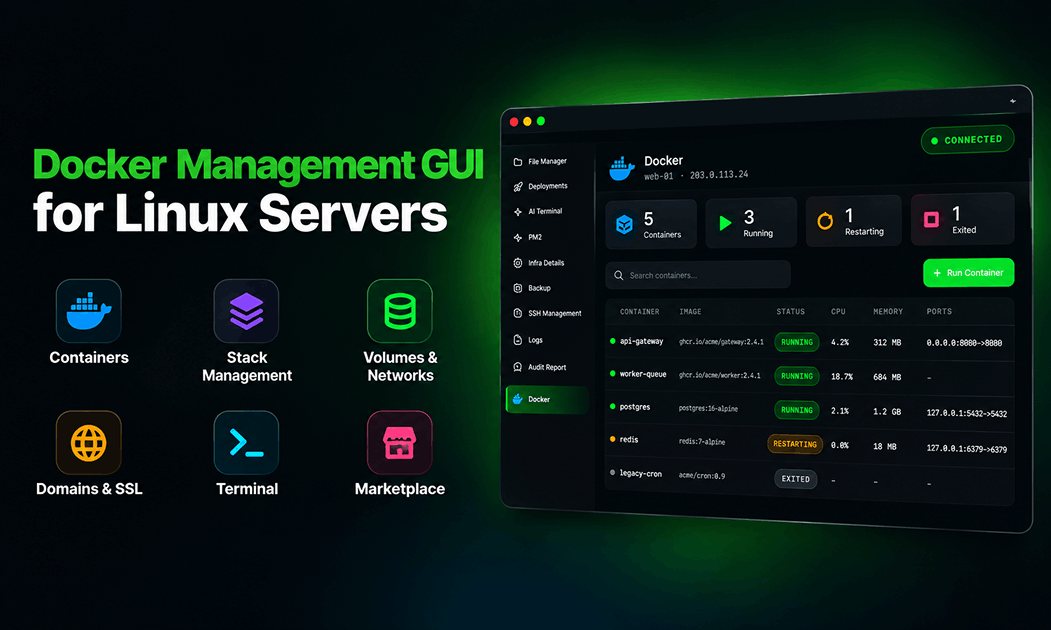 Soon
SoonDocker Manager
Every container on every server in one list, with nothing installed on the host. Logs, shells, and Compose stacks included.
Why teams pick CtrlOps
Every feature is built on the same foundation: your servers, your machine, no cloud in the middle. CtrlOps replaces a pile of terminals, SFTP clients, dashboards, and deploy scripts with one fast, local app. See the full case for switching.
- 100% Local & PrivateNo cloud, no telemetry. CtrlOps connects straight to your servers - credentials never leave your machine.
- Fast & LightweightBuilt with Tauri and Rust for native speed and a tiny memory footprint.
- One App, Zero Context-SwitchingServers, files, deploys, monitoring, and an AI terminal in a single window.
- Human in the LoopAI proposes, you approve. Nothing runs on your servers without a review.
Questions about what CtrlOps does
Not sure if CtrlOps covers your workflow? Start here.
Manage every server from one app
Download CtrlOps and connect your first server in under a minute. No cloud, no credit card.
✓ Start instantly·✓ No credit card·✓ No sneaky autorenewals