Private services. On your own machine.
A forward borrows a port on your computer and pipes it, over the SSH connection you already have, to something running on the server. No port is opened, no firewall rule changes, and nothing is exposed to the internet.
How it works
Step 01 - You
Pick.
Connect a server and a Port Forwarding tab appears in the sidebar. Click Forward and choose by outcome, not by flag: reach something on the server, share something on your machine, or route your browser through the box. Each one shows you where the traffic actually goes.
Step 02 - You
Point.
Name it, then fill in two ports: the one to open on your machine, and the one to reach on the other side. Click a service chip and the standard port fills itself in. The exact ssh command CtrlOps will run updates as you type, so a swapped pair is visible before you commit to it.
Step 03 - CtrlOps
Prove.
Test connection opens the tunnel and checks the far side answers, then tells you which side is wrong when it does not. Save it and it is a named row you start with one click, today and every morning after. Stop it and the access is gone, with nothing left to clean up.
Four of these leave something behind.
Reaching a private service is easy. Reaching it without quietly adding to the list of things somebody has to clean up later is the part that goes wrong.
| How you do it | What it costs you | Who else can reach it | What it leaves behind |
|---|---|---|---|
| Open the port to the internet | A firewall rule, and a security group | Everyone can reach it, not just you | An open port, until somebody remembers to close it |
| Allowlist your home IP | The same rule, edited every time your IP moves | Still exposed to anyone sharing that address | A stale rule for an IP you gave up months ago |
| Stand up a VPN | A server, a client on every laptop, and accounts | Access to a whole network, for one dashboard | Infrastructure you now maintain and pay for |
| Run ssh -L by hand | Recall the flag, the order, and both ports | Low, but the command lives in your shell history | A terminal window you cannot close |
| A saved forward in CtrlOps | Fill two fields once, then click Start | The port is on your machine, bound to loopback | Nothing. It closes when you disconnect |
The fourth row is not wrong, and plenty of good engineers live there. It is just the one where the tunnel is folklore: a command in somebody history, a terminal nobody can close, and no way to tell at a glance what is currently open.
This is the Port Forwarding tab. Nothing here is a video.
A working replica of the panel, with the same guards the real one has, including the one that tells you your own laptop is the thing holding the port.
Access that expires on its own.
The reason to reach for a forward is not that it is quicker. It is that it is the smallest thing you can grant, and the only one on the list that cleans up after itself.
One port, not a network
A forward carries exactly the port you named. Not the subnet, not the other services on the box, not anything you did not ask for. Compare that with a VPN credential, which is access to everything the network can see, handed out because somebody needed one dashboard.
Bound to one person key
The tunnel rides your SSH connection, so it inherits your identity and your authorisation. There is no second credential to create, share, rotate or leak, and revoking somebody SSH key revokes their forwards along with everything else in the same motion.
It ends by itself
Close the forward, or just disconnect, and the access is gone. Nothing stays listening, no rule is left in a firewall for somebody to find in six months, and there is no cleanup step that gets skipped. The access existed only while somebody was actually using it.
None of this is a CtrlOps invention. It is how SSH forwarding has always worked, and it is why the answer to "can you give me access to the database" was always a tunnel rather than a password. CtrlOps makes it a thing you keep instead of a thing you retype.
The moments this actually saves you.
Not a feature list. The times something you need is running on a server and is deliberately unreachable from where you are sitting.
The production database is not reachable from my laptop.
Open production Postgres in your own SQL client, as if it ran locally
It is bound to the server loopback, which is exactly right and exactly why you cannot reach it. A local forward opens that port on your machine instead, so TablePlus, DBeaver or pgAdmin connect to 127.0.0.1 and never learn that SSH was involved.
- Chips prefill the MySQL and Postgres ports
- Your own client, not a web console
- The server keeps listening on loopback
Just deploy it somewhere so I can show you.
Share the app running on your laptop with the server network
A remote forward runs the tunnel the other way, so a teammate on that network opens a port and reaches the branch you have not pushed yet. It is also how a webhook from a provider that cannot see your laptop arrives on it anyway.
- No deploy, no public URL
- Receive a webhook locally
- Binds to the server loopback by default
That command is in three people shell histories and one stale wiki page.
Every tunnel you use, named and grouped in one list
Saved once, a forward stops being folklore somebody has to remember and becomes a row anybody new can find. Start it, copy its command back out, edit it or delete it from the row, and read at a glance which of them are running.
- Grouped, searchable, counted per group
- Start, copy, edit or delete from the row
- Or paste an ssh command in to create one
Everything a tunnel needs that a command does not have.
The forwarding itself is standard SSH. What is not standard is knowing it works before you rely on it, and still having it tomorrow morning.
Pick the outcome, not the flag
Nobody remembers whether it is -L or -R, and getting it backwards is the classic way to spend twenty minutes on a tunnel that was never going to work. Choose reach, share, or browse, and CtrlOps writes the flag and the port order for you.
Find out before you depend on it
Test connection opens the tunnel and checks the far side answers, then says which side is wrong when it does not. A green result means the tunnel reached the port. It does not promise the app behind that port is healthy, and it says so.
Stop looking up ports
One click fills in the standard port for the thing you are actually reaching.
There before you look
Tick a box and the tunnels you open every morning come up with the app. Nothing reconnects a dropped forward for you, so keep it to the ones you actually use.
Bring the one you have
Paste the ssh line from your shell history and it becomes a saved forward, with a name anybody on the team can find.
A tunnel you keep, not a network you join.
This is the honest version of the boundary. Port Forwarding is where you reach one thing, deliberately, for as long as you need it. It is not a replacement for a VPN, it is not always-on, and it never claims to be either.
What it does
- Opens a port on your machine that reaches a service behind the server firewall.
- Publishes something running on your machine to the server network.
- Runs a SOCKS5 proxy so your browser behaves as if it were on the server.
- Saves each tunnel with a name and a group, and starts or stops it in one click.
- Tests a forward before you save it, and says which side failed when it does.
- Imports a raw ssh -L, -R or -D command you already have.
What it does not
- It does not reconnect itselfA forward lives on the SSH connection underneath it. If that connection drops, because the network changed or the server went away, the tunnel goes with it and nothing retries. You reconnect and click Start. If you need a tunnel that survives on its own, that is what autossh and a systemd unit are for.
- It is not a VPNOne port, for one person, for as long as the tunnel is up. There is no network-wide routing, no split tunnelling, and nothing a whole team shares. When a team genuinely needs broad access to a whole private network, use Tailscale, WireGuard, or your cloud provider VPN.
- It does not give you a public URLA remote forward reaches the server own network, not the internet. Nobody outside gets a link. If what you want is a shareable https address pointing at your laptop, that is ngrok or Cloudflare Tunnel, and it is a different trade with a different threat model.
- It does not start the serviceA forward carries traffic to something. If nothing is listening on the far side, the tunnel is fine and the far side is not. Check the process is actually running from the PM2 tab or the AI Terminal before you blame the forward.
It runs over the SSH connection you already have, so nothing is installed on the server and nothing is opened on it. A remote forward binds to the server own loopback, and widening that needs GatewayPorts in sshd_config, which is a deliberate server-side decision. See how CtrlOps handles SSH, or the Port Forwarding documentation for every control in detail.
More you can do with CtrlOps.
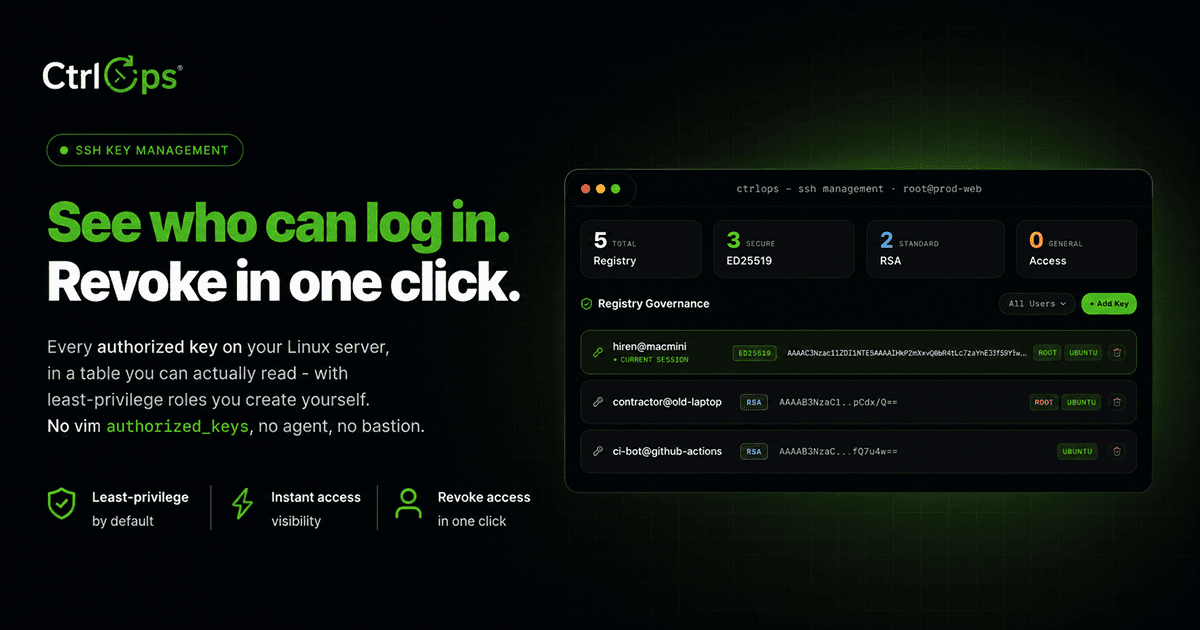
SSH Management
Manage SSH keys, configs, and connections per server, all from one place - no ~/.ssh/config editing.
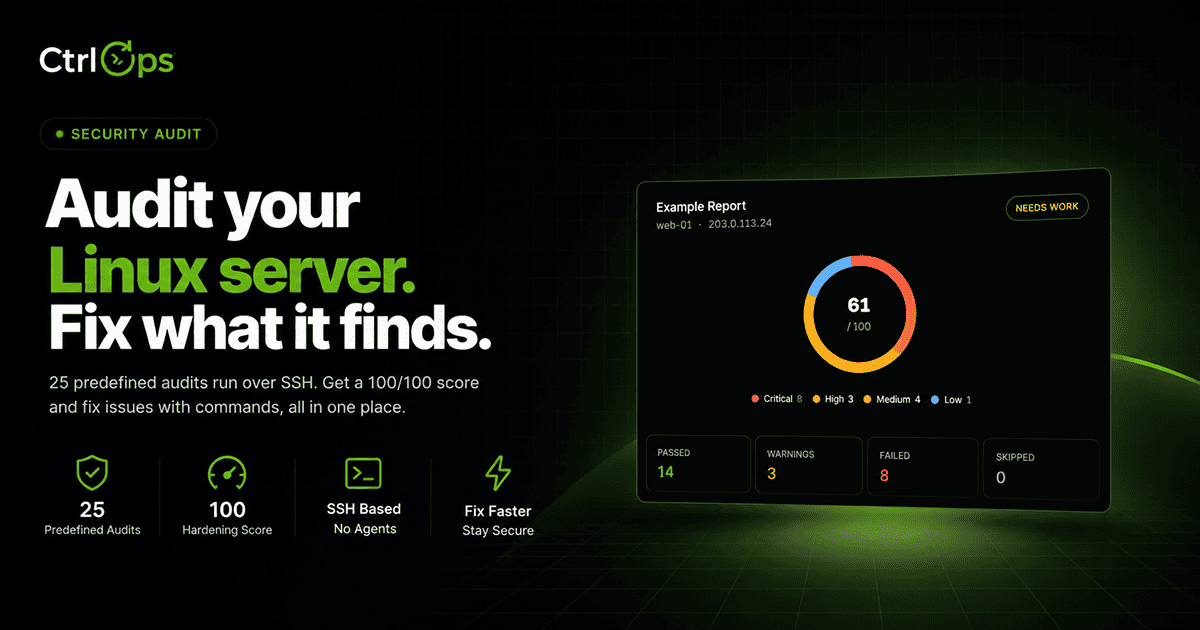
Security Audit
Run 25 security audits over SSH for a hardening score and a PDF report, then fix findings with approval-gated AI.
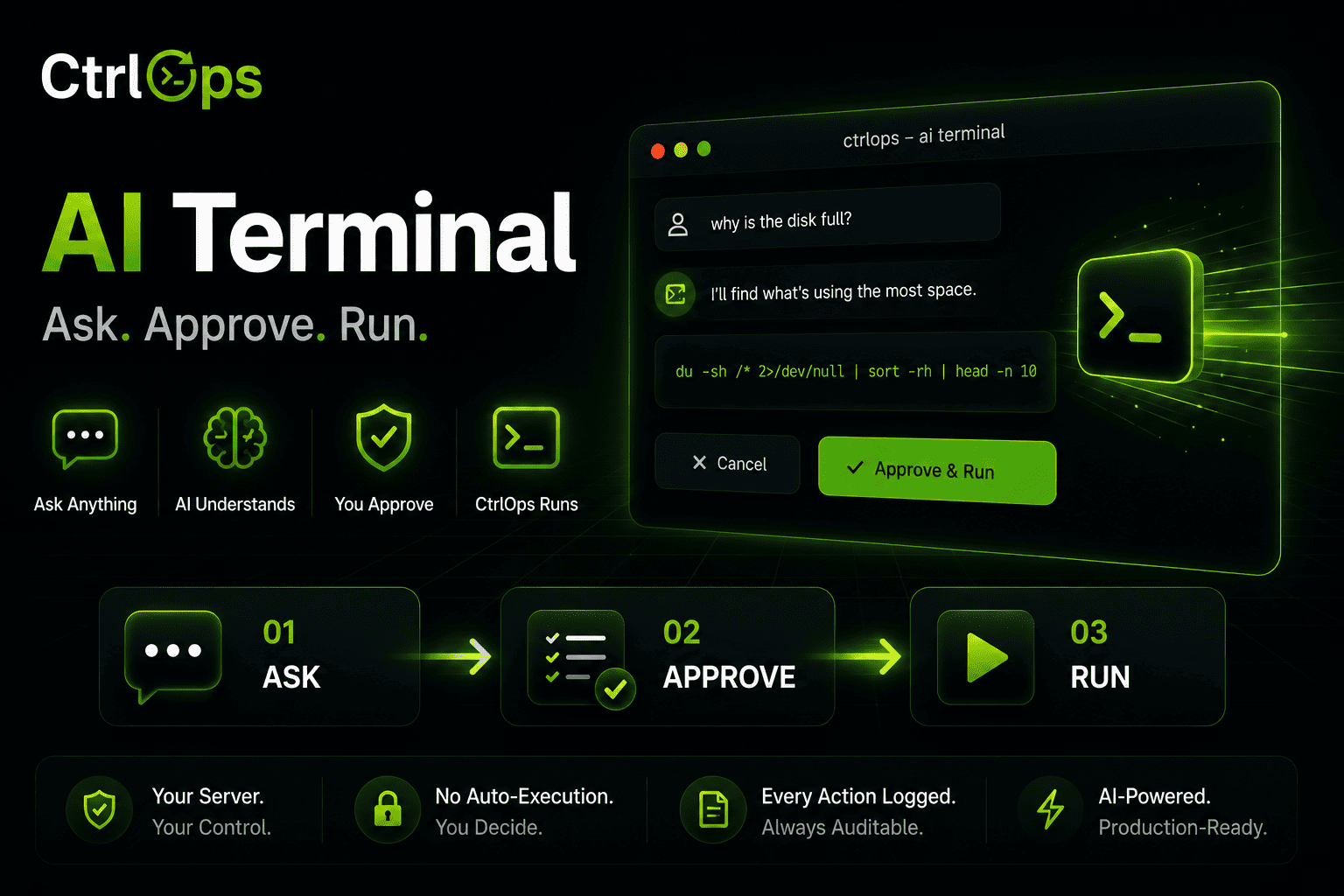
AI Terminal
Describe what you need in plain English. Review and approve every command before it runs.
Questions people ask before opening a tunnel.
Your private services, one click away.
Save every tunnel you use as a named forward, test it before you trust it, and start it without opening a terminal. Free for a month, no credit card.
✓ Start instantly·✓ No credit card·✓ No sneaky autorenewals