Every log on your server. Found for you.
No ssh. No hunting for the right path under /var/log. CtrlOps scans the box, groups every log file it finds, and you click the one you need. Search it, tail it live, download it.
How it works
Step 01 - CtrlOps
Finds.
Open the Logs tab and it scans the server itself. Every log file, grouped by what produced it.
Step 02 - You
Read.
Click one. It opens in the viewer - search it, pull more history, no SSH session.
Step 03 - It
Follows.
Hit Follow and new lines stream in as your server writes them.
Which file was it? How far back?
Both sides are chasing the same 502 on a checkout endpoint. Left: ssh in, ls /var/log, tail 200 lines of bot noise, grep, find nothing, tail 500 instead, then go hunting for the PM2 logs. Right: click the log, type 500. Watch which one is still typing.
This is the Logs tab. Go on, drive it.
A working copy, wired to a real little model of a server. Scan it and watch the log files turn up. Open one, search it, pull more history, follow it live. It fails where the real thing fails, on purpose.
Nothing scanned yet. CtrlOps has not touched the server.
Saved once, listed every time you come back.
Try auth.log to see how it fails when the user you connect as cannot read the file. Everything here is one server at a time - there is no fleet-wide search, and nothing is shipped anywhere.
The moments this actually saves you.
Not a feature list. The situations where you do not have a logging problem so much as a find-the-log problem, and what changes in each one.
You open four logs to find the one that moved.
Twenty-eight log files, and the two that changed in the last five minutes
CtrlOps scans the box and lists every log it finds, grouped by what produced it, each stamped with its size and how long since anything was written to it. The one touched three minutes ago is where your problem is.
- Scanned, not guessed at
- Grouped by what wrote them
- Sorted by what actually moved
grep found nothing, so you assume it did not happen.
Raise the line count and the 502 you were hunting is right there
The viewer opens on the last 200 lines, and search only looks at what is loaded. If the thing you want is older, pull 500, 1000 or 5000 and search again. Knowing that is the difference between not there and not loaded yet.
- Search instead of grep
- 200, 500, 1000 or 5000 lines
- It tells you when a match is deeper
Production breaks, so you SSH in and start digging by hand.
Stop hand-hunting the problem before you can start fixing it
Open the Logs tab and the files are already listed. Click the one that moved, read it, and take the line straight to the AI Terminal when it points at something real. No session to open first.
- No SSH session to open
- No path to remember
- Hand the error line to the AI
tail -f, and an SSH session you have to keep alive to hold onto it.
Watch it go wrong as it happens, with no session to babysit
Click Follow and new lines stream in as the server writes them, so you can watch something break instead of refreshing after the fact. Click again to stop. Nothing is shipped anywhere to make it work.
- Live tail in the viewer
- No session to keep open
- Nothing leaves the server
Everything you used to do in four commands.
Search instead of grep, a dropdown instead of tail -n, one click instead of scp. Plus the two things worth knowing before you use them.
Type in the box, not in a shell
Filter a log down to the lines you care about instead of re-running grep every time the pattern changes. Worth knowing: search only looks at the lines currently loaded in the viewer, so if the line you want is older, raise the line count first.
200 lines, or 5000
The viewer opens on the last 200 lines, which covers most “what just happened” checks. Need more history? Pick 500, 1000, or 5000 from the dropdown instead of running tail -n again with a bigger number.
The whole file, not the screen
One click saves the entire log to your machine, not just the lines currently loaded. That is the one you want when you are handing a log to a teammate or attaching it to a bug report.
Clear it, reclaim the disk
A log that has been growing for months eats real space. Clear truncates it on the server, after a confirm step. It is permanent and cannot be undone - download the file first if there is any chance you will want it.
Found the error. Now what?
Copy the error line out of a log and paste it into the AI Terminal. Explaining a stack trace and suggesting the fix is exactly what it is good at.
SSH in, dig through logs, find the problem.
Nobody was prompted to describe the log hunt. It is just what people say the old way felt like, once they have stopped doing it.

A few months ago I found CtrlOps while looking for a better way to manage servers. As a developer I mostly focus on building features, but whenever a production issue showed up I'd SSH into servers, dig through logs, and manually find the problem - time-consuming. After using CtrlOps for the past few months, troubleshooting and managing servers has become much faster. I spend less time hunting for issues and more time on development. If you're a developer who also handles DevOps work, give CtrlOps a try - it quietly saves hours without you realizing it.

The AI-assisted debug loop for Linux servers is something we've wanted at RetainSure for a while. Chasing down intermittent issues across multiple EC2 instances usually means a lot of context switching between logs, metrics, and SSH sessions.
The one-click server actions caught my attention. Being able to manage users, PM2 processes, and logs without writing commands could save a lot of repetitive work.
They go nowhere. That is the feature.
Every other way to read your logs starts by copying them somewhere else. An agent on every box, a pipeline, an index, a retention bill. CtrlOps reads the file where it already is.
Nothing is installed
No agent, no collector, no sidecar, no daemon holding a file handle open. CtrlOps opens an SSH session, reads the file, and closes it. The box you are debugging is exactly as it was before you looked.
Nothing is shipped
Your logs carry customer IPs, session tokens and stack traces with real data in them. They never leave your server except onto the screen in front of you. There is no index of them anywhere, so there is no index of them to breach.
Nothing is retained
Close the tab and there is no copy. No retention window to configure, no storage tier to age out, no bill that grows with how noisy your app got last month. The log lives on your server and stays there.
What this is not
This is a log viewer, not a log platform. The words "log management" usually mean something much bigger, so it is worth being blunt about where the edges are:
- No aggregation. One server at a time, not one pane over a fleet.
- No indexing or retention. You see what is in the file, not a searchable history of it.
- No alerting. It will not page you when a pattern shows up - you go and look.
- No rotated or gzipped archives. It reads the current file.
If you need centralised logs across a fleet, with history and alerting on top, use Loki or ELK - they are good at it and this is not trying to be. CtrlOps is for the other ninety percent of the time: the server is right there, something is wrong, and you want to read the file without opening a terminal to do it. When the log points at something real, take the line to the AI Terminal or check Infra Monitoring to see whether the box was under load when it happened.
More you can do with CtrlOps.
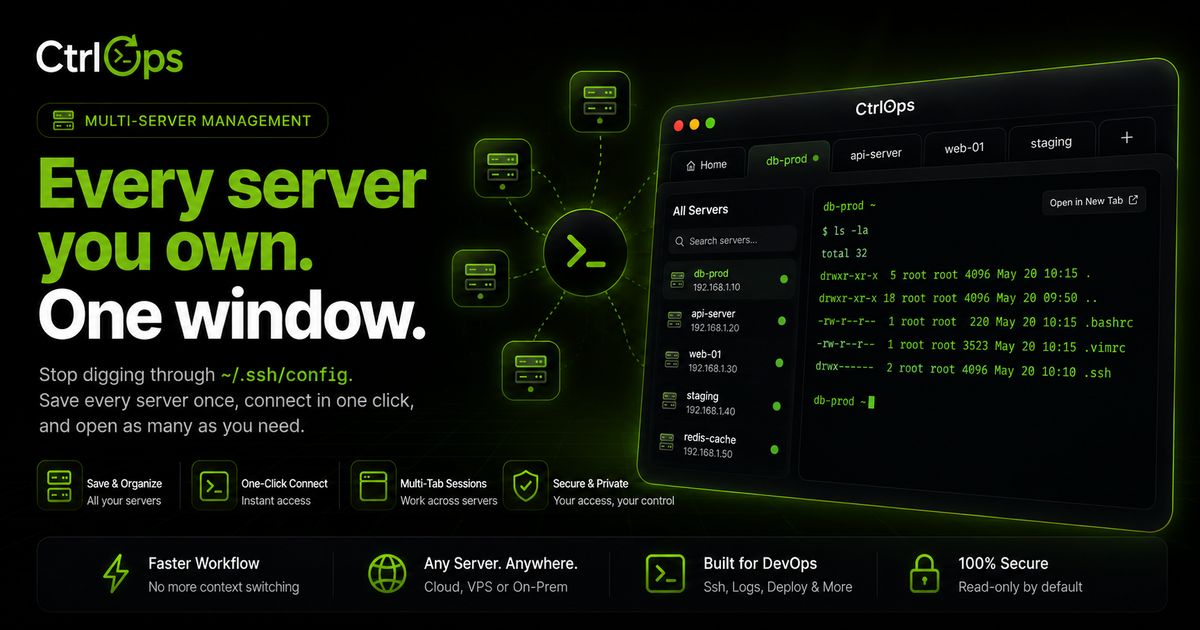
Multi-Server Management
Your whole fleet in one app. Switch servers by alias, forget IPs, and never lose your place.
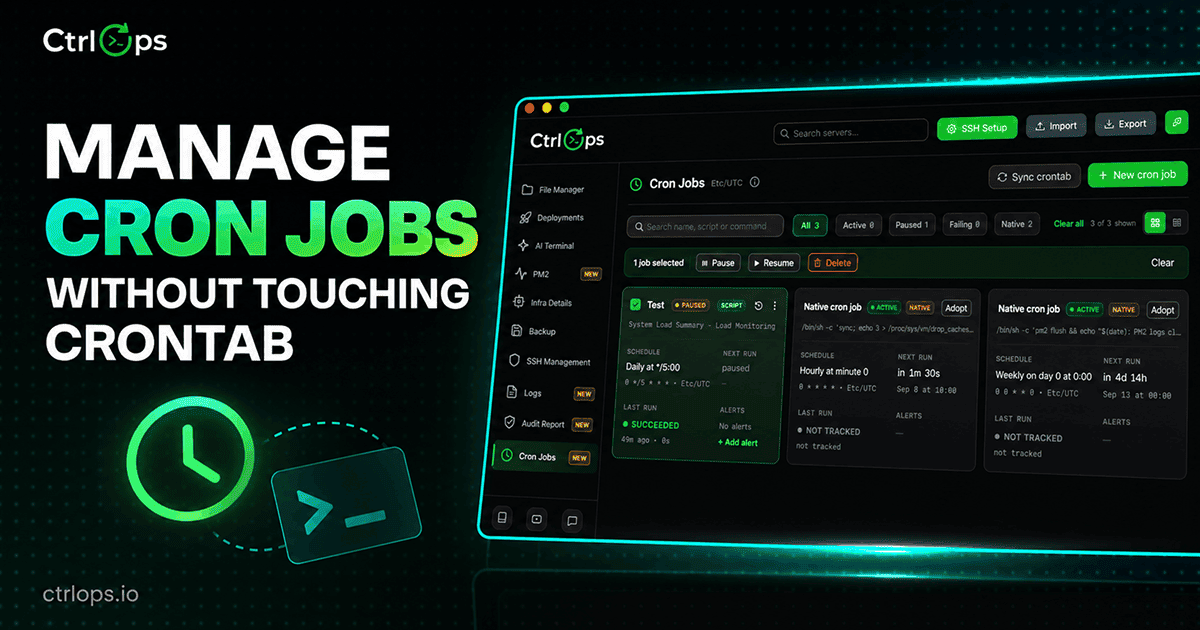
Cron Jobs
Schedule anything on a server without writing cron syntax, adopt the jobs already there, and get told the moment one fails.
 Soon
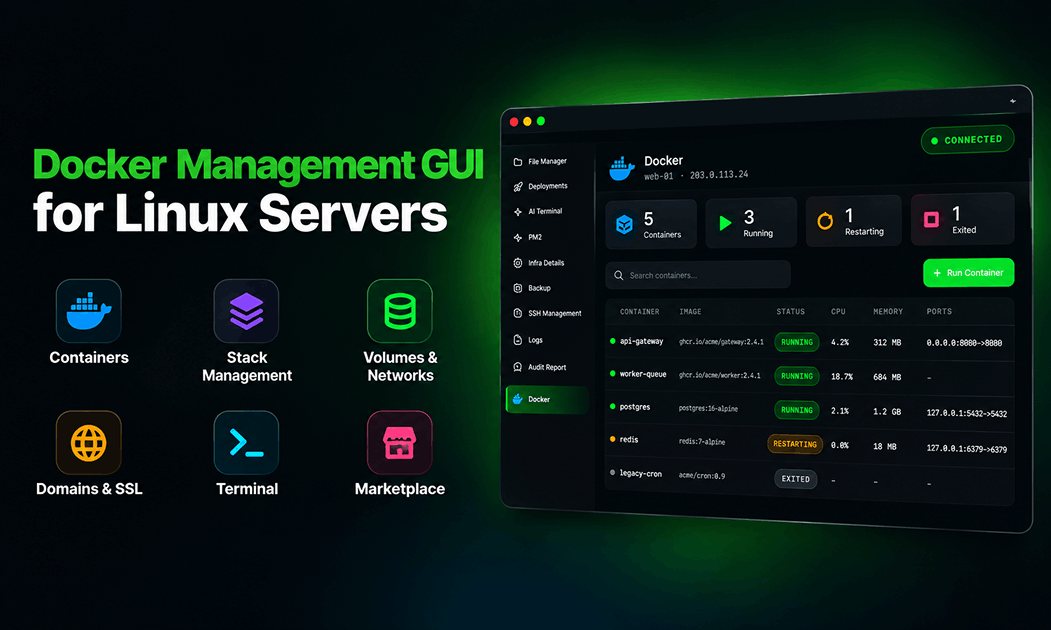
SoonDocker Manager
Every container on every server in one list, with nothing installed on the host. Logs, shells, and Compose stacks included.
Questions before the next incident.
Stop hunting for the log file.
Connect a server and CtrlOps lists every log on it in seconds. Search it, tail it live, download it. 1-month free trial, no credit card.
✓ Start instantly·✓ No credit card·✓ No sneaky autorenewals