Docker Management GUI for Linux Servers
Portainer makes you run an agent container on every server you want to see. CtrlOps reads Docker over the SSH connection you already have, so a box you can reach is a box you can manage. Containers, logs, shells and Compose stacks, in the app you already use for the rest of the server.
Running
3
Restarting
1
Exited
1
Reclaimable
4.1 GB
| Container | Image | Status | CPU | Memory | Ports |
|---|---|---|---|---|---|
| api-gateway | ghcr.io/acme/gateway:2.4.1 | running12d | 4.2% | 312 MB | 0.0.0.0:8080->8080 |
| worker-queue | ghcr.io/acme/worker:2.4.1 | running12d | 18.7% | 604 MB | - |
| postgres | postgres:16-alpine | running31d | 2.1% | 1.2 GB | 127.0.0.1:5432->5432 |
| redis | redis:7-alpine | restarting4s | 0.0% | 18 MB | 127.0.0.1:6379->6379 |
| legacy-cron | acme/cron:0.9 | exited | - | - | - |
Read over your existing SSH session. Nothing installed on web-01.
Docker Manager is not in the current build. Fourteen other features have shipped, and the free trial gets you all of them today.
Release status
Status
In active development
Target release
CtrlOps v2.0
Current build
v1.1.5, shipped Sep 2026
Docker Container Management has been on the public roadmap since before this page existed, and every release before it is listed in the changelog. No date is promised here, because a date we miss is worth less than a version we hit.
Eight commands to restart one container.
None of these commands are hard. That was never the problem. The problem is that every question costs another round trip, the id has to be carried by hand between them, and the whole sequence starts again on the next server.
- 01
$ ssh deploy@203.0.113.24Server one of four. - 02
$ docker psNine columns wrapped across three lines each. - 03
$ docker ps --format "{{.Names}}\t{{.Status}}"Re-run it, because the first one was unreadable. - 04
$ docker logs --tail 200 a3f9c21b4e77Copy the id by hand. Hope it is the right one. - 05
$ docker logs -f a3f9c21b4e77Now the terminal is busy. Open another tab. - 06
$ docker exec -it a3f9c21b4e77 shNo bash in the image. Try sh. - 07
$ docker restart a3f9c21b4e77Did it come back? Run docker ps again to find out. - 08
$ exit && ssh deploy@203.0.113.61Server two of four. Start over.
Multiply by four servers. Now do it again tomorrow, from memory, while something is down.
The usual fix is to install something that watches Docker for you. Which raises the question this page is actually about: what do you have to put on the server to get a screen?
A Docker UI that installs nothing on your server.
Every other way to get a screen in front of Docker asks you to put something on the host first: an agent container, an exposed port, a second set of logins to manage. That is a fine trade when you run a platform. It is a lot of ceremony for four servers and a Compose file.
| Portainer | Docker Desktop | lazydocker / ctop | CtrlOps v2.0 | |
|---|---|---|---|---|
| Installed on the server | An agent container per host | Nothing, it is local only | The binary, on every host | Nothing |
| How it reaches the engine | Its own agent, over a port you open | The local Docker socket | The local socket, after you SSH in | Your existing SSH session |
| Another login to manage | Yes, Portainer has its own users | No | No | No, your SSH key is the auth |
| Many servers in one view | Yes, once every agent is deployed | No | No, one terminal per host | Yes |
| Rest of the server in the same app | No, containers only | No | No | Yes - files, logs, PM2, cron, monitoring |
| Where credentials live | In the Portainer instance you host | On your machine | On your machine | On your machine, never on ours |
Portainer is a good product and this is not a claim that it is not. It is a claim about a trade: it manages containers thoroughly and asks for an agent to do it, while CtrlOps manages the whole server and reaches Docker through the connection it already has. If you run a container platform, take the agent. Read the longer version of that argument on the why CtrlOps page, or see how the same agentless model already works for live monitoring and PM2.
What Docker Manager will actually do.
Four areas, decided and in build. This list is the release scope, not a wish list - if something is not here, it is not in v2.0.
Containers, logs and shells
Every container on every connected server in one list, with the columns you keep re-running docker ps to get.
- Name, image, state, uptime, published ports, live CPU and memory
- Start, stop, restart and remove from the row
- Stream logs live, search them, download them
- Open a shell inside a running container in one click
Compose stacks, as stacks
A Compose project is one thing, so it is shown as one thing rather than as five unrelated containers that happen to share a prefix.
- Compose projects on the server detected and grouped by stack
- Up, down and restart the whole stack, or one service in it
- Read and edit the compose file in place
- Per-service state and logs without leaving the stack view
Images, volumes, networks
- Image list with real sizes and tags, pull and remove
- Dangling images and stopped containers surfaced with the disk they hold
- Volumes and networks inspectable without docker inspect
Registry, build and redeploy
- Connect a registry and pull a tag
- Redeploy a container onto a new tag
- Build from a Dockerfile already on the server
The AI Terminal, already there
- Describe a container problem in plain English
- Every command shown for approval before it runs
- This one is not waiting for v2.0 - it works today
The afternoons this gives back.
Not a platform team running a cluster. The people who have a handful of servers with containers on them, and no good screen to look at.
SSH into four servers just to find out which containers are up.
Every container on every server, in one list
Four boxes running Compose stacks means four terminals and four rounds of docker ps, usually before you have even found the one that is broken. Docker Manager will list them together, already sorted by state, so the restarting one is the first thing you see instead of the thing you go looking for.
- One list, every server
- State and uptime at a glance
- No agent to deploy first
Copying container ids by hand to read a log that scrolls past.
Click the container, read the log
A container that keeps restarting tells you why in the last few lines before each restart, and getting to them currently costs a docker ps, a copied id and a docker logs with the right tail length. Clicking the row will do it, and the log will keep streaming while you read it instead of locking up the terminal you needed.
- Live log stream
- Search and download
- Shell into the container
Five containers listed separately when they are obviously one app.
A stack you can bring up and down as one thing
A Compose project is one application, and docker ps shows it as five unrelated rows that happen to share a name prefix. Docker Manager will group them back into the stack they belong to, with the compose file readable and editable in place, and up, down or restart applying to the whole thing or to one service in it.
- Grouped by project
- Whole-stack actions
- Edit the compose file in place
Finding out a server is out of space because of images nobody pruned.
See what Docker is holding before it becomes an incident
Old images, dangling layers and stopped containers quietly take a disk down, and the usual discovery method is a deploy failing at 6pm. The image list will show real sizes with reclaimable space called out, so pruning is something you decide to do rather than something you are forced into.
- Real image sizes
- Reclaimable space surfaced
- Prune without the flags
A Docker manager, not an orchestrator.
The honest version of the boundary, written before the thing ships rather than discovered afterwards. Docker Manager is where you see and drive the containers already on your servers. It is not a cluster scheduler, it is not a build service, and it never claims to be either.
What v2.0 will do
- Lists every container on every connected server, with live CPU, memory, state and ports.
- Starts, stops, restarts and removes a container from its row.
- Streams container logs live, and opens a shell inside a running container.
- Groups Compose projects as stacks, and brings a whole stack up or down.
- Lists images with their real sizes, pulls tags, and reclaims the disk dangling ones hold.
- Pulls from a connected registry and redeploys a container onto a new tag.
What it is not
- It is not Kubernetes, and it will not become itNo clusters, no pods, no manifests, no Helm. Docker Manager talks to the Docker engine on a server you can SSH into, which is a different job from scheduling workloads across a cluster. If you are on Kubernetes, you want Lens, k9s or the dashboard, and none of them is what this is trying to be.
- It does not schedule or place containersNo Swarm services, no replicas, no deciding which host something should run on. A container belongs to the server it was created on. This manages what is there and what you tell it to start, and that is the whole scope.
- It does not build or host images for youA build runs on your server from a Dockerfile already on it, using the Docker daemon on that server. There is no cloud build service and no registry of ours. Your images live in your registry, which is the same lock-in answer the rest of CtrlOps gives.
- It does not alert you when a container diesNo notifications, no PagerDuty, no on-call. The panel shows what is happening while you are looking at it. If you need to be told at 3am that a container is crash-looping, that is a monitoring platform with alerting, and this is not one.
- It does not keep container historyLive CPU and memory only. You cannot look back at what a container did last Tuesday or compare this week against last. Retained time-series for containers is an APM, and Datadog, Grafana with cAdvisor, or Prometheus do it properly.
It will run over the SSH connection you already have, so nothing is installed on the server and uninstalling CtrlOps leaves your containers exactly as they were. That is the same boundary every other module keeps - see how CtrlOps connects.
You do not have to wait for all of it.
The dedicated panel is what lands in v2.0. But three of the things you came here for already work, in the build you can download right now.
Run docker commands by describing them
The AI Terminal takes "the old images are filling the disk, clean them up" and writes the prune command, then shows it to you for approval before anything runs. It already has the server, the logs and the container config in view at once, which is most of why it is useful on a container problem.
AI TerminalShippedAudit your Docker hosts for misconfiguration
Docker is one of the four categories in the Security Audit, alongside Server, Database and Web Servers. It checks the daemon and socket exposure, privileged containers, volume permissions and image provenance, then hands you a hardening score and a PDF.
Security AuditFree, no accountValidate a compose file before it breaks a deploy
The YAML Validator lints docker-compose files in the browser with schema checks and warnings, alongside Kubernetes and GitHub Actions. Nothing is uploaded and nothing is stored.
YAML ValidatorHear about it before it lands.
One email before Docker Manager launches in v2.0. No newsletter, and your address is never sold or shared.
More you can do with CtrlOps.
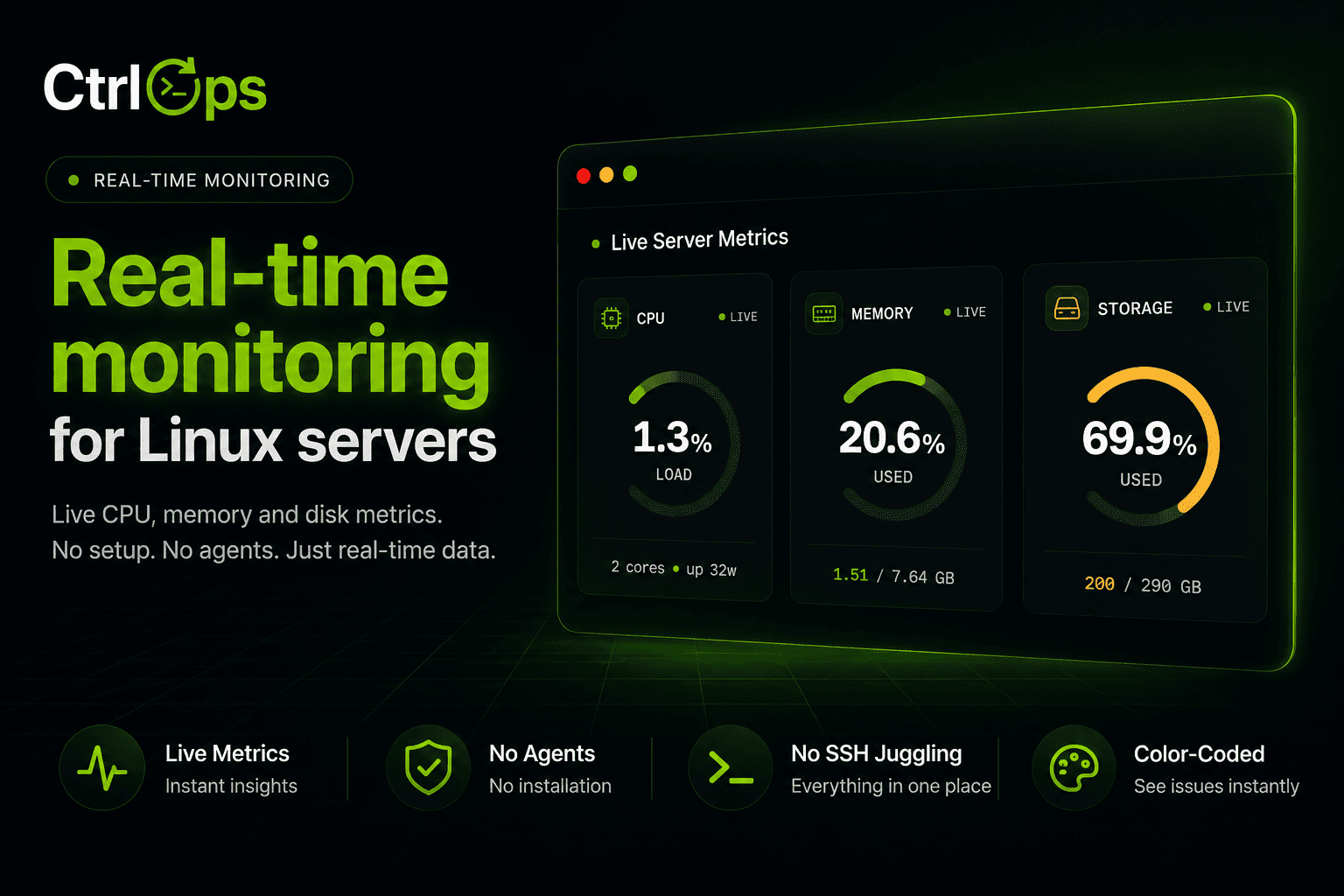
Real-Time Infra Monitoring
Live CPU, memory, disk, and network for every server, streamed as it happens.
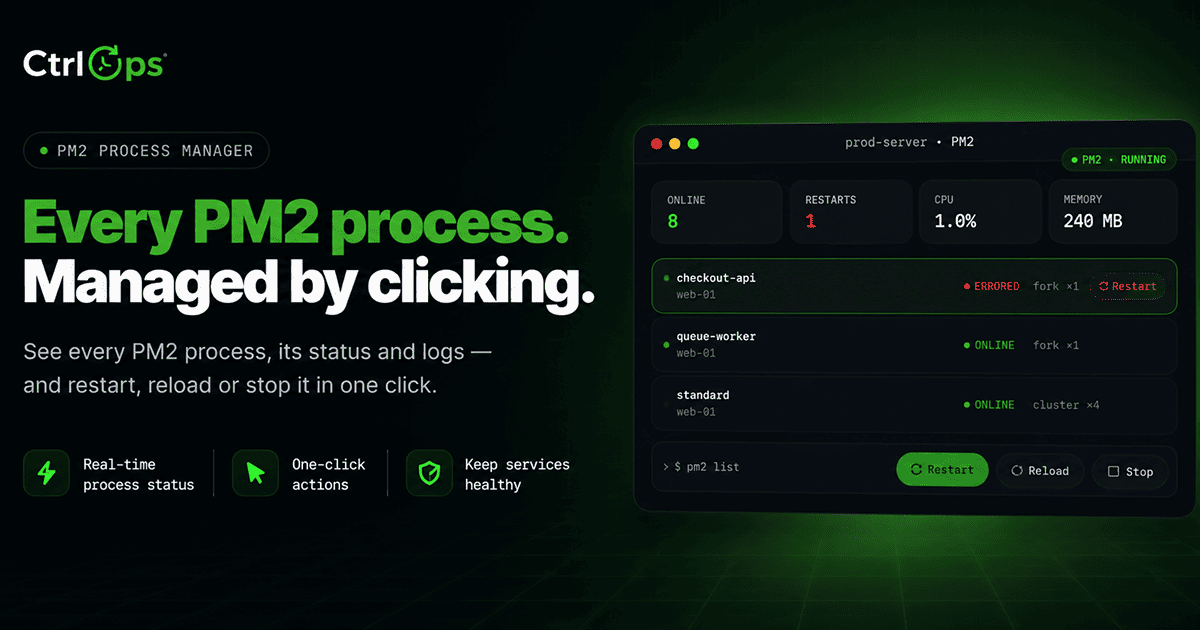
PM2 Process Manager
Every PM2 process with live CPU, memory, and restart counts. Restart, reload, or stop any of them in one click.
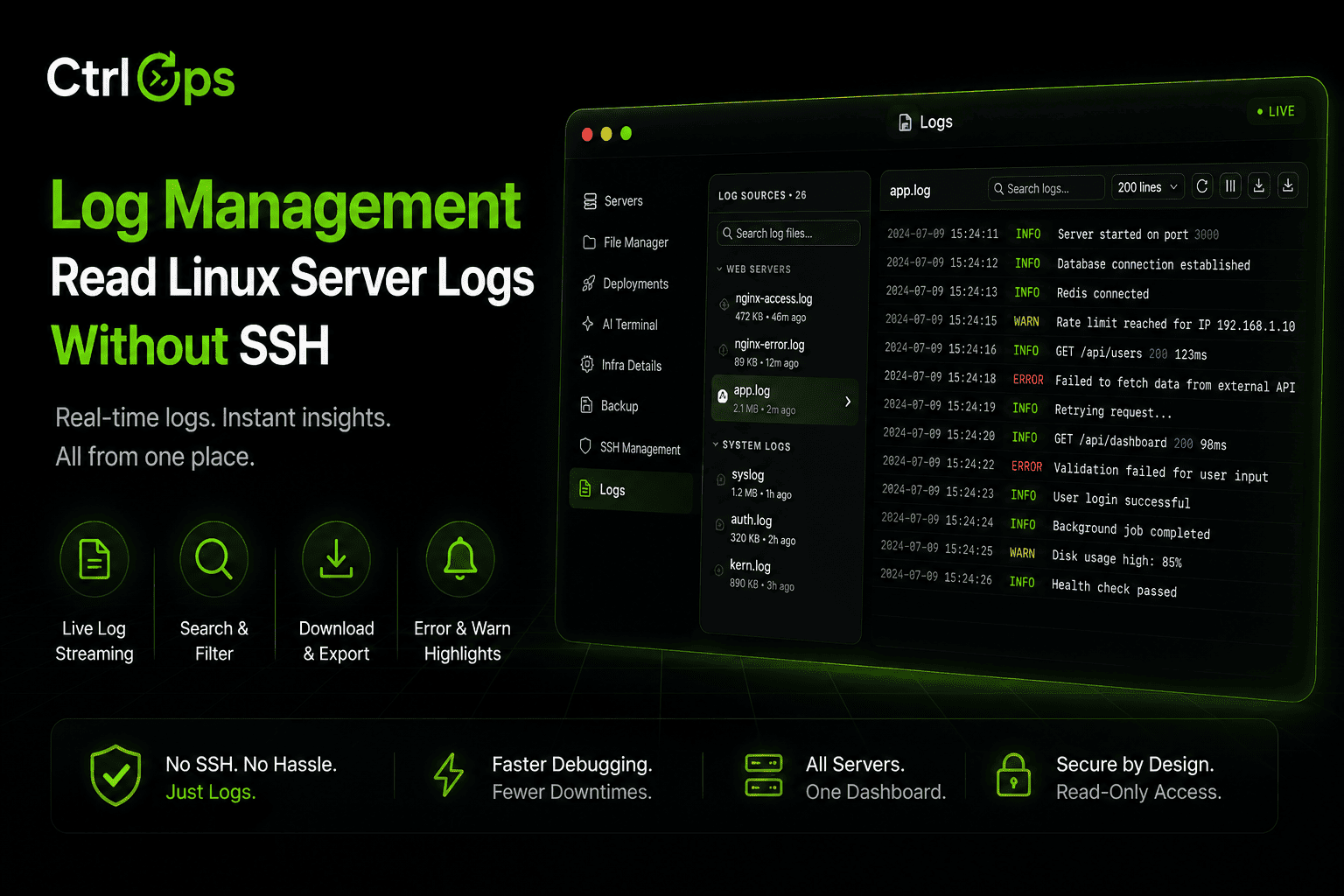
Log Management
Every log file on the server, found and grouped for you. Search it, tail it live, download it - no SSH.
Questions before you join the list.
Docker is coming. The other fourteen are here.
Connect a server and you get live monitoring, an AI terminal, file management, PM2, logs, cron and a security audit that already checks your Docker hosts. Docker Manager joins them in v2.0. 1-month free trial, no credit card.
✓ Start instantly·✓ No credit card·✓ No sneaky autorenewals