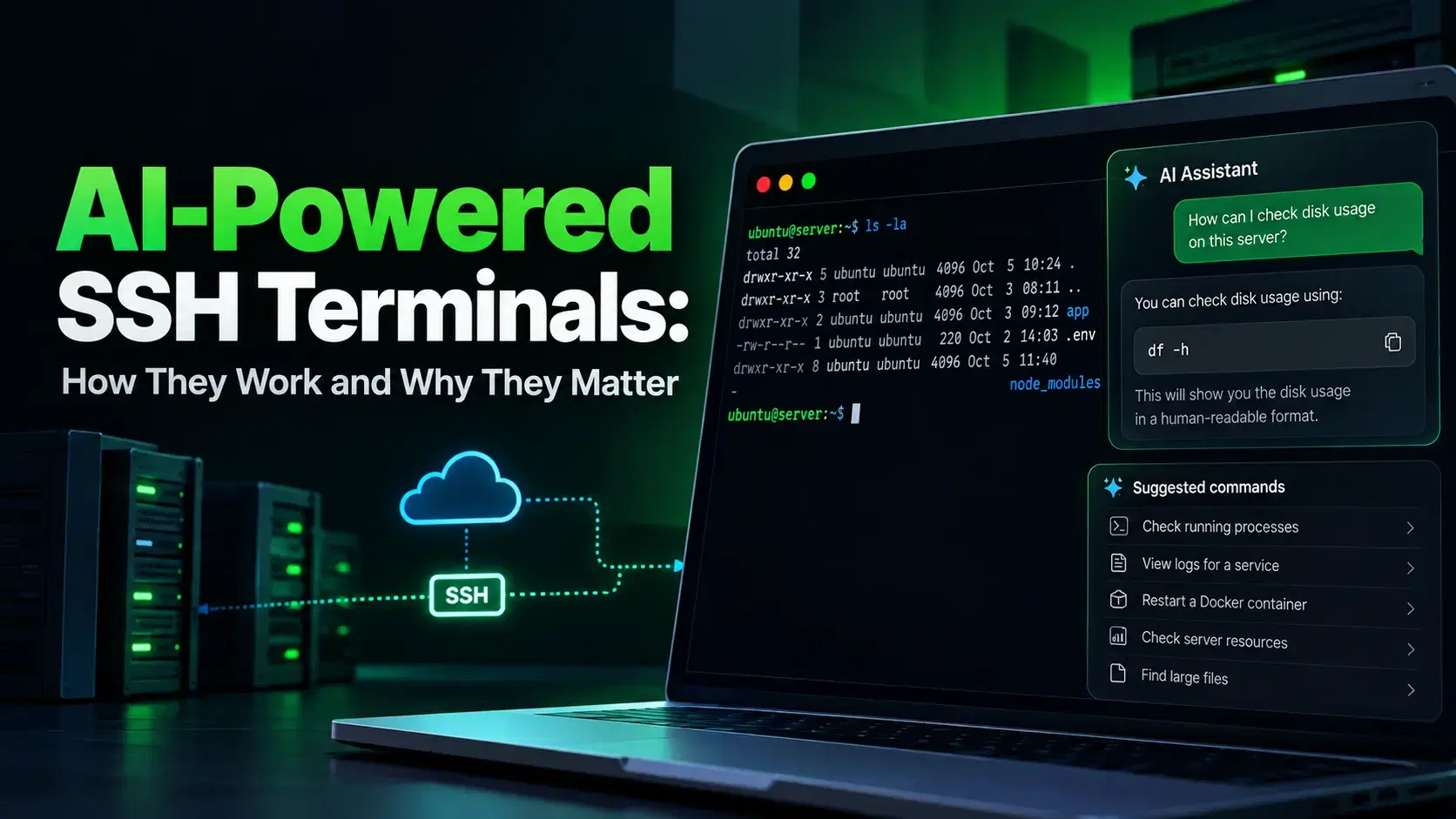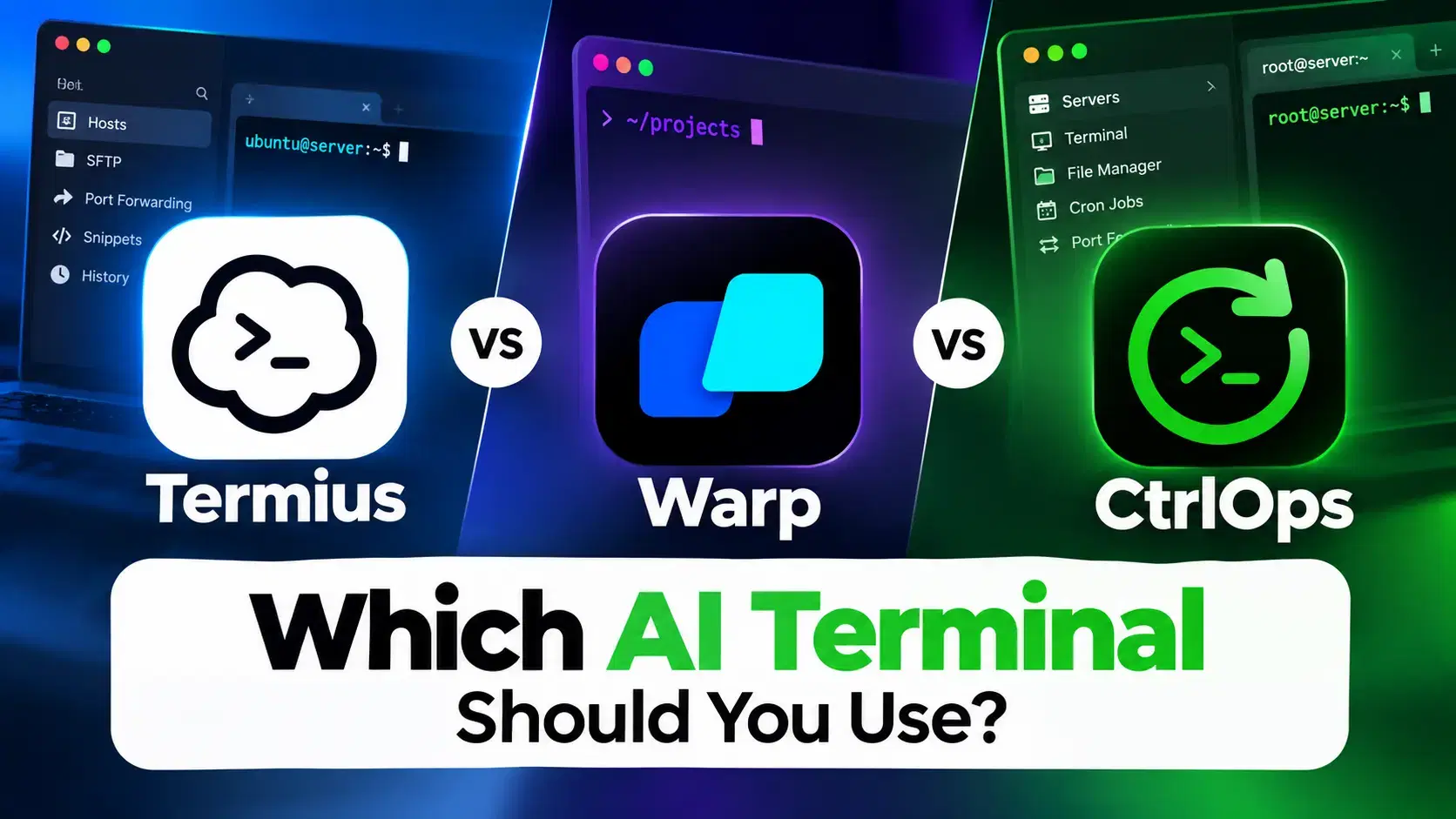
Three AI terminal tools now handle server management through natural language: Termius AI suggests commands inside your SSH session, Kiro CLI runs as an autonomous agent on the server, and CtrlOps runs AI on your desktop and sends only approved commands to the server.
The key difference is where the AI runs. That decision affects your security footprint, compliance posture, and how much manual work remains. If you want the four-step loop every AI terminal follows before comparing vendors, start with how AI-powered SSH terminals work. Here is how all three compare across real deployment tasks.
AI Terminal Approaches for Server Management
Three AI terminals, three different architectures. The right choice depends on how much automation you need and where you want the AI to run.
| Capability | Termius AI | Kiro CLI | CtrlOps |
|---|---|---|---|
| Command generation from natural language | Yes | Yes | Yes |
| Multi-step autonomous execution | No (beta only) | Yes | Yes |
| Runs outside the server | No | No | Yes |
| Live web search for current docs/CVEs | No | No | Yes |
| No software installed on server | Yes | No | Yes |
| Step-by-step approval with explanations | No | No | Yes |
| Post-execution summary | No | No | Yes |
| BYOK AI model | No | No | Yes |
| MCP server integration | No | Yes | Yes |
| Mobile access | Yes | No | No |
| Pricing | Free AI autocomplete; Pro from $10/mo | Free tier (50 credits); Pro $20/mo | $7/mo, Free trial |
Prefer to watch instead? We ran all three side by side on real server tasks - the full comparison in under 7 minutes:
How Does Termius AI Handle Server Management?
Termius AI converts plain English into shell commands inside an active SSH session. Type "show me nginx logs" and Termius generates the right command instantly.
No syntax memorization needed for tools like grep, find, or journalctl.
The suggestion appears inline with a risk label and a run count, but you still press enter yourself and you still run the next command yourself.
What works well:
- Converts plain English to terminal commands inside the active session
- Works on desktop and mobile with credential sync across devices
- No additional software installed on your servers
- Trusted SSH client with years of stability
Where it falls short for server management:
-
No error recovery.
-
Single-command only.
-
No live web search.
-
AI Agent not publicly available yet.
If those gaps are what sent you looking, we ranked the best Termius alternatives against the same server workflows.
How Does Kiro CLI Handle Server Management?
Kiro CLI takes a different approach entirely. Instead of suggesting commands, it acts as a full AI agent that executes entire workflows from a single prompt.
A request like "Install Docker first, then run Nginx using Docker" triggers the complete process automatically.
Kiro asks for permission before each critical operation, then handles sub-steps on its own. If a permission error occurs, it adds sudo and retries without asking.
A single "install nginx" prompt becomes a chain of shell calls. Kiro notices the stale package list, runs apt-get update first, and reports back that nginx 1.28.3 is installed and enabled on boot. Fast, but every one of those commands ran on the server before you saw it.
Kiro is built and operated by AWS. The CLI brings agentic AI into the terminal with support for custom agents, MCP servers, and tools like bash execution, file system access, and AWS service integration. You can create specialized agents for different workflows: DevOps, code review, or debugging.
What works well:
- Executes complete multi-step workflows from a single prompt
- Asks permission before critical operations (installing packages, running containers)
- Handles permission errors automatically by adding
sudoand retrying - Custom agent configurations for scoped tool access and permissions
- MCP server support for external integrations (AWS Terraform MCP, EKS MCP)
- Automates infrastructure-as-code generation, CI/CD pipelines, and Kubernetes deployments
Where it falls short for server management:
-
Runs directly on the server.
-
Requires AWS CLI, Python, Terraform, and kubectl installed on the server.
-
Permission without explanation.
-
No live web search.
How Does CtrlOps Handle Server Management?
CtrlOps runs as a desktop application on your machine, not on the server. The AI processes requests locally and sends only approved commands through your SSH connection.
No AI runtime, no dependency stack, no agent software on production servers.
Ask "check memory and CPU" and the AI plans the steps. Every command stops at an approval gate first, showing a read/write indicator and a plain-English reason for why it is needed. Nothing touches the server until you approve it.
CtrlOps costs $7/month per user with unlimited servers. Every account starts with a 1 month free trial, no credit card required. It supports macOS (Apple Silicon + Intel), Windows, and Linux.
What works well:
- Each command shows the exact code, read/write indicator, and plain-English explanation. You approve each step individually.
- Post-execution summary after completing all steps
- Live web search through Tavily, Brave, or DuckDuckGo for current CVEs, package versions, and security advisories
- MCP server integration with Context7, GitHub, Filesystem, and custom servers
- Node.js deployment drops from 30-45 minutes to 5 minutes
Where it falls short for server management:
-
No mobile app.
-
No Kubernetes or container orchestration.
-
No serverless support.
What Does an AI Terminal for Server Management Need?
An AI terminal for server management needs five things to be production-ready: natural language command generation, multi-step workflow execution, operation outside the server's attack surface, pre-execution transparency, and access to live security advisories.
Most tools in 2026 nail the first capability. The real differences show up in the other four.
The 2025 Verizon DBIR found that vulnerability exploitation as an initial access vector grew 34% year-over-year. Unnecessary server-side software is a measurable risk, not a theoretical one.
Why Does It Matter Where the AI Runs?
Where the AI runs determines your security footprint and blast radius. A desktop-first architecture keeps AI off production servers. An agent-on-server approach gives the AI the same access level as your SSH session.
When AI runs on the server, it has access to files, environment variables, secrets, and services. Every dependency (CLI tools, runtimes, libraries) widens the attack surface. When AI runs on your desktop, the server receives only the commands you approve.
For freelancers managing client servers under NDAs, agencies handling production across multiple clients, and startups where the same person writes code and manages servers, this distinction directly affects what you can promise clients about infrastructure security.
Which AI Terminal Approach Should You Choose?
Choose Termius AI if you want AI command suggestions inside a familiar SSH client.
You already know what to do and want faster syntax generation. You value mobile access and cross-device credential sync. Termius fits engineers who prefer full manual control. For a feature-by-feature breakdown against CtrlOps, see CtrlOps vs Termius.
Choose Kiro CLI if you need full agent automation and are comfortable with AI running on your infrastructure.
You are in the AWS ecosystem and want agents that generate Terraform scripts, manage EKS clusters, and automate CI/CD pipelines. The server-side dependency footprint is acceptable for your use case.
Choose CtrlOps if you want end-to-end automation that keeps servers clean.
You need every command explained with individual step-by-step approval, live web search for current security advisories, and local-only credential storage.
You manage multiple servers without losing control and value transparency without sacrificing speed.
Conclusion
AI is becoming essential for server management in 2026. But when it interacts with production infrastructure, automation without visibility becomes a liability.
Termius AI keeps things safe with single-command generation. Kiro CLI delivers powerful agent automation at the cost of a server-side software footprint. CtrlOps combines multi-step automation with a desktop-first architecture that requires individual approval for every command and checks current security advisories through live web search.
If your team values keeping AI off production servers while maintaining human oversight, a desktop-first architecture offers the strongest balance between automation and control.
An AI terminal for server management lets you manage remote servers using natural language instead of memorized shell commands. You describe what you need ("install Nginx and configure it as a reverse proxy") and the AI generates the commands. Some tools only suggest commands. Others execute complete multi-step workflows automatically.
Safety depends on the architecture. Tools that run AI agents directly on the server give the agent the same access as your SSH session, increasing the attack surface. Desktop-first tools like CtrlOps run the AI locally on your machine, sending only the commands you approve through the SSH connection. No AI runtime or dependencies are installed on the server.
CtrlOps runs as a desktop application on macOS, Windows, or Linux. The AI processes your request locally, generates a step-by-step execution plan, and waits for approval on each step. Only approved commands travel to the server through the SSH connection. No AI software or credentials are installed on or synced to the server.
Termius announced an AI Agent in May 2026 that can connect to infrastructure and execute commands across multiple terminals. This feature is in closed beta. Termius also offers Gloria, a cloud-based DevOps agent for infrastructure tasks. The publicly available AI feature is Autocomplete, which suggests commands but does not execute multi-step workflows.
Kiro CLI is an AI-powered terminal tool built by AWS. It brings agentic AI into the terminal with support for custom agents, MCP servers, and bash execution. The agent runs directly on the server where Kiro is installed, requiring dependencies like AWS CLI, Python, and Terraform on the infrastructure.
Yes. CtrlOps includes live web search with Tavily, Brave, and DuckDuckGo. Ask the AI to check whether the software version you are installing has known CVEs. It searches current security advisories before continuing. Server commands still go through the approval gate regardless of search results.
CtrlOps costs $7/month per user with unlimited servers, with a 1 month free trial and no credit card required. Termius offers free AI autocomplete with Pro plans starting at $10/month (billed annually). Kiro CLI offers a free tier with 50 credits and Pro starting at $20/month.
Skip AI terminals if you manage a single personal server with occasional updates. The overhead is not worth it. Also skip them for container orchestration (use kubectl or Lens), serverless deployments (use provider CLIs), or if your workflow is entirely infrastructure-as-code with tools like Terraform or Pulumi.
Yes. Kiro CLI and its dependencies (AWS CLI, Python, Terraform, kubectl) need to be installed on each server you manage. This gives the agent deep access to the server's files, software, and system resources. Some teams are not comfortable with this level of access on production servers.