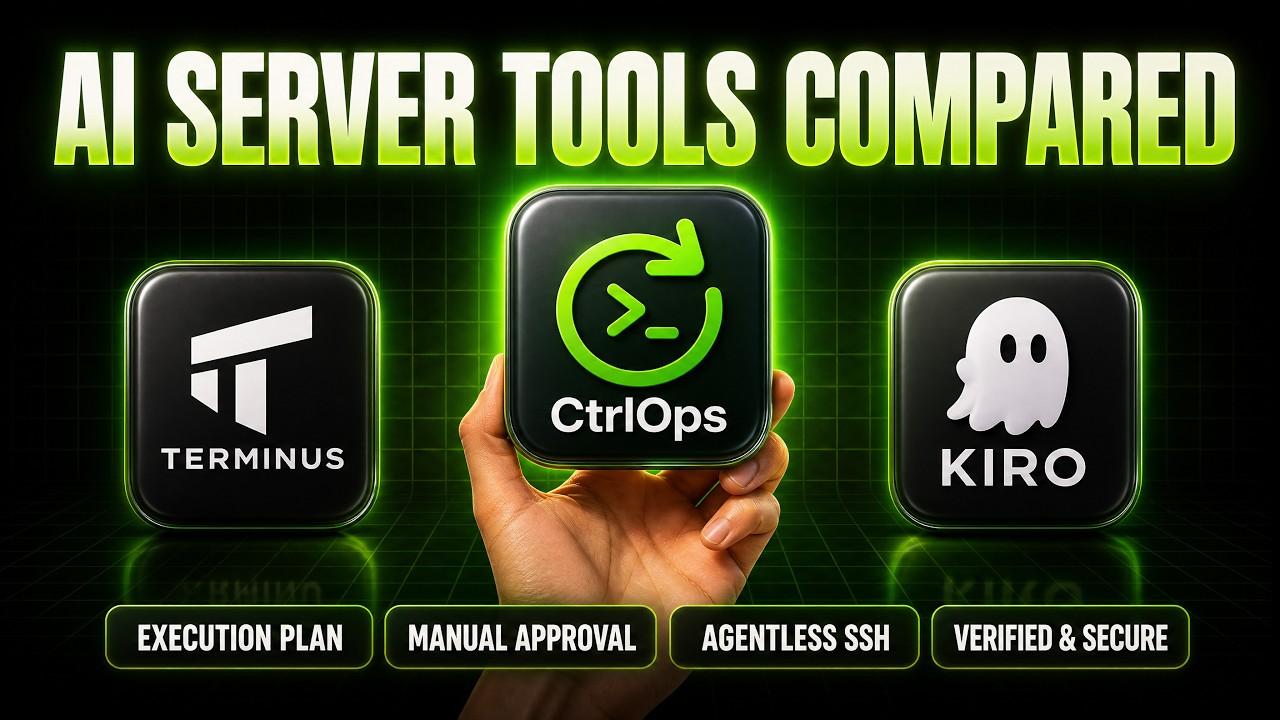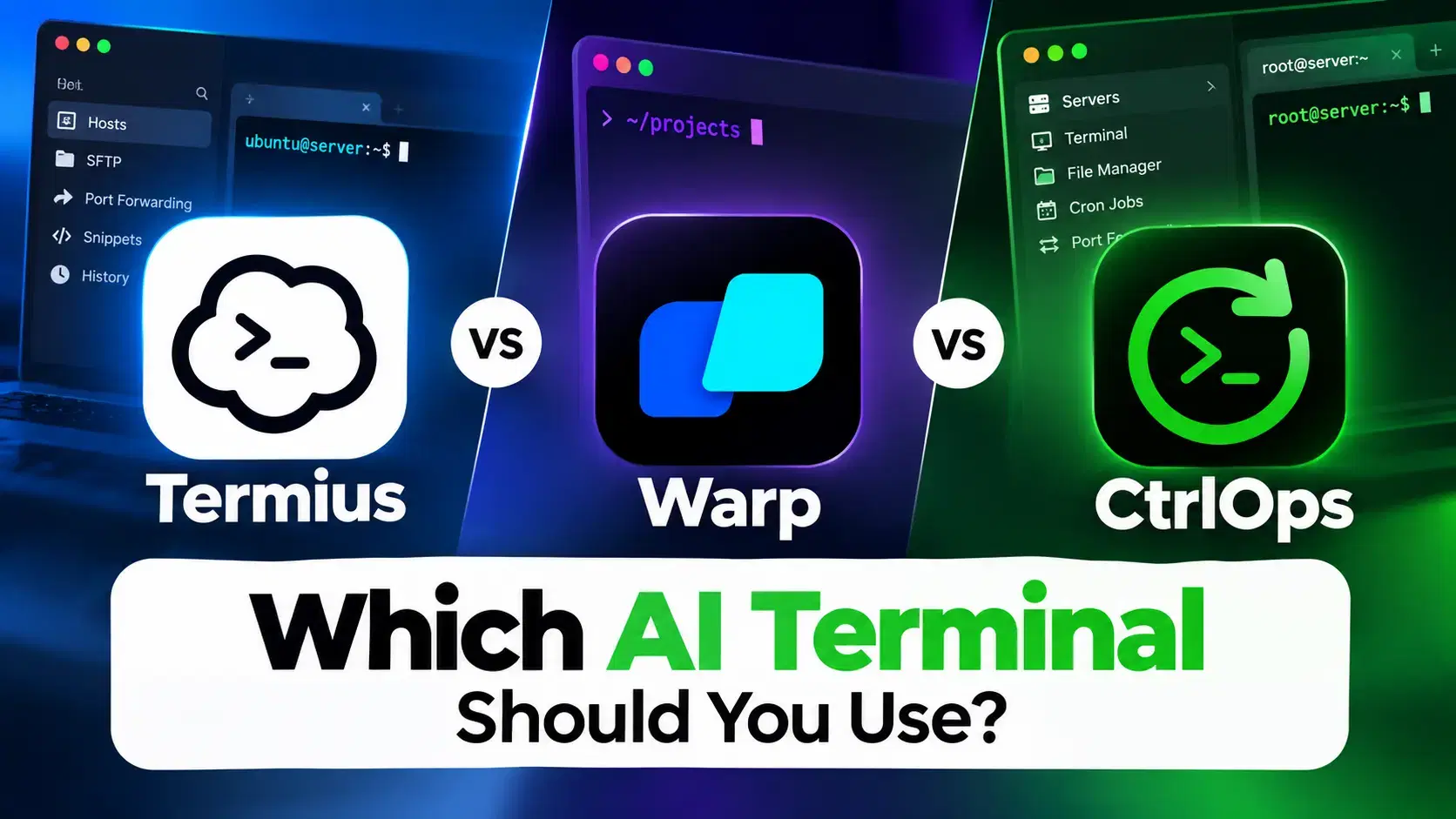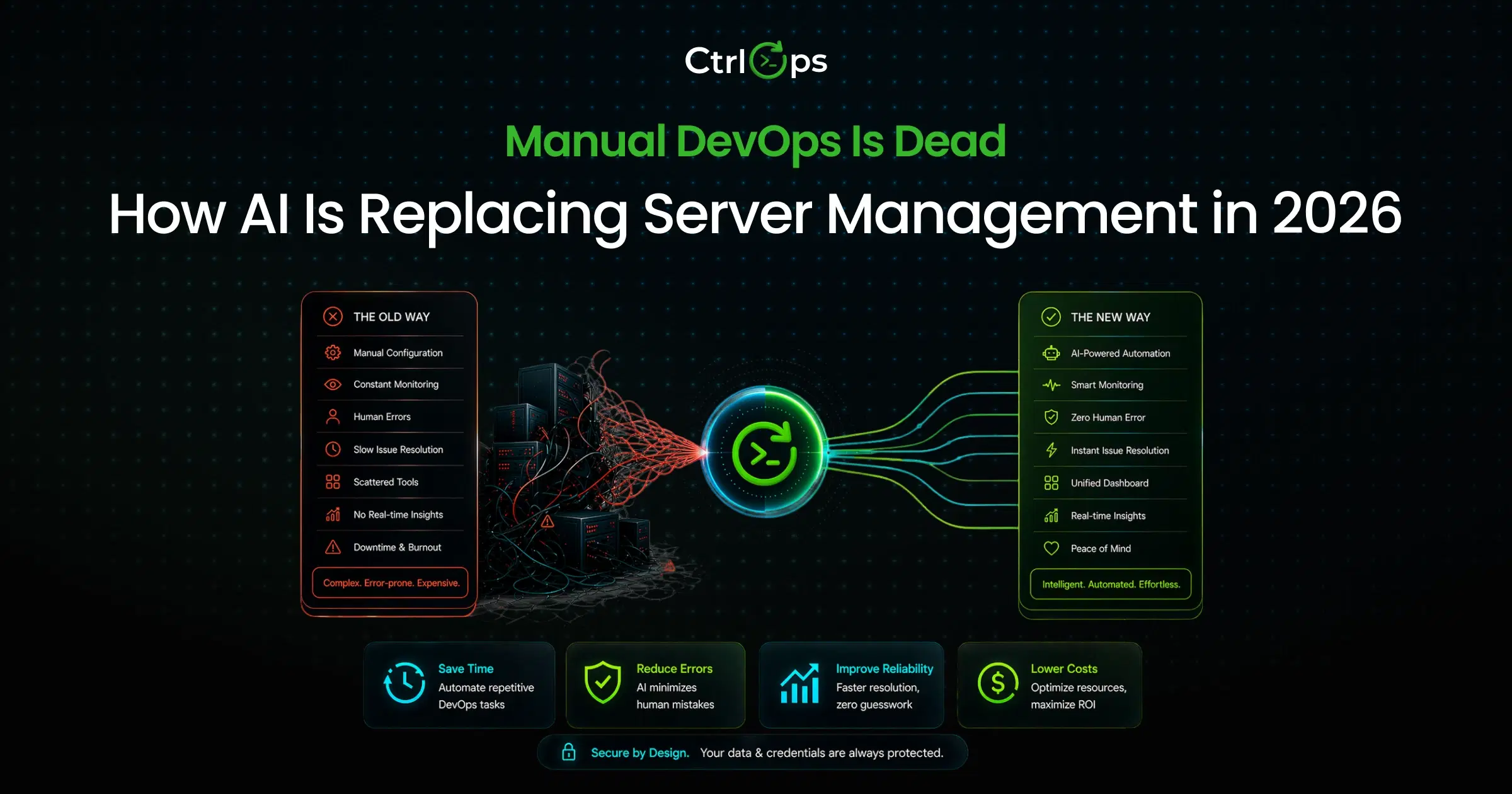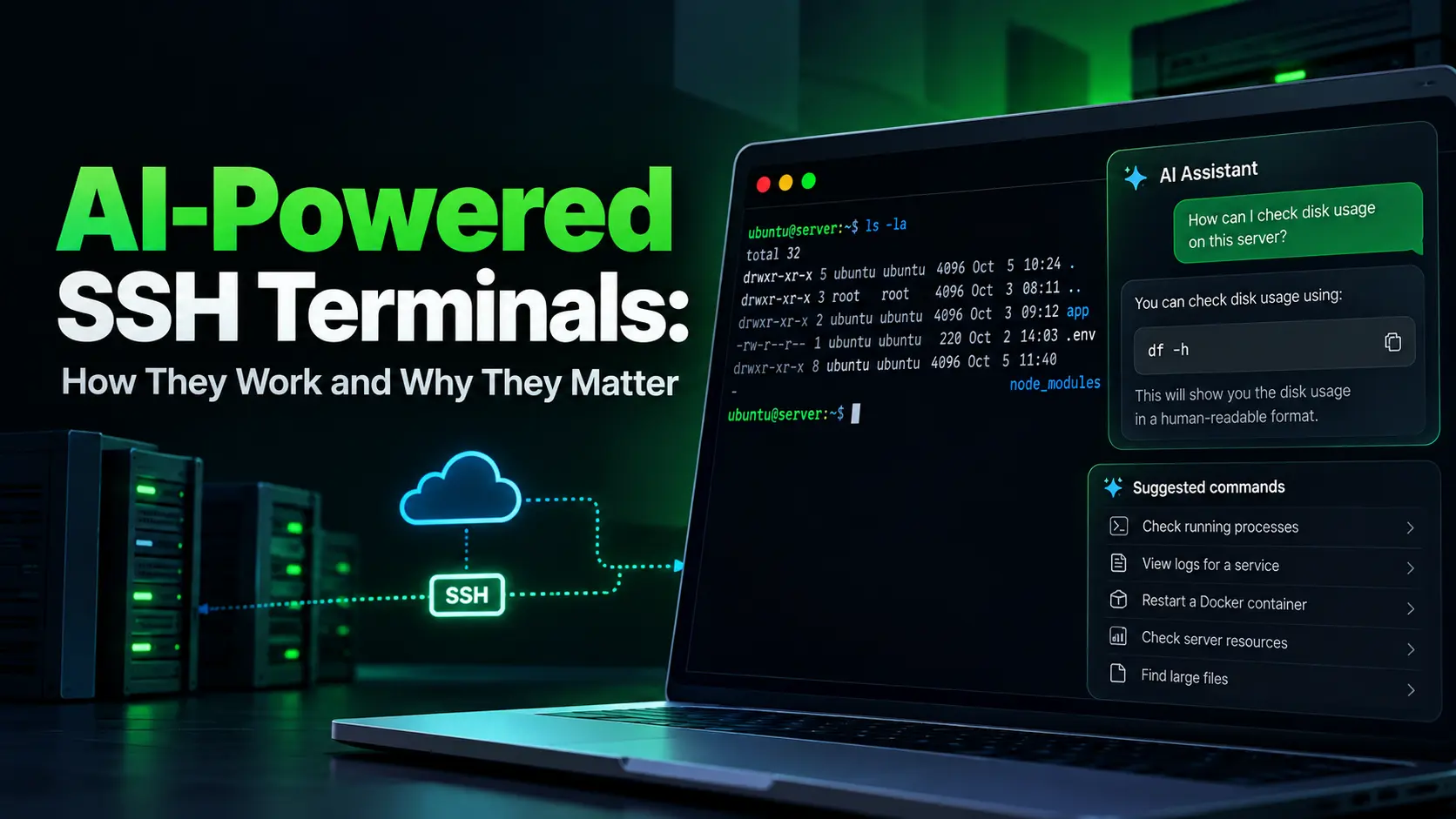

AI-powered SSH terminals turn plain English into shell commands using live server context. The critical difference between tools is where the AI runs and whether it waits for your approval before executing.
- All-in-one server management: CtrlOps (approval-gated AI, deployment, monitoring, file manager, $7/user/month after a 1 month free trial - no credit card required)
- Best AI coding terminal: Warp (agent mode, Rust-built, free terminal with bring-your-own-key)
- Cross-device SSH with AI: Termius (mobile + desktop sync, AI autocomplete)
- Free open-source AI terminal: Wave Terminal (Apache 2.0, no account required)
- Multi-step agentic tasks: Claude Code (deep repo-aware server work)
- Mobile AI SSH: TermAI (iOS/Android, AI on free tier)
- AWS agent-on-server: Kiro CLI (autonomous execution, MCP support)
Key Takeaways
| Tool | Type | Approval Gate | Server Mgmt Features | MCP Support | Price |
|---|---|---|---|---|---|
| CtrlOps | Desktop app | Yes | Deploy, monitor, file manager, backups, security audit | Yes | $7/user/mo (1 mo free) |
| Warp | Desktop terminal | Configurable | None | Yes | Free / $20/mo |
| Termius | SSH client | No | SFTP only | No | Free / $10/mo |
| Wave Terminal | Desktop terminal | Configurable | None | Via plugins | Free |
| Claude Code | Agentic CLI | Configurable | None (runs inside any terminal) | Yes | $20/mo+ |
| TermAI | Mobile SSH client | Yes (tap to run) | None | No | Free (5 AI/day) |
| Kiro CLI | Agent on server | Partial | AWS infrastructure | Yes | Free / $20/mo |
Prices verified October 6, 2026 against each vendor's official pricing page, linked in the tool sections below. CtrlOps pricing is on our pricing page.
What Is a Terminal AI Assistant for Servers?
A terminal AI assistant for servers is a tool that converts plain English into shell commands inside an active SSH session. Instead of memorizing journalctl -u nginx --since "1 hour ago" --no-pager | tail -50, you type "show me Nginx error logs from the last hour" and the AI generates the exact command.
The key difference from using ChatGPT in a browser tab: a terminal AI assistant has live context about your server. It knows the OS, running processes, current resource usage, and active services. Generic AI tools require you to describe all of that manually every time.
Some tools only suggest one command at a time. Others run complete multi-step workflows automatically. The critical design choice is whether the tool waits for your approval before executing anything on your server.
How Does an AI-Powered SSH Terminal Generate Commands?
Every AI-powered SSH terminal follows the same four-step loop, regardless of the tool. The differences between tools show up in steps 2 and 4.
Step 1: You describe the task in plain English: "Find what's eating the disk," "restart the Node.js app," or "why did the SSL certificate fail to renew." You type this inside the terminal, not in a separate browser tab.
Step 2: The AI gathers context from your server: This step separates useful tools from useless ones. Good tools read the OS version, running services, recent command output, current CPU and memory usage, and open ports. Tools without server context guess. Tools with context answer about your specific machine.
Step 3: A language model generates the command: The AI returns a shell command (or a sequence of commands) with a short explanation of what each one does. The model might be GPT-4o, Claude, Gemini, or a local model running through Ollama.
Step 4: You approve and execute: This is the single most important design decision. Approval-gated tools show every command before it runs. Auto-run tools execute immediately. On a production server with real traffic, that difference is the gap between a useful assistant and a dangerous one.
"The approve before execute thing is what sold me. Every other AI tool just runs stuff, and you find out what happened after."
Bhautik Kapadiya, review on Product Hunt
For a detailed comparison of three specific architectures (cloud-based, agent-on-server, and desktop-first), read 3 AI Terminal Approaches for Server Management Compared.
cat .env, all of it gets sent to the AI provider unless you run the model locally. Check where your data goes before using any AI terminal on a client server under NDA.Why Do AI SSH Terminals Matter for Server Management?
AI-powered SSH terminals matter because they solve three problems that cost real time and create real risk: command memorization, context switching, and unverified execution.
You Stop Memorizing Commands You Use Twice a Year
Most server administrators use the same 15-20 commands daily. The commands that cause trouble are the ones you run twice a year: SSL certificate renewal, log rotation config, iptables rules, cron syntax for a specific schedule. Those are the commands you Google, copy from Stack Overflow, and hope apply to your specific OS version.
An AI terminal generates the right command for your exact server. It checks the OS, package manager, and installed version before suggesting anything. No more running apt commands on a yum system because the Stack Overflow answer was for Ubuntu.
You Eliminate 4-5 Tool Switches Per Task
A typical server debugging session without AI involves: terminal (SSH), browser (Google the error), another browser tab (Stack Overflow), another tab (ChatGPT), back to terminal (paste the command). That is 4-5 context switches per task.
With an AI terminal, the entire flow happens in one window. You describe the problem, the AI searches current documentation (in tools that support web search), generates the command, and you run it. One window. Zero tab switches.
Developers managing 5 or more servers feel this friction daily. For a complete guide on reducing that friction, see How to Manage Multiple Servers Without Losing Control.
You Catch Dangerous Commands Before They Run
The 2026 Verizon DBIR found that vulnerability exploitation now accounts for 31% of initial access vectors in breaches, up from 20% the year before. Unnecessary software on production servers directly increases attack surface. AI terminals that run agents directly on the server add dependencies and daemons that widen that surface.
Approval-gated tools show you exactly what will execute before anything touches the server. You read the command, understand it, and approve it. If the AI suggests rm -rf /var/log/ when you asked it to "clean up old logs," you catch it before it runs.
AI-Powered Terminals for Server Management
Each tool below shows what came back from the same "check memory and cpu" prompt on Ubuntu 24.04 LTS: a suggestion to copy, a command waiting for approval, or a command that had already run.
1. CtrlOps: Best All-in-One AI Terminal for Server Management
CtrlOps is not a terminal replacement. It replaces your entire server management stack: terminal, file manager, monitoring dashboard, backup scheduler, deployment system, and security auditor. All in one desktop app.
The AI Terminal converts plain English into shell commands with an approval gate on every command. Type "why is my server slow?" and CtrlOps generates diagnostic commands, shows each one with a read/write indicator and a plain-English explanation, and waits for you to click Run. Nothing touches the server until you approve it.
What sets it apart from every other tool on this list:
- Web search built into the AI terminal (Tavily, Brave, DuckDuckGo) for current CVEs, package versions, and documentation
- MCP server integration (Context7, GitHub, Filesystem, custom servers) so the AI reads your actual codebase before suggesting commands
- One-click app deployment: Node.js, React, Next.js from GitHub in under 5 minutes
- GUI file manager, infrastructure monitoring, PM2 process manager, automated backups, SSH key governance, and a security audit (25 audits covering 157 hardening checks, with PDF export)
"I find it really useful that I can directly connect LLM models and use their AI assistant to find the commands I need, without having to remember everything. The MCP features are also easily helpful for me."
Chirag L., Founder of Softnoesis, review on G2
Where it falls short:
- No mobile app
- No serverless support (Lambda, Cloud Functions)
- Desktop-only
Pricing: $7/user/month, $70/user/year, or $149 one-time for lifetime access. Unlimited servers. 1 month free trial, no credit card required. Full details on the CtrlOps pricing page.
Platforms: macOS (Apple Silicon + Intel), Windows, Linux.
2. Warp: AI Terminal for Local Development
Warp is the most well-funded AI terminal on the market. Built in Rust with GPU rendering, it replaces the default macOS, Linux, or Windows terminal with a block-based, IDE-like interface.
Type # on the command line and describe what you want in plain English. Warp generates the command as you type. Agent Mode goes further: give it a goal and Warp runs a sequence of commands and edits autonomously.
Warp supports Claude, GPT, and Gemini models. Per the Warp BYOK docs, bring-your-own-key works on Free and all eligible paid plans for individuals and organizations with 10 or fewer employees; larger organizations need Business or Enterprise. Auto mode, Codebase Context, and cloud agents still consume Warp credits even with your own key.
Where it falls short for server management:
- Warp is a coding terminal, not a server management platform
- No server directory, file manager, infrastructure monitoring, deployment automation, or backup management
- Whether the agent asks before running a command depends on its permission profile. Set Execute commands to "Always ask" if you want a gate on everything
- The SSH extension installs a companion server on each remote host (you can decline, but then you lose blocks and the agent in that session)
Pricing (verified October 6, 2026 against the official Warp pricing page): Free (the terminal is free, with no bundled AI credits; bring your own key or reload credits pay-as-you-go). Build: $20/month ($18/month billed annually, 1,500 credits). Max: $200/month (18,000 credits). Business: $50/user/month ($45 billed annually).
Platforms: macOS, Linux, Windows. No mobile app.
3. Termius: AI SSH Client for Cross-Device Access
Termius is the most popular SSH client with AI features. The AI autocomplete converts plain English to commands inline. Type a description and Termius suggests the command with a risk label.
The strongest advantage: synced SSH sessions across Mac, Windows, Linux, iOS, and Android. Start a session on your laptop, continue from your phone.
Where it falls short for server management:
- AI generates single commands only (no multi-step workflows or error recovery)
- No web search for current documentation
- Paid tiers sync credentials through Termius cloud servers
- The multi-step AI agent is still in limited preview as of September 2026
Pricing (verified October 6, 2026 against the official Termius pricing page): Starter: free, AI autocomplete included. Pro: $10/month billed annually. Team: $20/seat/month billed annually. Business: $30/seat/month billed annually.
Platforms: macOS, Windows, Linux, iOS, Android.
4. Wave Terminal: Best Free Open-Source AI Terminal
Wave Terminal is the closest open-source alternative to Warp. Apache 2.0 licensed, no account required, no sign-up, no telemetry by default.
AI works through your own API key or a local model. The Wave AI docs cover OpenAI, Google Gemini, Azure OpenAI, OpenRouter, Groq, and local endpoints through Ollama, LM Studio, or vLLM. There is no bundled AI usage. The AI panel sits beside the terminal. Inline rendering, persistent sessions, and a modern interface.
Where it falls short for server management:
- No built-in server management features (no deployment, monitoring, or file manager beyond the terminal)
- AI capabilities depend entirely on which model you connect and how you prompt it
Pricing (verified October 6, 2026 against the Wave Terminal GitHub repository): Free. Open source (Apache 2.0). You pay only for model usage via your own API key.
Platforms: macOS, Linux, Windows.
5. Claude Code: Agentic CLI for Multi-Step Server Tasks
Claude Code is not a terminal. It is an agentic CLI that runs inside any terminal you already use. Give it a goal and it executes a sequence of commands and file edits until the task is complete.
For server management, Claude Code is strongest at multi-file debugging: it maps your codebase, traces errors across config files, and generates fixes that span multiple files. MCP support means it can connect to external context sources.
Where it falls short for server management:
- No SSH management, server directory, monitoring, or visual file manager
- Requires a separate SSH client to connect to your server before running Claude Code
- Autonomous execution model requires careful sandbox configuration on production servers
Pricing (verified October 6, 2026 against the official Claude pricing page): Requires Claude Pro ($20/month), Max (from $100/month), or API pay-as-you-go.
Platforms: macOS, Linux, Windows. No mobile.
6. TermAI: AI Terminal for Mobile Server Access
TermAI fills a gap no other tool on this list covers: AI in an SSH terminal on your phone. Every other tool here is desktop-only.
Open the app, connect to your server via SSH, and ask questions in plain English. The AI reads your server's OS, current disk/memory/CPU usage, and recent output. It suggests commands with a Run button. Destructive commands get an extra confirmation step.
Built-in Tailscale integration lets you connect to servers without exposing them to the public internet.
Where it falls short for server management:
- No deployment automation, file manager, or monitoring dashboard
- Limited to mobile use cases (quick fixes, status checks, emergency responses)
Pricing (verified October 6, 2026 against termai.sh): Free tier (5 AI requests/day, unlimited SSH/SFTP, Tailscale built in). Pro: $2.99/month for unlimited AI. Team: $7.99/month.
Platforms: iOS, Android.
7. Kiro CLI: Agent-on-Server AI for AWS Infrastructure
Kiro CLI is built by AWS. It runs as an autonomous AI agent directly on the server. Give it a prompt like "install Docker and run Nginx as a container" and it handles the entire workflow, including adding sudo and retrying on permission errors.
MCP server support connects Kiro to AWS Terraform MCP, EKS MCP, and custom integrations. Custom agent configurations let you scope tool access and permissions per workflow.
We ran Kiro CLI, Termius AI, and CtrlOps through the same deployment tasks side by side. The full results, including where each one asks for permission and what it leaves installed on the server, are in Termius vs Kiro CLI vs CtrlOps: 3 AI Terminal Approaches Compared.
Where it falls short for server management:
- Runs on the server, requiring AWS CLI, Python, Terraform, and kubectl on every managed machine (increases attack surface)
- Permission prompts don't include explanations
- No web search for current documentation
- No visual interface
Pricing (verified October 6, 2026 against the official Kiro pricing page): Free tier (50 credits). Pro: $20/user/month (1,000 credits). Higher tiers from $40 to $200/user/month.
Platforms: macOS, Linux, Windows (CLI only).
Which AI Terminal Is Safest for Production Servers?
The safest AI terminal for production servers is one that runs off the server, shows every command before execution, and does not install any AI dependencies on the managed machine.
We put three of these architectures through the same server tasks on camera: Termius AI (suggestion in the SSH session), Kiro CLI (agent on the server), and CtrlOps (AI on the desktop, approval before every command). Watch how each one handles permission prompts and what it leaves behind on the box, in under 7 minutes:
Three safety criteria separate production-ready tools from development-only tools:
1. Where does the AI run? Desktop-first tools (CtrlOps, Warp, Wave) keep AI processing on your machine. Agent-on-server tools (Kiro CLI) run AI on the production box. The desktop approach adds zero software to the server's attack surface.
2. Does it require approval before execution? CtrlOps and TermAI show every command and wait. Warp's agent can run commands it is confident about without asking, depending on its permission profile, and Kiro CLI prompts only for critical operations. Claude Code has configurable approval. On a server with real traffic, auto-run is a development convenience, not a production feature.
"The approval boundary feels like the real product here. Once AI is suggesting server actions, the useful question is not just whether a command was generated, but whether the operator has enough context to approve it safely."
Keesan, comment on Product Hunt
3. What gets sent to the AI provider? Your terminal content (hostnames, IPs, environment variables, error messages) becomes model input. If that data cannot leave your machine, use a local model through Ollama or Wave Terminal pointed at a local endpoint.
| Safety Feature | CtrlOps | Warp | Termius | Wave | Claude Code | TermAI | Kiro CLI |
|---|---|---|---|---|---|---|---|
| AI runs off server | ✅ | ✅ | ✅ | ✅ | Depends | ✅ | ❌ |
| Approval before every command | ✅ | Configurable | N/A | Configurable | Configurable | ✅ | Partial |
| No server-side dependencies | ✅ | ❌ (SSH extension installs a companion server) | ✅ | ✅ | ❌ | ✅ | ❌ |
| Local credential storage | ✅ | N/A (no saved hosts) | ❌ (Pro) | ✅ | ✅ | ✅ | N/A |
| Web search for current CVEs | ✅ | ❌ | ❌ | ❌ | ❌ | ❌ | ❌ |
What Does a Full Server Management Stack Actually Cost?
Most developers don't use one tool. They combine 3-5 tools to cover SSH, file transfer, monitoring, and deployment. Here is what that stack costs compared to an all-in-one approach.
| Stack | Tools | Monthly Cost |
|---|---|---|
| Traditional | PuTTY/OpenSSH (free) + FileZilla (free) + UptimeRobot ($7) + manual deployment | $7+ (no AI, no deployment automation) |
| AI terminal stack | Warp ($20) + Termius SFTP ($10) + Datadog basic ($15) + manual deployment | $45/month (3 separate tools) |
| All-in-one | CtrlOps (SSH + AI + file manager + monitoring + deployment + backups + security audit) | $7/user/month (1 month free) |
The cost difference grows at team scale. A 5-person team using Warp Build + Termius Team pays $200/month before adding monitoring. The same team on CtrlOps pays $35/month for everything.
Conclusion
AI-powered SSH terminals work by converting plain English into shell commands using live server context. The technology follows four steps: you describe the task, the AI gathers context, a language model generates the command, and you approve it before execution.
Why they matter comes down to three things: no more memorizing commands you use twice a year, zero context switching between terminal and browser, and an approval gate that catches dangerous commands before they touch production.
For developers and DevOps teams running 3-25 servers, the time saved is measurable. Prince Sherasiya, tech lead at Spirex Infoways, puts it this way: "If I needed to change something in 3 places, that used to take 1.5 to 2 hours. Now it's under 10 minutes with CtrlOps." (Read the Spirex Infoways case study.) Choose based on what you actually need: CtrlOps for all-in-one server management with approval-gated AI at $7/user/month after a 1 month free trial - no credit card required, Warp for the best AI coding terminal, and Termius if you need mobile access across devices.
For a complete list of DevOps automation tools beyond AI terminals, including deployment, backup, and monitoring solutions, we covered 15 tools in our complete guide.
Frequently Asked Questions
Install an AI-powered terminal tool (CtrlOps, Warp, or Wave Terminal), connect your AI API key (OpenAI, Anthropic, or Gemini), and SSH into your server. Type your request in plain English instead of memorized shell commands. The AI generates the appropriate command based on your server's actual state. Approval-gated tools show the command before it runs.
Yes. Wave Terminal is free and open source (Apache 2.0) with AI support through your own API key. Warp's terminal is free, and as of October 2026 you can bring your own API key on the free plan, or buy AI credits pay-as-you-go. For fully offline and free AI, run Ollama with a local model and connect it through Wave Terminal or iTerm2's AI plugin.
CtrlOps is the best AI terminal for Linux server administration because it combines SSH, an approval-gated AI terminal, a GUI file manager, infrastructure monitoring, one-click deployment, automated backups, and a security audit (25 audits, 157 hardening checks) in a single desktop app. It costs $7/user/month after a 1 month free trial - no credit card required. For a free coding-focused terminal, Warp is the strongest option on Linux.
Three AI terminals support the Model Context Protocol (MCP) as of 2026: CtrlOps (Context7, GitHub, Filesystem, and custom MCP servers), Warp (MCP for connecting AI to databases, APIs, and docs), and Kiro CLI (AWS Terraform MCP, EKS MCP, custom integrations). MCP lets the AI read your actual codebase and documentation before generating commands.
An AI terminal is a local shell with a language model attached. It runs on your laptop and generates commands for local or remote work. An AI SSH client manages saved hosts and SSH keys, connects to remote servers, and puts the AI inside that remote session. CtrlOps and TermAI are AI SSH clients. Warp and Wave Terminal are AI terminals.
Safety depends on three factors: whether the AI runs off the server (desktop-first is safer), whether it requires approval before executing commands (approval-gated is safer), and whether it installs dependencies on the server (agentless is safer). CtrlOps meets all three criteria. Tools that auto-run commands or install agents on the server carry higher risk on production infrastructure.
Yes. CtrlOps supports OpenAI (GPT-4, GPT-4o), Anthropic Claude, Google Gemini, and any OpenAI-compatible provider (Groq, Together, local models). You bring your own API key. CtrlOps also ships with free models through OpenRouter, so you can learn the AI Terminal before adding a key of your own.
No. Warp is a coding terminal with AI agent mode, but it has no built-in deployment automation, no server directory, no file manager, and no monitoring dashboard. To deploy to a VPS from Warp, you manually run the same SSH commands you would in any terminal. CtrlOps handles deployment with a one-click GUI that configures PM2, Nginx, and SSL automatically.
Skip AI terminals if you manage a single personal server with occasional updates. Also skip them for Kubernetes orchestration (use kubectl or Lens), serverless deployments (use provider CLIs like AWS SAM or Serverless Framework), or fully infrastructure-as-code workflows (Terraform, Pulumi). AI terminals are strongest for traditional VPS and VM management.
Google retired Gemini CLI on June 18, 2026 and replaced it with Antigravity CLI (the agy binary), a closed-source Go rewrite. The previous free tier of 1,000 requests per day is gone. Serious use now requires a Google AI Pro or Ultra subscription. If you are following a tutorial that references Gemini CLI's old free tier, those instructions are outdated.