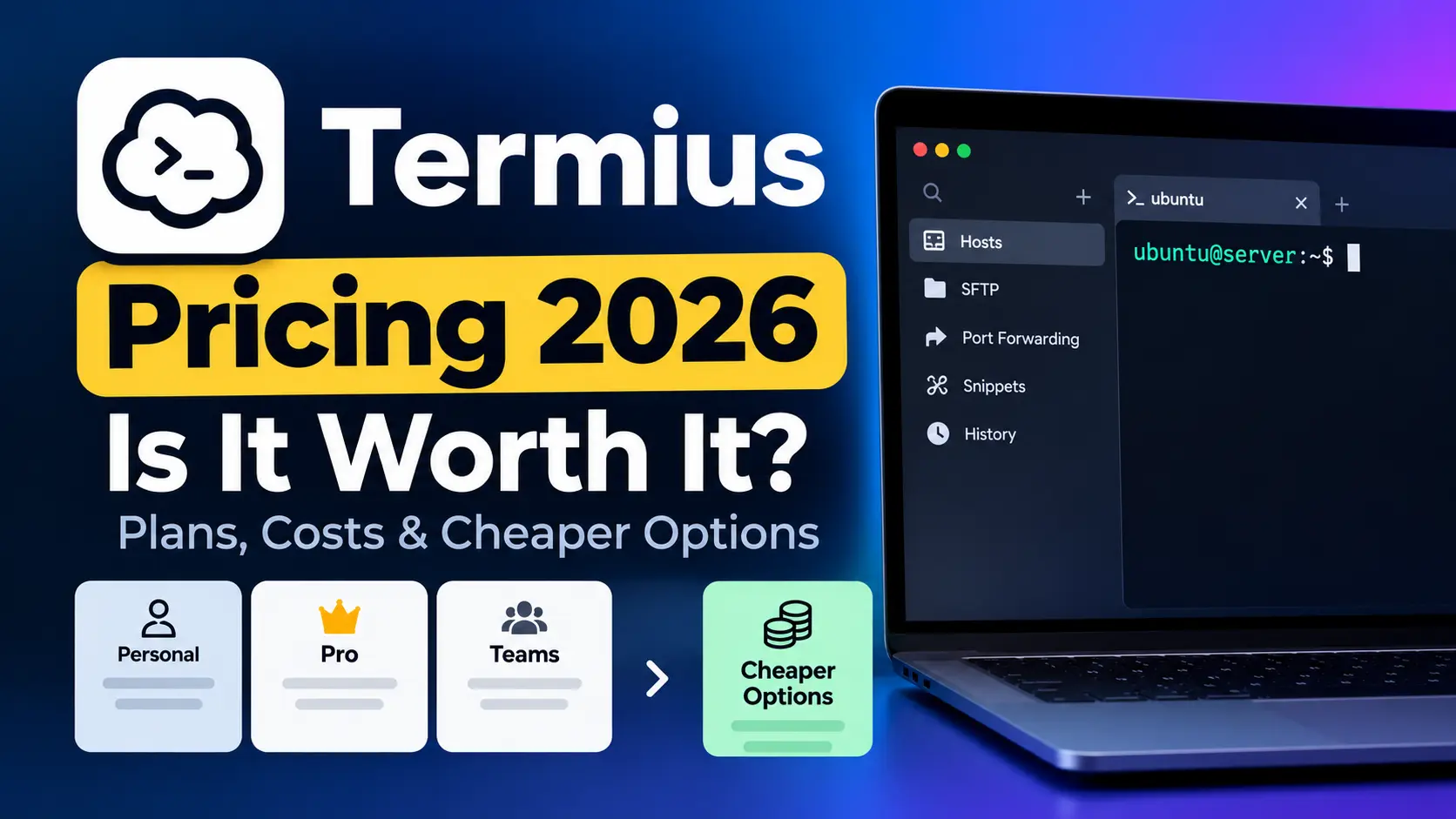

Termius pricing in 2026 ranges from $0 on the Starter plan up to $30/user/month on Business. SSH, SFTP, and AI autocomplete come included with the free tier, and credentials stay stored locally. Once you move to a paid plan, cloud sync, team vaults, and collaboration tools unlock, though your credentials shift to Termius cloud servers.
You're paying $20/user/month for Termius Team and all you get is SSH sync and a shared vault. No deployment automation. No server monitoring. No backups. Your five-person team spends $1,200/year and still needs three other tools to actually manage a server.
We tested every Termius plan against the same real-world server management tasks (SSH connections, file transfers, deployments, monitoring, and debugging) to see exactly what you get at each price point and where cheaper tools deliver more.
Key Takeaways
As of September 2026, Termius charges $10 to $30 a month per seat for SSH sync and team vaults. Deployment, monitoring, backups, and AI diagnostics are absent from every tier. CtrlOps covers all of that at $7/user/month after a 1 month free trial - no credit card required. Prefer not to subscribe at all? CtrlOps Lifetime is $149 once, less than 15 months of Termius Pro, and Termius sells subscriptions only.
TL;DR: which option fits your situation
- SSH-only on one device - Termius Starter (free)
- Cross-device sync + mobile SSH - Termius Pro ($10/month, billed annually)
- SSH + deployment + monitoring + backups + AI terminal - CtrlOps ($7/user/month, 1 month free)
- Pay once, never renew - CtrlOps Lifetime ($149 one-time, every future feature included)
How Much Does Termius Cost in 2026?
Five plans make up the Termius lineup: Starter (free), Pro ($10/month), Team ($20/user/month), Business ($30/user/month), and Enterprise (custom). Listed prices are for annual billing. Pro, Team, and Business can also be billed monthly at a higher rate.
Below is the complete Termius pricing breakdown.
| Plan | Price (Annual) | Per User? | Best For |
|---|---|---|---|
| Starter | Free | N/A | Solo SSH from a single device |
| Pro | $10/month | Single user | Cross-device sync, snippets |
| Team | $20/month | Per user | Shared vaults, real-time collaboration |
| Business | $30/month | Per user | Granular access control, SAML SSO (add-on) |
| Enterprise | Custom | Per user | SAML SSO, SOC 2 Type II report, dedicated manager |
Pricing verified September 28, 2026 against the official Termius pricing page. Termius changes its plans from time to time, so confirm the current price there before you buy.
What Does Each Termius Plan Include?
Every Termius plan builds on top of the one below it. Essentials come covered under the Starter plan. Upgrading brings sync, collaboration, and enterprise controls into the mix, yet deployment, monitoring, and backups remain absent across every tier.
Termius Starter (Free)
Solo developers who SSH from a single machine will find the Starter plan more than adequate. SSH, SFTP, AI-powered autocomplete, port forwarding, and a local credential vault are all part of the package.
What you give up: cross-device sync, snippets automation, and team sharing. Hosts, keys, and settings remain locked to that one device.
Termius Pro ($10/month)
A personal cloud vault comes with Pro, syncing your SSH connections across desktop and mobile. Snippets automation, session logs, and access on all platforms (macOS, Windows, Linux, iOS, Android) round out the additions.
Credentials move to the cloud at this tier. Termius applies encryption, but your data no longer lives exclusively on your machine.
Termius Team ($20/user/month)
A shared team vault, real-time terminal collaboration, shared session logs, and consolidated billing define the Team plan. Teams that need to share server access without passing keys over email will find this useful.
Five people on this plan cost $100/month ($1,200/year). That buys SSH sync and shared credentials. Deployment, monitoring, file management, and AI diagnostics are not part of the deal.
Termius Business ($30/user/month)
Multiple vaults with granular access control come standard on Business. SAML SSO is offered as a paid add-on. That same 5-person team now faces a $150/month bill ($1,800/year).
Termius Enterprise (Custom)
Everything from Business carries over, plus SAML SSO (included, not an add-on), a SOC 2 Type II report, priority support, a dedicated manager, custom billing, and migration and onboarding support. Reach out to Termius sales for a quote.
Bottom line: Termius pricing scales per user. A team of five on the Team plan spends $1,200/year (billed annually) for SSH sync and shared vaults. CtrlOps covers the same five people at $350/year on the yearly plan, after a 1 month free trial, while bundling deployment automation, monitoring, backups, file management, and an AI terminal.
What Termius Doesn't Include at Any Price
At its core, Termius is an SSH client with sync capabilities. Features that server management demands beyond the terminal connection are missing from every plan, Enterprise included.
| Feature | Termius (Any Plan) | CtrlOps ($7/user/mo, 1 mo free) |
|---|---|---|
| SSH connections | Yes | Yes |
| SFTP file transfers | Yes | Yes (GUI drag-and-drop) |
| Cross-device sync | Pro and above | No (desktop-only) |
| Mobile apps | Yes (iOS, Android) | No |
| One-click deployment | No | Yes (Node.js, React, Next.js) |
| Infrastructure monitoring | No | Yes (CPU, RAM, disk, processes) |
| Automated backups | No | Yes (S3, R2, B2, Wasabi, DO Spaces, MinIO) |
| AI terminal | Autocomplete + Gloria (preview) | Approval-gated with BYOK + MCP + web search |
| Log management | No | Yes (auto-discovery, live tail, search, download) |
| PM2 process manager | No | Yes (live metrics, one-click restart/reload) |
| Security audit | No | Yes (25 audits, scored report, PDF export) |
| Fleet access management | No | Yes (scan, onboard/offboard across all servers) |
| Script library | No | Yes (reusable scripts with variables, cross-server) |
| Termius import | N/A | Yes (built-in, about 30 seconds) |
| Credential storage | Cloud (paid plans) | Local only (AES-256) |
Mobile access and cross-device sync go to Termius. Everything that happens after you connect goes to CtrlOps.
Is Termius Worth It in 2026?
Mobile SSH access or cross-device credential sync make Termius worth the price. The free Starter plan holds up well for solo use on a single device. Spending $10/month on Pro is reasonable if you regularly jump between your phone and laptop for SSH sessions.
The value breaks down once your daily work stretches past SSH. A Node.js deployment through Termius still takes 13 manual terminal commands. Checking CPU usage means pulling up your cloud provider's console. Moving a config file means launching a separate SFTP app.
At Team ($20/user/month) and Business ($30/user/month), you're spending premium rates on SSH sync and vault sharing, not on server management.
Reality check: Termius Pro runs $10/month (billed annually) and covers SSH plus sync. CtrlOps runs about $5.83/user/month on the yearly plan ($70/year, after a 1 month free trial) and covers SSH, deployment, monitoring, backups, file management, and AI diagnostics. You pay less and get five additional capabilities.
How Does CtrlOps Compare on Price?
After a 1 month free trial (no credit card required), CtrlOps runs $7/user/month, $70/user/year (save 16.7%), or $149/user as a one-time lifetime purchase. Every user gets unlimited servers with all features included - no feature tiers, no add-on fees. The lifetime plan includes all future features at no extra cost, with a 30-day money-back guarantee.
Termius has no equivalent, because every paid Termius plan is a subscription. Five CtrlOps lifetime seats cost $745 once, which is less than a single year of Termius Team for the same five people ($1,200).
| Termius Team | CtrlOps | |
|---|---|---|
| Price (5 users) | $1,200/year | $350/year (1 mo free) |
| One-time option | No (subscription only) | $149/user lifetime |
| 5 users over 3 years | $3,600 | $745 once (Lifetime) |
| SSH + SFTP | Yes | Yes |
| Deployment | No | One-click (Node.js, React, Next.js) |
| Monitoring | No | CPU, RAM, disk, processes |
| AI terminal | Autocomplete | Approval-gated, BYOK (OpenAI, Claude, Gemini) |
| Backups | No | S3, R2, B2, Wasabi, DO Spaces, MinIO |
| Credential storage | Cloud | Local only |
| Mobile app | Yes | No |
Price is only one axis. For the full feature-by-feature breakdown, including the cases where Termius is still the better pick, see CtrlOps vs Termius.
Which Option Should You Pick?
Go with Termius Starter if you SSH from one device and sync isn't a concern. Go with Termius Pro if you need your hosts and keys synced between your phone and desktop. Termius Team and Business only make sense if cloud vault sharing is a specific need for your group.
Choose CtrlOps when your work extends beyond SSH. Connections, deployments, monitoring, backups, and AI diagnostics all live in one app at $7/user/month following a 1 month free trial.
For a broader look at alternatives, check our Termius alternatives guide or see how developers manage multiple servers without losing control.
Frequently Asked Questions
As of September 2026, verified against the official Termius pricing page: Starter is free. Pro runs $10/month on annual billing. Team runs $20/user/month on annual billing. Business runs $30/user/month on annual billing. Enterprise has custom pricing. Monthly billing is also available at a higher rate. Every paid plan requires an account, and credentials sync through Termius cloud servers.
SSH, SFTP, AI autocomplete, and port forwarding all come with the free Starter plan, along with a local credential vault. Solo developers working from one device will find it sufficient. Cross-device sync, snippets, and team features are not available. Students can unlock Pro and Team features for free through the GitHub Student Developer Pack.
Free trials are available on the Pro, Team, and Business plans. Starter remains free permanently. According to the Termius billing docs, Pro can also be bought through app stores (Google Play, App Store, Microsoft Store) or PayPal, while Team and Business require a credit card.
CtrlOps runs $7/user/month after a 1 month free trial - no credit card required. It bundles SSH, deployment automation, infrastructure monitoring, automated backups, a GUI file manager, and an approval-gated AI terminal. Termius Pro at $10/month only covers SSH sync and snippets. Free options like Tabby and PuTTY handle basic SSH needs.
No. Every paid Termius plan is a subscription, billed monthly or annually, and Termius explains that choice in its support center. CtrlOps offers a $149/user one-time lifetime plan that includes every future feature, with a 30-day money-back guarantee. That is less than 15 months of Termius Pro at $120/year. A five-person team pays $745 once, compared with $1,200 every year on Termius Team.
For desktop-based server management, yes. CtrlOps handles SSH connections and layers on deployment, monitoring, backups, file management, and AI diagnostics. The main trade-off: no mobile app on CtrlOps, while Termius supports iOS and Android.
No. Termius functions as an SSH client with sync, SFTP, and team collaboration. Infrastructure monitoring, deployment automation, backup scheduling, and AI diagnostics are absent from every tier, Enterprise included.
Credentials stay local on the free Starter plan. Every paid plan syncs credentials through encrypted Termius cloud servers. If keeping credentials on your machine is a security requirement, the free plan or a local-first tool like CtrlOps (AES-256 local encryption) fits better.
Stick with Termius if you SSH from your phone on a daily basis. It is one of the few professional SSH clients with full-featured apps on both iOS and Android. Teams that depend on cloud-synced vaults across multiple devices should also stay put. CtrlOps and most alternatives only support desktop.
The Team plan puts a 10-person team at $200/month ($2,400/year). Business jumps to $300/month ($3,600/year). That same team on CtrlOps pays $700/year on the yearly plan (about $58/month) after a 1 month free trial, and gets deployment, monitoring, and backups bundled in.
AI-powered autocomplete ships with the free Starter plan. Paid plans bring snippets automation. Termius also offers an AI Agent (chat-based) and Gloria, an experimental DevOps AI agent available in limited preview. These AI features center on command generation rather than infrastructure monitoring or deployment.
Yes. CtrlOps has a built-in Termius importer, so there is no export file to generate. On the All Servers screen, click the three-dot menu and choose Import from Termius under MIGRATE. Your operating system asks once for permission to read the credentials Termius saved, then CtrlOps lists every host it found - names, addresses, ports, usernames, and SSH keys - and imports the ones you select. It takes about 30 seconds, and everything is read locally on your machine. Snippets, port-forwarding rules, and sync groups do not transfer. Follow the full Termius migration walkthrough to get started.
Yes. CtrlOps runs 25 predefined security audits across SSH access, firewall, file permissions, database config, Docker, and web servers - all over your existing SSH session. Each run produces a hardening score out of 100, findings sorted by severity, and a downloadable PDF report. You can hand findings to the AI Terminal for approval-gated fixes and re-run the audit to verify the score improved.