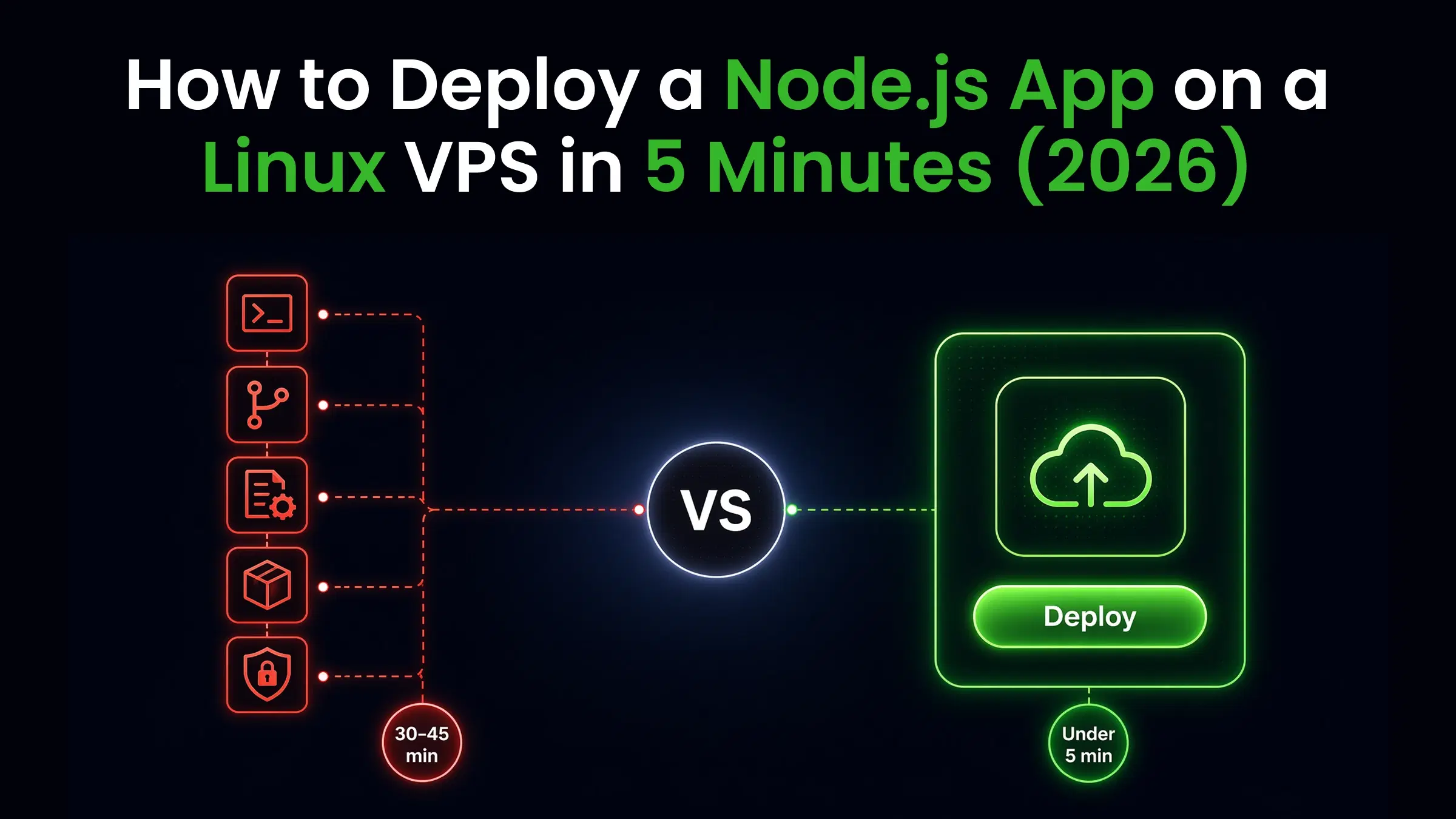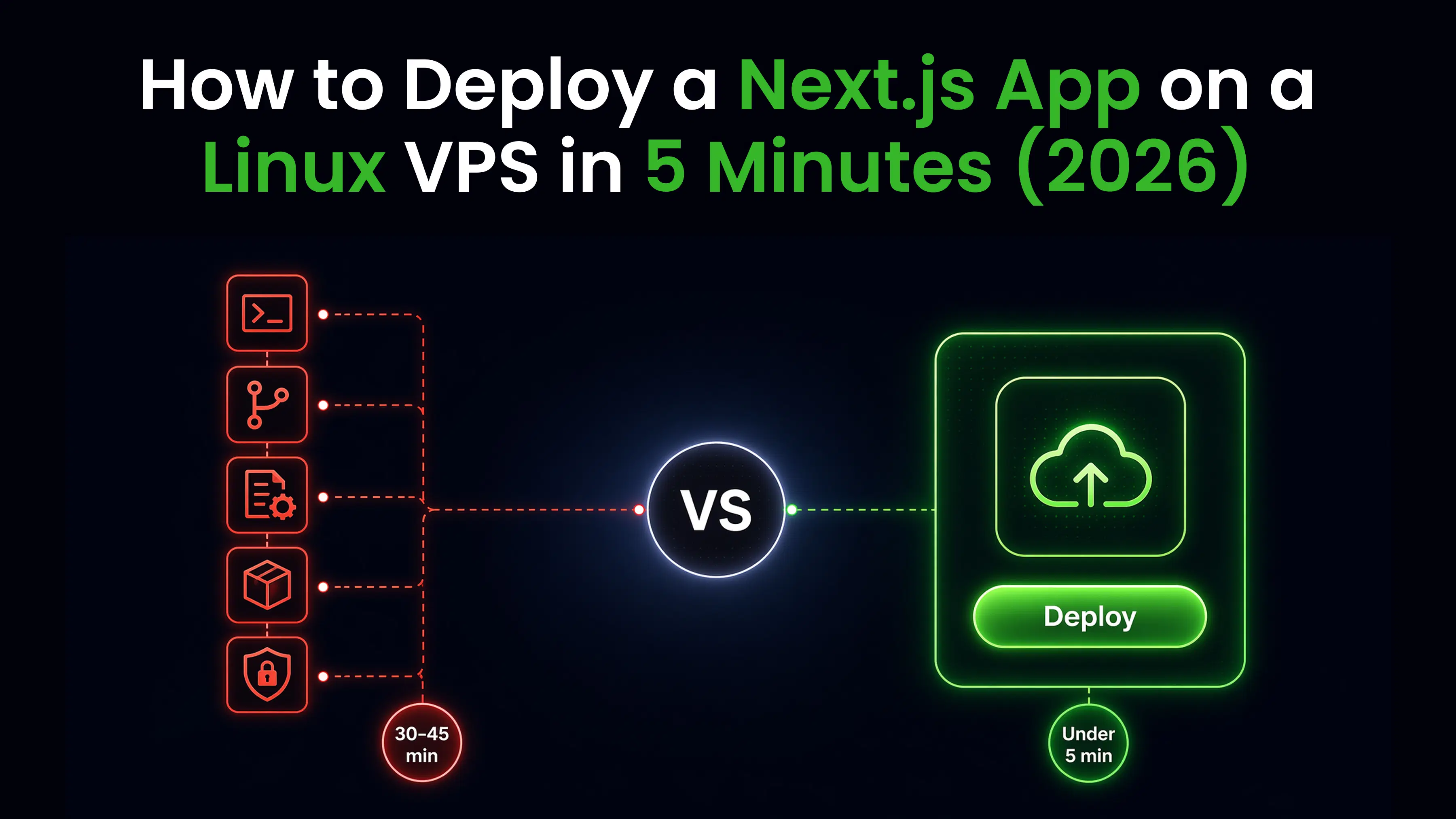
You can deploy to a VPS without a DevOps engineer. The manual process takes 5 steps and about 30 minutes. One-click tools like CtrlOps reduce it to under 5 minutes.
Key Takeaways
Every VPS deployment needs the same four things: your code on the server, a process manager to keep it running, a reverse proxy to route traffic, and an SSL certificate for HTTPS. The 5 steps below cover all four on any Ubuntu VPS.
Solo devs with 1-3 servers get everything they need from manual SSH deployment. It is free, it is full control, and it teaches you the stack.
Freelancers and agencies running 5+ client servers hit the repetition wall fast. CtrlOps runs the same deploy from a form: $7/user/month after a 1 month free trial - no credit card required, with unlimited servers.
Teams that want zero server management should look at a PaaS like Render or Railway, starting around $20/month, with no SSH access in exchange.
| Manual SSH | CtrlOps | PaaS (Render/Railway) | |
|---|---|---|---|
| Deploy time | 25-35 min | Under 5 min | Under 5 min |
| Pricing | $0 (just VPS) | $7/user/mo (1 mo free), $70/yr or $149 lifetime | $20-50+ |
| Servers supported | Unlimited | Unlimited | Platform-locked |
| SSH access | Full | Full | None or limited |
| Skill required | Linux + Nginx + PM2 | Fill a form | Git push |
| AI assistance | None | Built-in, approval-gated | None |
| Credential storage | Your machine | Local only | Cloud |
Prefer to watch instead? The full 5-step deployment, plus the same deploy run through CtrlOps, in under 4 minutes:
What Does "Deploy to a VPS" Actually Mean?
Deploying to a VPS means getting your application code onto a remote Linux server and making it accessible to the internet over HTTPS. Every deployment, regardless of framework, needs four things: your code on the server, a process manager to keep it running, a reverse proxy to route traffic, and an SSL certificate for HTTPS.
That is it.
The complexity is not in what you need. It is in the 15-20 terminal commands required to set it all up correctly.
How to Deploy to a VPS in 5 Steps (Manual Method)
This walkthrough works for Node.js, Next.js, and React apps on any Ubuntu VPS. For framework-specific deep dives, see the guides for deploying a Node.js app to a VPS, deploying a Next.js app, or deploying a React app on a VPS.
Step 1: Connect via SSH (~2 minutes)
SSH into your server using your IP address, username, and private key.
ssh -i ~/.ssh/your-key.pem ubuntu@your-server-ipIf you are connecting for the first time, update your system packages immediately.
sudo apt update && sudo apt upgrade -yStep 2: Install Runtime and Dependencies (~5 minutes)
Install Node.js (or your app's runtime) and a process manager. NVM gives you version control.
curl -o- https://raw.githubusercontent.com/nvm-sh/nvm/v0.40.1/install.sh | bash
source ~/.bashrc
nvm install 20
npm install -g pm2
Step 3: Clone Your Repo and Build (~3 minutes)
Pull your code from GitHub and install dependencies.
git clone https://github.com/your-username/your-app.git
cd your-app
npm install
npm run build
For private repos, use a GitHub personal access token in the URL or configure SSH keys on the server.
Step 4: Set Up PM2 and Nginx (~10 minutes)
Start your app with PM2 so it survives crashes and reboots.
pm2 start npm --name "your-app" -- start
pm2 save
pm2 startup
Install and configure Nginx as a reverse proxy.
sudo apt install nginx -y
sudo nano /etc/nginx/sites-available/your-app
Your Nginx config points port 80 traffic to your app's internal port (usually 3000).
server {
    listen 80;
    server_name yourdomain.com;

    location / {
        proxy_pass http://localhost:3000;
        proxy_set_header Host $host;
        proxy_set_header X-Real-IP $remote_addr;
    }
}
Enable the config and restart Nginx.
sudo ln -s /etc/nginx/sites-available/your-app /etc/nginx/sites-enabled/
sudo nginx -t
sudo systemctl restart nginx
Step 5: Configure Domain and SSL (~5 minutes)
Point your domain's A record to your server IP. Then install Certbot for free HTTPS.
sudo apt install certbot python3-certbot-nginx -y
sudo certbot --nginx -d yourdomain.com
Certbot auto-configures Nginx for HTTPS and sets up automatic certificate renewal.
How to Deploy to a VPS Without Touching the Terminal
CtrlOps is a desktop app (Mac, Windows, Linux) that wraps the entire manual process into a single form.
Connect your server once via SSH, click "Add Application," and fill in four fields: GitHub repo URL, app type, environment variables, and domain.
CtrlOps handles the rest: cloning, dependency install, PM2 setup, Nginx config, and SSL via Certbot. The same one-click deployment that takes 30 minutes manually finishes in under 5 minutes.
The AI Terminal adds a second layer. Type "why is my server slow?" in plain English. CtrlOps generates the diagnostic commands, shows them to you, and waits for approval before running anything. No command runs without your explicit okay.
Getting started is risk-free with a 1 month free trial (no credit card required). For ongoing usage, CtrlOps keeps pricing simple and predictable: $7/month per user on the monthly plan, $70/year per user on the annual plan, or a $149 lifetime deal for a single one-time payment per user - all with unlimited server management.
Do You Actually Need a DevOps Engineer to Deploy?
No. For standard web apps on a VPS, you do not need a dedicated DevOps engineer. The 5 steps above are learnable in an afternoon.
The math makes this clear. A DevOps engineer in the US costs $133,817/year on average, roughly $11,000/month. A VPS costs $5-10/month. CtrlOps costs $7/month per user after a 1 month free trial, with unlimited servers.
Most small teams only need DevOps work for 20-25 hours per month. Paying $11,000/month for 25 hours of work does not make financial sense when a $7 tool handles 80% of it.
This is not a case against the discipline. Deployment, monitoring and server hygiene are still DevOps work, and doing them well still matters. A tool like CtrlOps compresses the repetitive part of that work so one person can cover the servers that used to need a rota, which is exactly what small teams and the DevOps engineers inside them are short on: time.
When you DO need a DevOps engineer: Kubernetes clusters, multi-region deployments, compliance requirements (SOC2, HIPAA), custom CI/CD pipelines with 50+ microservices, or infrastructure at scale (100+ servers). For 1-20 servers running standard web apps, a tool is enough.
According to Atlassian's developer research, 69% of developers lose 8 or more hours weekly to inefficiencies like tool switching, manual processes, and technical debt. Deployment is one of the biggest time sinks in that bucket.
What About VPS vs PaaS?
PaaS platforms like Render, Railway, and Vercel remove server management entirely. You push code, they handle everything. But that convenience has trade-offs.
On a PaaS, you lose SSH access, pay more as you scale, and depend on their infrastructure. A $5 VPS running your app costs $60/year. The equivalent on Render starts at $7/service/month and climbs with traffic, databases, and add-ons.
VPS gives you full control, lower cost at scale, and the ability to run anything (not just what the platform supports). The trade-off is that you handle deployment and maintenance yourself, or use a tool like CtrlOps to handle it for you.
For freelancers and agencies managing multiple servers, VPS with a management tool is almost always cheaper and more flexible than PaaS.
Conclusion: Take Control of Your VPS Deployments
Deploying to a VPS does not have to mean spending hours debugging configuration files or paying thousands for dedicated DevOps support. Whether you choose the manual 5-step SSH workflow or leverage a developer tool like CtrlOps to automate SSH, Nginx, PM2, and SSL setup in under 5 minutes, the goal remains the same: keeping full control of your infrastructure without sacrificing speed.
If you are a solo developer managing a couple of personal projects, setting up your server manually builds valuable Linux skills. But if you manage multiple client servers or fast-moving projects, automating those repetitive tasks saves hours every week, giving you PaaS-like simplicity while retaining raw server performance and full SSH ownership.
Start with your first VPS deployment today, master the basics, and choose the workflow that best fits your scale.
Frequently Asked Questions
Connect via SSH, install your runtime (Node.js, Python, etc.), clone your repo and build, set up PM2 as a process manager and Nginx as a reverse proxy, then configure your domain DNS and install SSL with Certbot. The full process takes 25-35 minutes manually.
No. DevOps engineering is shifting toward platform engineering and SRE roles, not disappearing. Tools like CtrlOps automate routine deployment tasks, but complex infrastructure (Kubernetes, multi-cloud, compliance) still requires human expertise. The role is evolving, not dying.
Basic deployments require minimal coding. You need to run terminal commands (SSH, git clone, pm2 start) and edit config files (Nginx). Tools like CtrlOps reduce this further by generating commands through natural language. You do not need to write scripts from scratch.
Not for standard web apps on 1-20 servers. The deployment process (SSH, runtime install, reverse proxy, SSL) is a repeatable 5-step process that any developer can learn. You need a DevOps engineer when you scale to Kubernetes, multi-region, or strict compliance requirements.
A VPS from providers like DigitalOcean or Hetzner starts at $4-6/month. Manual deployment costs nothing beyond the VPS. Adding CtrlOps for automated deployment and AI-assisted management is $7/user/month after a 1 month free trial - no credit card required, and it covers unlimited servers.
Manual deployment takes 25-35 minutes for someone experienced and 45-60 minutes for beginners. With one-click deployment tools like CtrlOps, the same process completes in under 5 minutes. Subsequent deployments (code updates) take 2-3 minutes either way.
A VPS gives you a raw Linux server with full SSH access and control. You handle deployment, security, and maintenance. PaaS (Render, Railway, Vercel) handles everything but costs more, limits what you can run, and removes SSH access. VPS is cheaper at scale. PaaS is faster to start.
Yes, with tools that abstract SSH away. CtrlOps connects to your server via SSH but provides a visual file manager, one-click deployment, and an AI terminal that generates commands in plain English. You fill a form instead of typing terminal commands.
Avoid VPS when you need auto-scaling for unpredictable traffic spikes, serverless functions (AWS Lambda, Cloudflare Workers), managed databases with automatic failover, or when your team has zero interest in any server management. PaaS or serverless is a better fit in those cases.
The main risks are misconfigured security (open ports, weak SSH settings), no monitoring for disk or memory issues, and no automated backups. Tools like CtrlOps mitigate these with built-in infrastructure monitoring, security audits, and AI-assisted diagnostics.