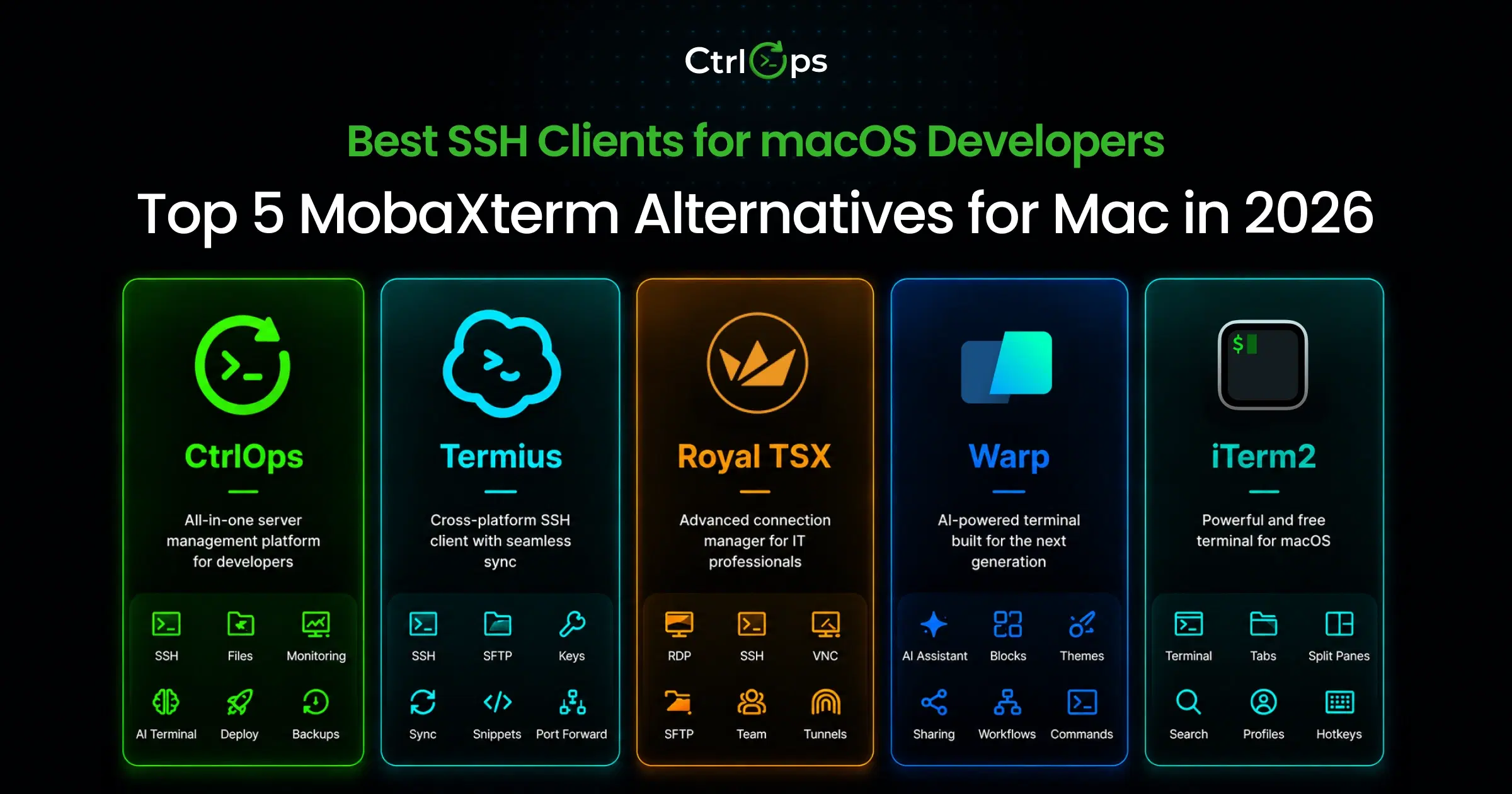

The best MobaXterm alternative for managing multiple servers is CtrlOps, a local-first desktop app for Mac, Windows and Linux at $7/user/month after a 1 month free trial, no credit card required. Tabby is the best free open-source pick on every desktop OS, while Royal TS/TSX is the closest match for SSH, RDP and VNC in one window. No tool on this list bundles MobaXterm's built-in X11 server.
This guide is for freelance developers juggling client servers, startup CTOs shipping weekly, agency developers and Windows IT admins.
TL;DR: Best MobaXterm Alternatives at a Glance
No single tool clones MobaXterm. Each one below replaces a specific part of it, ranked by total score.
| Rank | Tool | Score /10 | Where It Beats MobaXterm | Platforms | Free option | Paid from |
|---|---|---|---|---|---|---|
| 1 | CtrlOps | 8.2 | Manage multiple servers with SSH, files, deploys, monitoring and AI in one local-first app | macOS, Windows, Linux | 1 month free trial, no credit card | $7/user/month |
| 2 | Tabby | 7.1 | Free MIT-licensed terminal with SFTP and no session cap on every desktop OS | Windows, macOS, Linux | ✅ Yes: fully free | Free |
| 3 | Royal TS/TSX | 7.0 | SSH, RDP and VNC in one tabbed manager on Mac and Windows | Windows, macOS, iOS, Android | ✅ Yes: 10 connections | ~€49 one-time |
| 4 | Termius | 6.7 | Same server list on your phone, tablet and laptop | Desktop + iOS, Android | ✅ Yes: Starter plan | $10/month (annual) |
| 5 | SecureCRT | 6.3 | FIPS 140-2 compliance and deep scripting on all 3 desktop OSes | Windows, macOS, Linux | ❌ No: 30-day eval only | $119 one-time |
| 6 | PuTTY | 6.2 | Under 3 MB, zero install, 25+ years of stable SSH | Windows, Linux | ✅ Yes: fully free | Free |
| 7 | WindTerm | 5.9 | Fastest free terminal with built-in SFTP and tmux support | Windows, macOS, Linux | ✅ Yes: fully free | Free |
How I Compared These MobaXterm Alternatives
I compared 7 MobaXterm alternatives on the same 7 weighted criteria, with a total score out of 10. Every score comes from vendor docs, pricing pages, GitHub release history, CVE databases and G2 reviews. I checked every fact and price on October 28, 2026, and skipped marketing roundups.
For each tool, I looked at the 5 jobs MobaXterm users do every day:
- Connect to a fleet: How many servers you can save and organize on the free plan
- Move files: Whether a GUI file browser opens next to the SSH session
- Open a tunnel: Reaching a private database port without exposing it
- Ship an update: What a Node.js redeploy looks like after you connect
- Stay patched: Release pace and recent security fixes
| Criterion | Weight | What I checked |
|---|---|---|
| Protocol coverage | 2.0 | SSH, SFTP, RDP, VNC, serial, X11 |
| Platform coverage | 1.5 | Windows, macOS, Linux, mobile |
| Server management | 1.5 | Deploys, process control, logs, monitoring, alerts |
| Price and 3-year cost | 1.5 | 1 user, 5 users and 3-year totals |
| Release health | 1.5 | Latest release, update pace, security fixes |
| Free-tier limits | 1.0 | Session caps, paywalled protocols |
| Credential storage | 1.0 | Local-only vs cloud vault |
| Total | 10 |
Here is the full score breakdown, so you can reweight it for your own work:
| Tool | Protocols | Platforms | Server mgmt | Price | Release | Free tier | Credentials | Total |
|---|---|---|---|---|---|---|---|---|
| CtrlOps | 0.8 | 1.2 | 1.5 | 1.2 | 1.5 | 1.0 | 1.0 | 8.2 |
| Tabby | 1.0 | 1.3 | 0.1 | 1.5 | 1.3 | 1.0 | 0.9 | 7.1 |
| Royal TS/TSX | 1.8 | 1.1 | 0.2 | 1.2 | 1.1 | 0.6 | 1.0 | 7.0 |
| Termius | 1.0 | 1.5 | 0.2 | 0.9 | 1.4 | 1.0 | 0.7 | 6.7 |
| SecureCRT | 1.1 | 1.3 | 0.2 | 0.8 | 1.4 | 0.5 | 1.0 | 6.3 |
| PuTTY | 0.8 | 0.6 | 0.0 | 1.5 | 1.3 | 1.0 | 1.0 | 6.2 |
| WindTerm | 1.0 | 1.0 | 0.1 | 1.5 | 0.4 | 1.0 | 0.9 | 5.9 |
7 Best MobaXterm Alternatives (In-Depth Review)
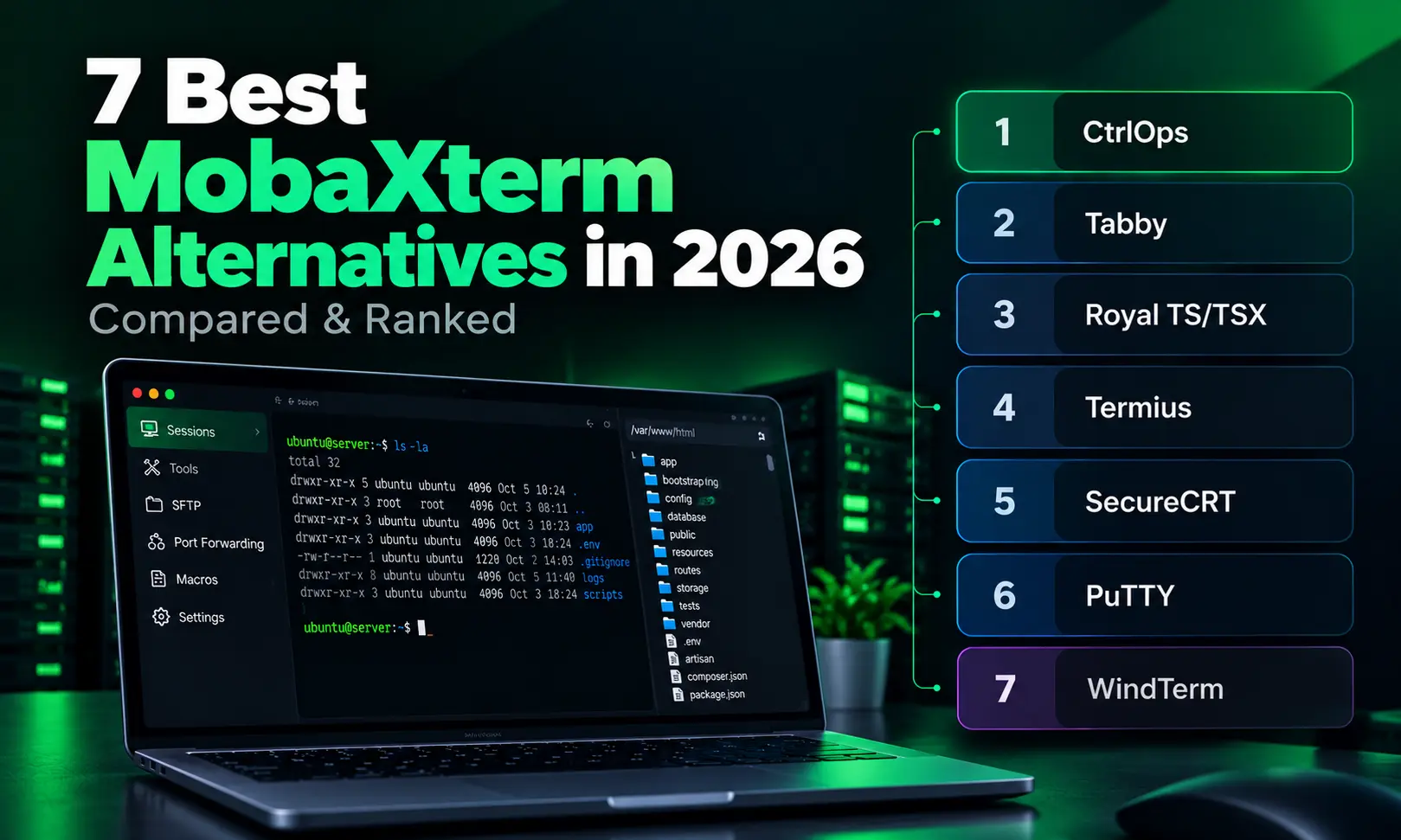
The 7 best MobaXterm alternatives in 2026 are CtrlOps, Tabby, Royal TS/TSX, Termius, SecureCRT, PuTTY and WindTerm.
Each one covers a different part of MobaXterm. That ranges from managing multiple servers to free SSH, RDP access and enterprise compliance.
1. CtrlOps: Best for Managing Multiple Servers on Mac, Windows and Linux
CtrlOps is the best MobaXterm alternative for managing multiple servers on any desktop OS. It combines SSH, a GUI file manager, live monitoring, one-click deploys and an approval-gated AI terminal in one local-first app. It costs $7/user/month after a 1 month free trial, no credit card required, and credentials never leave your machine.
We built CtrlOps for the work that starts after the SSH login. MobaXterm stops at the connection. CtrlOps handles the deploy, the health check, the file edit and the fix.
What CtrlOps does well:
- Named server cards with tags (Production, Staging, Development), so you never SSH into the wrong tab
- No session cap: save every client server on every plan
- Approval-gated AI terminal: it shows each command and waits for your approval before anything runs
- One-click deploys for Node.js, React and Next.js in 4-5 minutes instead of 30-45
- Live CPU, RAM, disk and process monitoring across connected servers
- Port forwarding: open a private PostgreSQL port on localhost in one form, bound to 127.0.0.1
- Cron Jobs: get a Slack or Telegram alert when a job fails, even with the app closed
- Security Audit: 25 audits (157 checks) with a hardening score and a PDF report for your client
Here is the same Node.js redeploy both ways:
| Step | MobaXterm (manual) | CtrlOps |
|---|---|---|
| Pull, install, build | git pull, npm ci, npm run build | Pick the GitHub repo |
| Restart app | pm2 restart app | Included |
| Web server + SSL | Edit Nginx, nginx -t, reload, Certbot | Included |
| Total | 30-45 minutes | 4-5 minutes |
Where CtrlOps falls short:
- SSH and SFTP only: no RDP, VNC, serial or X11 server
- No mobile app (desktop only: macOS, Windows, Linux)
- No Kubernetes or container orchestration
Best for:
- Managing 5-50 client servers under named, tagged cards without mixing up environments.
- Developers who want approval-gated AI command generation that never runs without permission.
- Speeding up Node.js, React and Next.js deploys to 4-5 minutes instead of 30-45.
- Teams that hit MobaXterm's 12-session cap, or moved part of the team to Mac or Linux.
Pricing: $7/user/month, $70/user/year, or $149/user one-time for lifetime access. Unlimited servers on every plan. 1 month free trial, no credit card required. See CtrlOps pricing.
Platforms: macOS (Apple Silicon and Intel), Windows, Linux.
2. Tabby: Best Free Open-Source MobaXterm Alternative
Tabby is the best free MobaXterm alternative. It gives you SSH, SFTP, serial and Telnet with no session cap, under the MIT license. It runs on Windows, macOS and Linux with the same features, and it needs no account. It does not replace RDP, VNC or MobaXterm's built-in X server.
Tabby (formerly Terminus) is a cross-platform terminal built with Electron. It combines local shell, SSH, Telnet and serial sessions in one tabbed interface.
What Tabby does well:
- Same features on macOS, Windows and Linux
- Built-in SSH client with connection profiles, SFTP and Zmodem transfers
- Encrypted local password manager with a master passphrase
- Plugin ecosystem for Docker, clickable URLs and better autocomplete
- Split panes and saved workspace layouts
- X11 and port forwarding, jump hosts and agent forwarding
- Fast security fixes: three advisories patched between May and September 2026, then v1.0.238 on October 7 (Tabby releases)
Where Tabby falls short:
- Electron-based, so it uses more RAM than native terminals
- X11 forwarding needs a separate X server, unlike MobaXterm
- No RDP or VNC
- No AI, infrastructure monitoring or deployment automation
Best for:
- Developers who want a completely free, MIT-licensed SSH client on every machine.
- Ex-MobaXterm users who only used it for SSH and SFTP into Linux.
- Customizing the terminal through community plugins.
- Storing keys in an encrypted local vault with no cloud account.
Pricing: Free, open source (MIT license). The optional Tabby Web service has a paid tier.
Platforms: macOS, Windows, Linux.
Tabby removes MobaXterm's 12-session ceiling for free. If you also need deploys, monitoring and alerts next to that terminal, CtrlOps adds that layer for $7/user/month (1 month free, no credit card).
3. Royal TS/TSX: Best Multi-Protocol MobaXterm Alternative
Royal TS (Windows) and Royal TSX (macOS) are the best MobaXterm alternative for admins of mixed Linux and Windows machines. They handle SSH, RDP, VNC, Telnet, SFTP and web connections in one tabbed workspace. It is the closest match to MobaXterm's multi-protocol toolbox, minus the X server.
Royal TS/TSX by Royal Apps supports over a dozen connection types and password manager integrations. Royal Server adds team document sharing.
What Royal TS/TSX does well:
- Multi-protocol: SSH, RDP, VNC, Telnet, SFTP, web, VMware and Apple Remote Desktop
- Cross-platform: Windows, macOS, iOS and Android
- Password manager integrations (1Password, KeePass, LastPass)
- One-time perpetual license with no subscription
- Royal Server for centralized team gateway access
Where Royal TS/TSX falls short:
- No AI features, monitoring or deployment automation
- Complex UI with a steep learning curve
- No built-in X11 server and no Linux desktop app
- Free mode stops at 10 connections, below MobaXterm's 12 sessions
- Major versions need a new license key, free only while your maintenance is active
Best for:
- IT professionals running RDP to Windows and SSH to Linux side by side.
- Mixed Mac and Windows teams that want one shared connection list.
- Integrating credentials from 1Password, KeePass or LastPass.
- Buying a perpetual license with no recurring subscription.
Pricing: Free up to 10 connections. Individual license ~€49 one-time, with 1 year of updates included (Royal Apps store).
Platforms: macOS, Windows, iOS, Android.
Royal TS/TSX wins when RDP is a daily need. If your fleet is mostly Linux servers, CtrlOps adds deploys and monitoring that Royal does not have. See CtrlOps vs Royal TS.
4. Termius: Best Cross-Device MobaXterm Alternative
Termius is the best MobaXterm alternative if you need your servers on your phone as well as your laptop. It runs on every desktop OS plus iOS and Android, and syncs hosts and keys across devices on paid plans. It covers SSH, SFTP and port forwarding, but not RDP, VNC or X11.
What Termius does well:
- Native apps for macOS, Windows, Linux, iOS and Android
- Free Starter plan with SSH, SFTP, local vault, port forwarding and AI autocomplete
- Cross-device sync of hosts, keys and snippets on paid plans
- Saved snippets you can run across several hosts
- Shared team vaults on Team and Business plans
Where Termius falls short:
- No RDP, VNC or X11, so it replaces only the SSH part of MobaXterm
- Paid plans move your vault to Termius Cloud, encrypted but off your machine
- No deployment automation, process manager or infrastructure monitoring at any tier
- Team pricing reaches $20/seat/month
Best for:
- On-call engineers who need to SSH into a server from their phone.
- Teams that depend on a shared, synced credential vault across devices.
- Users who want one server list on desktop and mobile.
Pricing: Starter free. Pro $10/month, Team $20/seat/month, Business $30/seat/month, all billed annually (Termius pricing).
Platforms: macOS, Windows, Linux, iOS, Android.
If cloud-synced keys rule Termius out, CtrlOps keeps credentials local for $7/user/month after a 1 month free trial. See CtrlOps vs Termius or the full Termius alternatives guide.
5. SecureCRT: Best Enterprise MobaXterm Alternative
SecureCRT is the best MobaXterm alternative for regulated enterprises that need FIPS 140-2 compliance and deep scripting. It supports SSH, Telnet and serial on Windows, macOS and Linux, plus RDP on Windows. VanDyke has shipped it since 1995.
SecureCRT by VanDyke Software adds Python, VBScript, JScript and Perl scripting for automation across many sessions.
What SecureCRT does well:
- FIPS 140-2 compliance for government and regulated industries
- Advanced scripting in Python, VBScript, JScript and Perl
- Multi-protocol: SSH, Telnet and serial, plus built-in RDP on Windows (VanDyke 9.0 release)
- Send one command to every open session, similar to MobaXterm's MultiExec
- 31 years of stability and enterprise trust
- Perpetual license with no subscription
Where SecureCRT falls short:
- Legacy UI that has not modernized
- GUI file transfer needs a separate product, SecureFX
- No AI features, monitoring or deployment
- No free tier, only a 30-day evaluation
Best for:
- Regulated enterprise teams that require certified FIPS 140-2 compliance.
- Automating repetitive terminal sequences with Python, VBScript or Perl scripts.
- Network engineers pushing the same change to many routers and switches.
Pricing: $119 one-time (1 license, includes 1 year of updates). SecureCRT + SecureFX bundle: $129. Renewal after year 1: $48/year.
Platforms: macOS, Windows, Linux.
If you manage web app servers rather than network gear, CtrlOps covers deploys and monitoring at $7/user/month (1 month free, no credit card). See CtrlOps vs SecureCRT or our SecureCRT alternatives guide.
6. PuTTY: Best Lightweight MobaXterm Alternative for Windows
PuTTY is the best lightweight MobaXterm alternative for Windows users who just need SSH that works. It is a free, zero-install client under 3 MB, with SSH, Telnet, serial and raw TCP support. It has no tabs, no SFTP browser and no X server, so it replaces only MobaXterm's core terminal.
PuTTY has been the default Windows SSH client since 1999. Version 0.85 shipped on August 16, 2026 (PuTTY latest release).
What PuTTY does well:
- Extremely lightweight (under 3 MB)
- Zero install: runs as a portable executable
- Reliable SSH, Telnet, serial and raw TCP connections
- PuTTYgen for SSH key generation and
.ppkconversion - 25+ years of production use
Where PuTTY falls short:
- No tabs, no split panes, no modern UI
- No server directory beyond basic saved sessions
- No built-in SFTP browser (needs WinSCP or PSFTP)
- X11 forwarding needs a separate X server
- No AI, monitoring or deployment
Best for:
- Minimalists who want a zero-install client on locked-down Windows PCs.
- Connecting to router consoles, hardware boards or legacy serial setups.
- Teams that value maximum stability from a 25-year-old utility.
Pricing: Free, open source (MIT license).
Platforms: Windows, Linux.
PuTTY covers quick SSH sessions, but most MobaXterm users miss the file browser fast. See PuTTY vs MobaXterm for the trade-off, or PuTTY alternatives for Windows for upgrades.
7. WindTerm: Best Cross-Platform Free MobaXterm Alternative
WindTerm is the best free cross-platform MobaXterm alternative for developers who care most about raw terminal speed. It is built in C, includes SFTP and SCP, and is free for commercial use on Windows, macOS and Linux. The trade-off is a slower release pace.
WindTerm uses dynamic memory compression. In published benchmarks, it uses 107 MB to process 97.6 MB of random text. PuTTY uses 733 MB and xterm over 3,300 MB for the same test.
What WindTerm does well:
- Extremely fast: C-based with dynamic memory compression
- Built-in SFTP and SCP for file transfers
- Deep tmux integration with native UI panes
- Session management with auto-login and SSH ProxyJump
- Local, remote and dynamic port forwarding
- Free for commercial and non-commercial use
Where WindTerm falls short:
- No AI features, monitoring or deployment automation
- Some settings require manual config file editing
- Smaller community with fewer tutorials
- Only partially open source (Apache-2.0 on released code)
- The 2.7.0 macOS build is x86_64 only (WindTerm releases)
Best for:
- Users who want the fastest free terminal client, written in C.
- Developers who push large logs and file transfers all day.
- Running tmux sessions across several servers with native UI panes.
Pricing: Free (Apache-2.0 license on released source code).
Platforms: macOS (Intel build), Windows, Linux.
WindTerm removes the 12-session cap at zero cost. If you need deploys, monitoring and AI next to your terminal, CtrlOps covers that for $7/user/month (1 month free, no credit card).
How Do All 7 MobaXterm Alternatives Compare Feature by Feature?
The table compares all 7 MobaXterm alternatives against MobaXterm itself on 13 checks. Royal TS/TSX is the only one with full RDP and VNC on two OSes. CtrlOps is the only one with deploys, monitoring and cron alerts. None of them bundles a built-in X11 server like MobaXterm.
| Feature | MobaXterm | CtrlOps | Tabby | Royal TS/TSX | Termius | SecureCRT | PuTTY | WindTerm |
|---|---|---|---|---|---|---|---|---|
| Windows | ✅ Yes | ✅ Yes | ✅ Yes | ✅ Yes | ✅ Yes | ✅ Yes | ✅ Yes | ✅ Yes |
| macOS | ❌ No | ✅ Yes | ✅ Yes | ✅ Yes | ✅ Yes | ✅ Yes | ❌ No | ⚠️ Partial: Intel build |
| Linux | ❌ No | ✅ Yes | ✅ Yes | ❌ No | ✅ Yes | ✅ Yes | ✅ Yes | ✅ Yes |
| Mobile app | ❌ No | ❌ No | ❌ No | ✅ Yes | ✅ Yes | ❌ No | ❌ No | ❌ No |
| SSH | ✅ Yes | ✅ Yes | ✅ Yes | ✅ Yes | ✅ Yes | ✅ Yes | ✅ Yes | ✅ Yes |
| GUI file browser | ✅ Yes | ✅ Yes | ✅ Yes | ⚠️ Partial: plugins | ✅ Yes | ⚠️ Partial: SecureFX | ❌ No | ✅ Yes |
| RDP / VNC | ✅ Yes | ❌ No | ❌ No | ✅ Yes | ❌ No | ⚠️ Partial: RDP on Windows | ❌ No | ❌ No |
| Built-in X11 server | ✅ Yes | ❌ No | ❌ No | ❌ No | ❌ No | ❌ No | ❌ No | ❌ No |
| SSH tunnels | ⚠️ Partial: 2 free | ✅ Yes | ✅ Yes | ✅ Yes | ✅ Yes | ✅ Yes | ✅ Yes | ✅ Yes |
| No session cap (free) | ❌ No: 12 max | ⚠️ Partial: 1 month free trial | ✅ Yes | ❌ No: 10 max | ✅ Yes | ❌ No | ✅ Yes | ✅ Yes |
| AI assistant | ❌ No | ✅ Yes: approval-gated | ❌ No | ❌ No | ⚠️ Partial: cloud AI | ❌ No | ❌ No | ❌ No |
| Deploys, monitoring, cron alerts | ❌ No | ✅ Yes | ❌ No | ❌ No | ❌ No | ❌ No | ❌ No | ❌ No |
| Local-only credentials | ✅ Yes | ✅ Yes | ✅ Yes | ✅ Yes | ⚠️ Partial: free plan only | ✅ Yes | ✅ Yes | ✅ Yes |
Features checked on vendor pages and docs, October 28, 2026.
How Much Does Each MobaXterm Alternative Cost Over 3 Years?
Three MobaXterm alternatives cost nothing: Tabby, PuTTY and WindTerm. Among paid tools, CtrlOps lifetime costs $149/user and SecureCRT reaches $215 over 3 years with renewals. Termius Pro reaches $360. MobaXterm Professional costs $69/user one-time, with optional update renewals.
| Tool | Year 1 (1 user) | 3 years (1 user) | Year 1 (5 users) |
|---|---|---|---|
| CtrlOps | $70 | $149 lifetime or $210 yearly | $350 |
| MobaXterm Pro | $69 | $69 + optional renewals | $345 |
| Tabby | $0 | $0 | $0 |
| Royal TS (one platform) | ~€49 | ~€49 + optional updates | ~€245 |
| Termius Pro / Team | $120 | $360 | $1,200 (Team) |
| SecureCRT | $119 | $215 ($119 + 2 × $48) | $595 |
| PuTTY | $0 | $0 | $0 |
| WindTerm | $0 | $0 | $0 |
Prices verified October 28, 2026 on each vendor's pricing page. Plans change, so check each vendor's site before you buy.
Why Are Developers Looking for MobaXterm Alternatives in 2026?
Developers look for MobaXterm alternatives for five reasons. It runs only on Windows. The free Home Edition caps you at 12 sessions and 2 SSH tunnels.
Company use needs the paid edition. Five CVEs hit it in 2026. And it has no deploys, monitoring or AI help once you connect.
| Reason | What the record shows | Source |
|---|---|---|
| Windows only | No native macOS or Linux build | Mobatek |
| Free tier caps | 12 sessions, 2 SSH tunnels, 4 macros on Home Edition | MobaXterm editions |
| Company licensing | Several people cannot share one Home Edition install inside a company | iThome license explainer |
| Security record | 5 CVEs in 2026: CVE-2026-25866, CVE-2026-6421, CVE-2026-11879, CVE-2026-11967, CVE-2026-112161 | Spektion, Tenable, NVD, OpenCVE |
| No server management | No deploys, process manager, log viewer or alerts | MobaXterm features |
To be fair, MobaXterm still does a lot well.
The SFTP sidebar opens on its own when you connect. The embedded X11 server runs remote Linux GUI apps on Windows with zero setup.
It also packs RDP, VNC, serial and Mosh into one portable EXE. That is why it still holds 4.6/5 from 110 reviews on G2.
Which MobaXterm Alternatives Are Still Actively Maintained?
CtrlOps, Tabby, Termius, SecureCRT, Royal TS/TSX and PuTTY all ship regular updates in 2026. WindTerm needs caution: 2.7.0 is still its latest stable release, and its macOS build remains x86_64 only. Release health matters here because these apps hold your private SSH keys.
| Tool | Latest release I found | Release pattern | Actively maintained? |
|---|---|---|---|
| CtrlOps | v1.1.6 | Monthly | ✅ Yes |
| Tabby | v1.0.238, October 7, 2026 | Several per quarter, 3 security fixes in 2026 | ✅ Yes: very active |
| Royal TS/TSX | Ongoing Royal Apps releases | Steady | ✅ Yes |
| Termius | 2026 desktop and mobile updates | Frequent | ✅ Yes |
| SecureCRT | Ongoing VanDyke releases | Steady | ✅ Yes |
| PuTTY | 0.85, August 16, 2026 | Slow and deliberate | ✅ Yes |
| WindTerm | 2.7.0 stable | Slower cadence | ⚠️ Partial: slower releases |
An abandoned SSH client becomes a security risk long before it stops working. For key hygiene during any switch, see the SSH key management guide.
What Is the Best Free MobaXterm Alternative?
The best free MobaXterm alternative depends on your OS and protocols. Tabby is the strongest all-around pick: MIT-licensed, cross-platform, with SSH and SFTP at zero cost. WindTerm is faster if raw performance matters more than plugins.
PuTTY covers basic Windows SSH, and Royal TS/TSX is free for RDP plus SSH up to 10 connections.
| Need | Best free pick | Free limit |
|---|---|---|
| SSH + SFTP on any desktop OS | Tabby | None |
| Fastest SSH + SFTP | WindTerm | None |
| Minimal SSH on Windows | PuTTY | None (no SFTP browser) |
| RDP + SSH on Windows or Mac | Royal TS/TSX | 10 connections |
| SSH on phone + laptop | Termius Starter | Local vault, no sync |
None of these free tools includes a built-in X11 server, deploys or monitoring. If you need server management alongside free SSH, CtrlOps offers a 1 month free trial with no credit card.
Best Free MobaXterm Alternative for Windows
On Windows, pick by what your saved sessions look like:
- Royal TS: your sessions include RDP desktops and you stay under 10 connections
- Tabby or WindTerm: you mostly SSH into Linux, and both include SFTP
- PuTTY: you only need a portable, zero-install SSH client
For more Windows options, see the best SSH clients for Windows roundup.
Best MobaXterm Alternative for Linux
MobaXterm has no Linux build. These alternatives run natively on a Linux desktop:
- Tabby: free and open source, with SSH and SFTP
- WindTerm: free, with the fastest terminal and built-in SFTP
- Termius: covers Linux on its free Starter plan
- CtrlOps: the same features as on macOS and Windows, plus deploys and monitoring
The best SSH client for Linux guide covers more options.
Best Open-Source MobaXterm Alternative
Tabby and PuTTY are the only fully open-source MobaXterm alternatives on this list, both under MIT. WindTerm releases only part of its source under Apache-2.0. Full source matters because these apps handle your private keys, and you can audit where they go.
| Tool | License | Full source | Platforms |
|---|---|---|---|
| Tabby | MIT | ✅ Yes | Windows, macOS, Linux |
| PuTTY | MIT | ✅ Yes | Windows, Linux |
| WindTerm | Apache-2.0 (partial) | ⚠️ Partial | Windows, macOS, Linux |
Is There a Mac Version of MobaXterm?
No. Mobatek has never released a MobaXterm build for macOS. Mac users switch to CtrlOps, Tabby, Royal TSX, Termius, SecureCRT or WindTerm's Intel build. The MobaXterm alternatives for Mac guide compares Mac-native options in detail.
How to Choose the Right MobaXterm Alternative
Choose a MobaXterm alternative by the job you used MobaXterm for, not by feature count. Match your main workload to one tool below, then test it on your real servers for a week.
Choose CtrlOps if:
- You manage 5+ servers across Mac, Windows or Linux machines
- You deploy apps and want monitoring, logs and cron alerts in one place
- Your credentials must stay on your own machine
Choose Tabby if:
- You want a free, open-source SSH client with SFTP on every desktop OS
Choose Royal TS/TSX if:
- You need RDP and SSH side by side on Mac and Windows
Choose Termius if:
- You SSH from your phone during on-call shifts
Choose SecureCRT if:
- Your organization requires FIPS 140-2 or heavy session scripting
Choose PuTTY if:
- You need a zero-install SSH client on locked-down Windows PCs
Choose WindTerm if:
- Raw terminal speed matters more than release pace
Stay on MobaXterm if:
- You run remote Linux GUI apps through its built-in X11 server
Final Verdict: Which MobaXterm Alternative Should You Pick?
I compared 7 MobaXterm alternatives, and each one replaces a different part of it.
Tabby is the best free terminal.
Royal TS/TSX is the strongest multi-protocol pick, and Termius wins on mobile.
SecureCRT owns enterprise compliance, PuTTY stays the lightest option, and WindTerm leads on raw speed.
For managing multiple servers end to end, CtrlOps is the most complete MobaXterm alternative here, at $7/user/month after a 1 month free trial, no credit card required:
- Named, tagged server cards with no session cap
- Approval-gated AI terminal with BYOK (OpenAI, Claude, Gemini)
- One-click Node.js, React and Next.js deploys in 4-5 minutes instead of 30-45
- Live CPU, RAM, disk and process monitoring
- GUI file manager, port forwarding and cron alerts in the same window
- Native on macOS, Windows and Linux, with local-only credentials
For X11 workloads, MobaXterm itself is still the right tool.
Frequently Asked Questions
It depends on what you used MobaXterm for. For managing multiple servers on Mac, Windows and Linux, the best option is CtrlOps, at $7/user/month after a 1 month free trial. Royal TS/TSX is the closest multi-protocol match for SSH, RDP and VNC. Tabby is the best free open-source option.
Tabby is the best free MobaXterm alternative. It is MIT-licensed, runs on Windows, macOS and Linux, and includes SSH, SFTP and split panes with no session cap. WindTerm is faster, PuTTY is lighter, and Royal TS/TSX is free for RDP plus SSH up to 10 connections.
Partly. MobaXterm Home Edition can be used at work, but several people cannot share one install inside a company. The free edition also caps you at 12 sessions and 2 SSH tunnels. Company deployment needs Professional Edition at $69 per user.
Yes, if you keep it updated. Five CVEs hit MobaXterm in 2026, all needing local access to your PC, most through DLL loading. The latest, CVE-2026-112161, affected the portable 26.4 build and is fixed in version 26.5. Update every portable copy, including the ones on USB drives.
No. MobaXterm is a Windows-only application with no native macOS or Linux build. Native alternatives include CtrlOps, Tabby, Termius, SecureCRT and WindTerm. Royal TSX covers macOS but not Linux, and PuTTY covers Linux but not macOS.
Yes. Tabby and PuTTY are both fully open source under the MIT license. Tabby runs on Windows, macOS and Linux with SFTP and plugins. WindTerm is only partially open source under Apache-2.0.
Tabby replaces MobaXterm's SSH, SFTP, serial and Telnet features on Windows, macOS and Linux. It does not replace RDP, VNC or the built-in X11 server. If you only used MobaXterm for SSH into Linux servers, Tabby covers it for free.
PuTTY is lighter, but MobaXterm does more. PuTTY is a free, zero-install SSH client under 3 MB with no tabs or SFTP browser. MobaXterm adds tabs, an SFTP sidebar, RDP, VNC and an X11 server. But it runs only on Windows and caps the free edition at 12 sessions.
MobaXterm is better for Windows users who need RDP, VNC or X11. Termius is better if you SSH from your phone. It runs on iOS and Android and syncs hosts on paid plans. Those paid plans store your vault in Termius Cloud, while MobaXterm keeps credentials local.
SecureCRT can send one command to every open session, which is the closest match to MultiExec. Termius can run saved snippets across several hosts. For recurring jobs across Linux servers, CtrlOps saves scripts with variables. It schedules them as cron jobs with Slack or Telegram alerts.
Yes. CtrlOps covers SSH, a GUI file manager and SSH tunnels with no session cap. It adds one-click deploys, live monitoring, PM2 and log views, cron alerts and 25 security audits. It runs on macOS, Windows and Linux, at $7/user/month after a 1 month free trial, no credit card required.
Skip CtrlOps if you need RDP, VNC, serial consoles or an X11 server, since CtrlOps is SSH-only. It is also desktop-only, with no mobile app or browser access. For RDP, use Royal TS/TSX. For X11 GUI apps, keep MobaXterm.
CtrlOps, Tabby, Termius, SecureCRT and WindTerm all run on all three, though WindTerm's Mac build is Intel-only. Royal TS/TSX covers Mac and Windows, and PuTTY covers Windows and Linux. CtrlOps has identical features on all three platforms.